My Lovely Empress PC Game Download for Windows 10/11

My Lovely Empress is an empire management simulation game developed by GameChanger Studio and published by Neon Doctrine. The game was released on August 21, 2024, for PC, Xbox One, and Xbox Series X/S. GameChanger Studio is a game developer based in Tangerang, Indonesia. My Lovely Empress is the third installment in a series of horror strategy simulation games that started in 2018.
Table of Contents
My Lovely Empress Story
You play as Emperor Hong, the ruler of the Crimson Empire. After his mother, the former ruler, passed away, Emperor Hong also lost his beloved Empress, who was pregnant at the time. Empress Xiang died from the same strange disease that killed Empress Dowager Wang within days. For months after her death, the Crimson Empire fell into disrepair. With no other options left, Emperor Hong summons the Yaoguai, powerful creatures from the north who consume human souls. Grand Duke Chen reveals that Great Emperor Khan, Hong’s father, used Yaoguai to help the kingdom rise, but they killed him because he did things wrong. Empress Dowager Wang later perfected the technique.
My Lovely Empress Gameplay
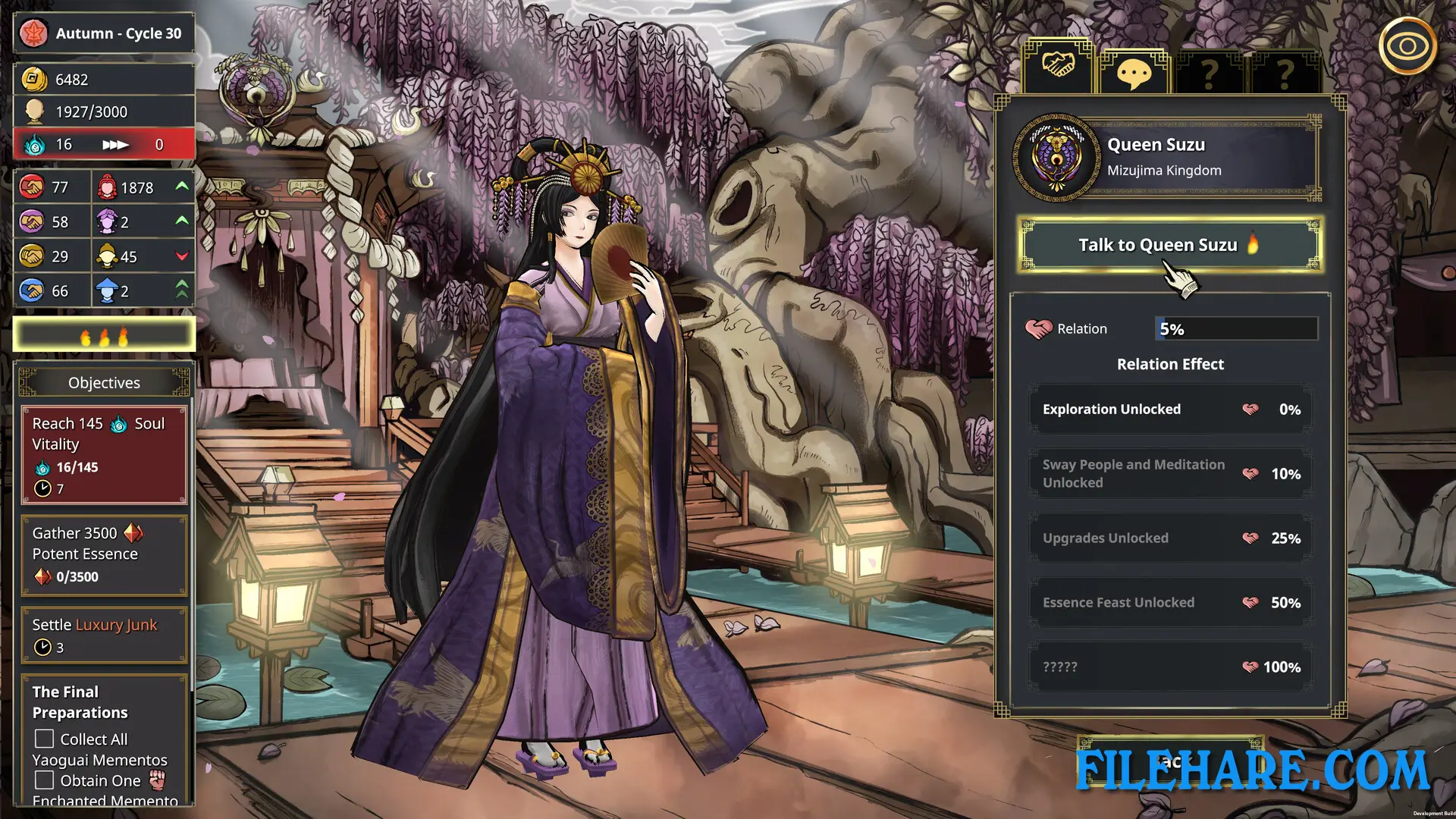
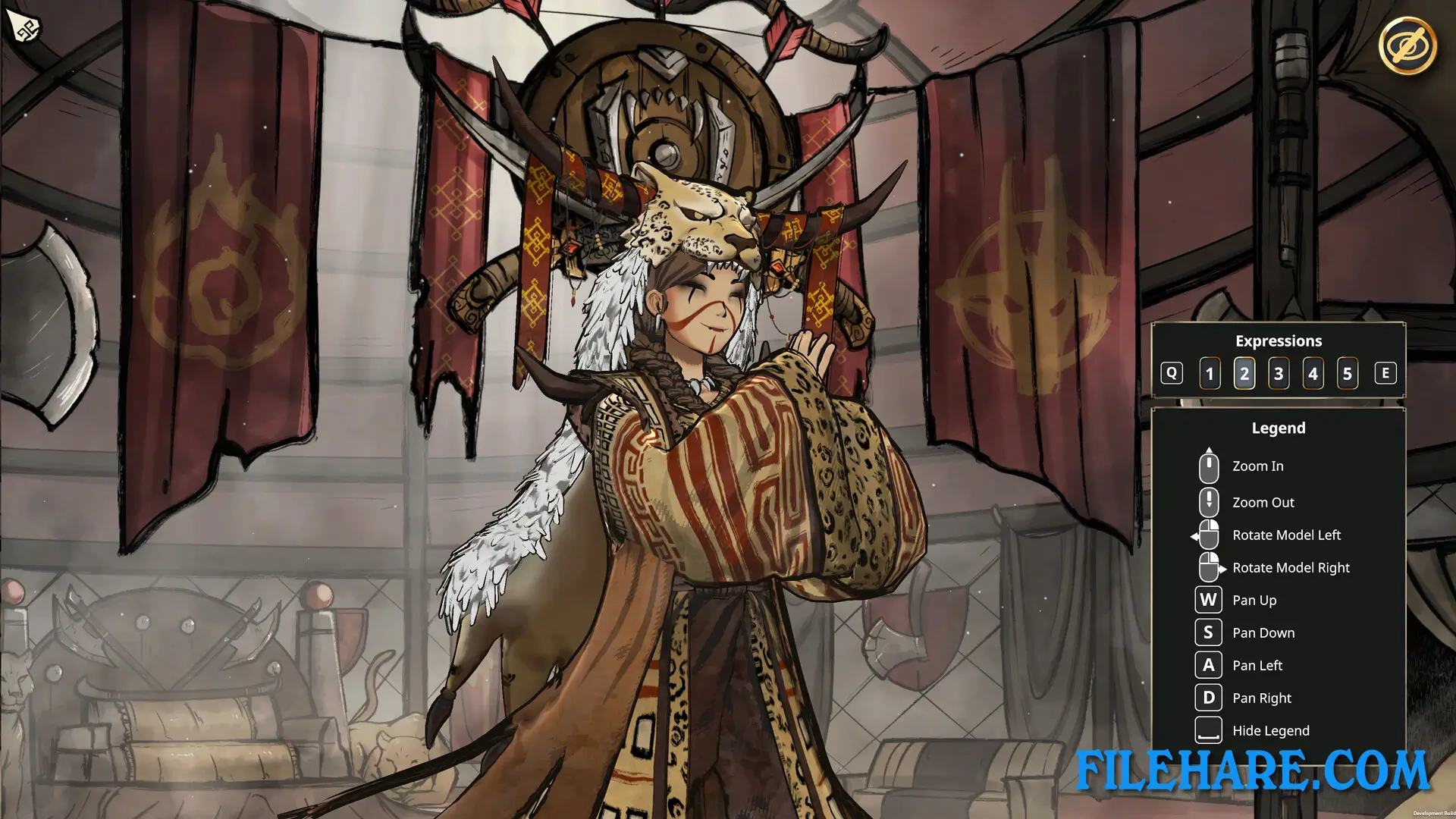
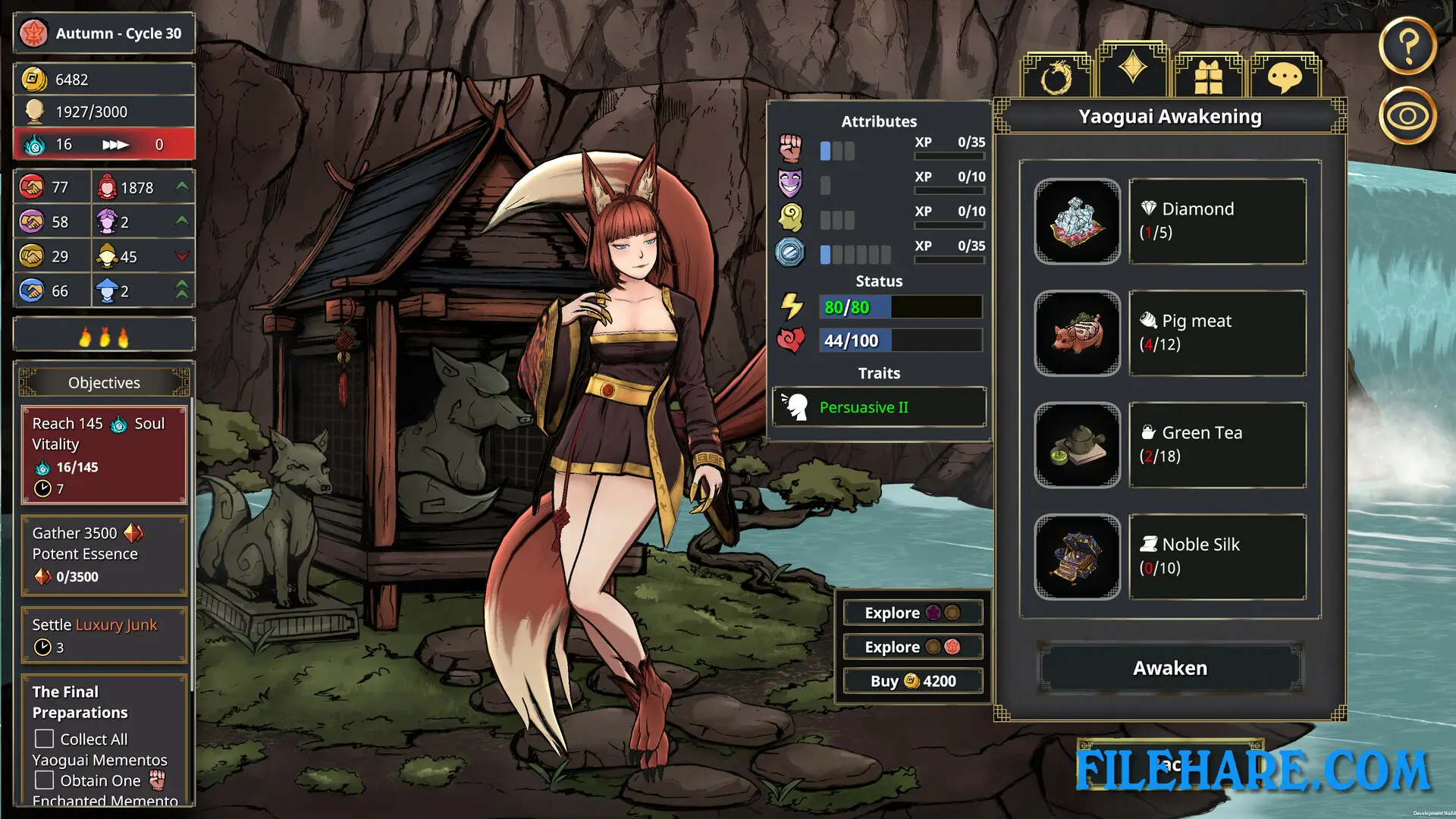
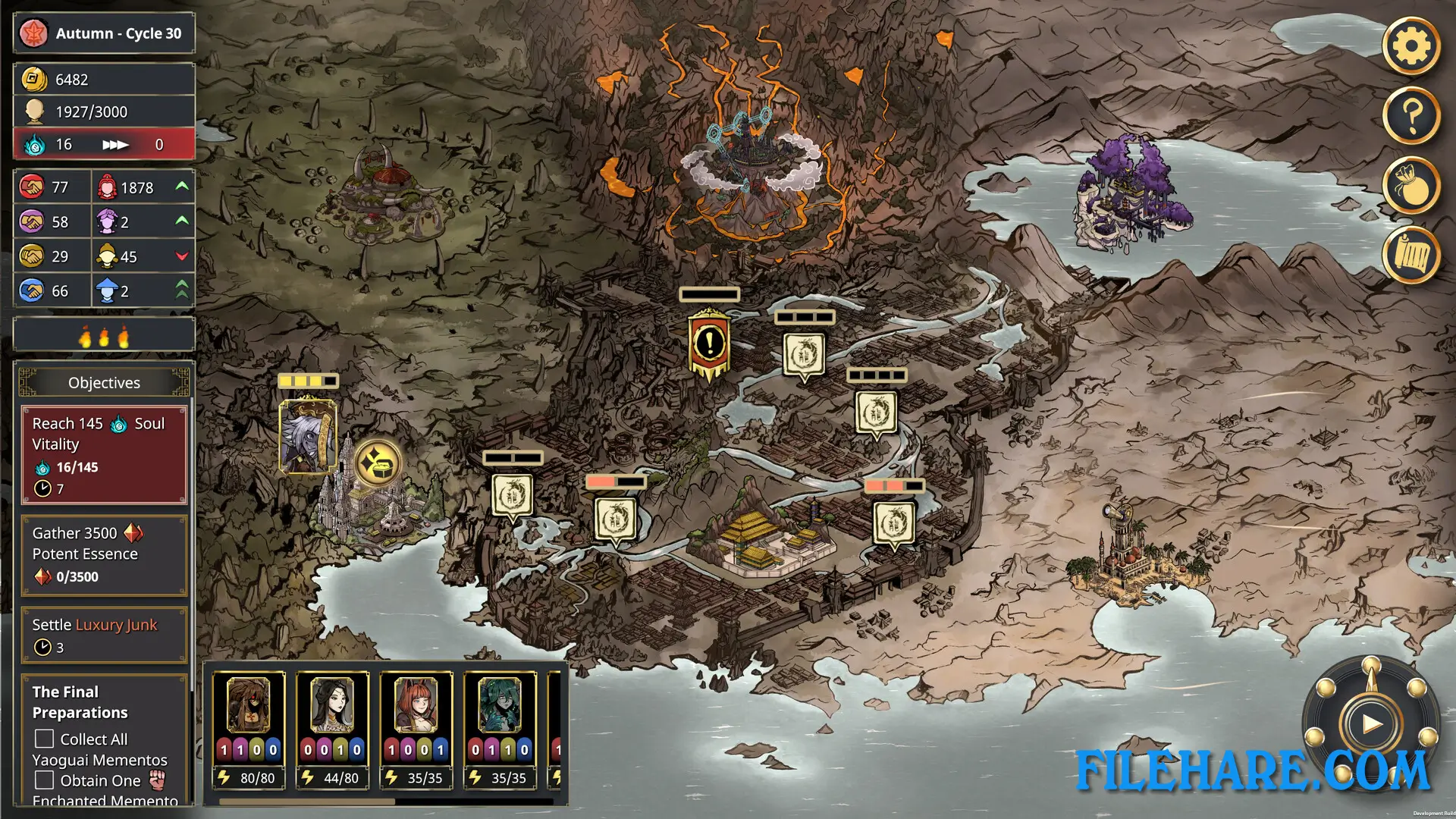
My Lovely Empress is a resource management and empire simulator where you manage your kingdom and relationships with your subjects and neighbors. The game tracks Emperor Hong’s decisions across four seasons at a time. Issues will appear on the map that need to be addressed by the emperor, handled by Yaoguai influence, or ignored. You start with one Yaoguai, a nine-tail fox named Gumiho. You can head on expeditions to areas to unlock new resource items and perform rituals to summon more Yaoguai. All Yaoguai have unique traits to aid you in combat or diplomacy. Once you get Empress Xiang’s soul through Gumiho, it constantly degrades over time. You must make sacrifices by either using the Yaoguai or sacrificing a substantial number of human lives from the Crimson Empire’s population to repair it.
Recommended System Requirements
Requires a 64-bit processor and operating system
- OS: Windows 10
- Processor: Intel Core i5 – i7 Quad Core
- Memory: 16 GB RAM
- Graphics: NVIDIA GeForce GTX 1060 / AMD Radeon RX 570
- DirectX: Version 11
- Storage: 7 GB available space
Gameplay Screenshots
| Name | My Lovely Empress |
|---|---|
| Developer | GameChanger Studio, Neon Doctrine |
| File Size | 908.56 MB |
| Category | Simulation |
| Minimum System Requirements | |
| CPU | Intel Core i3 Dual Core |
| RAM | 8 GB |
| Graphics | NVIDIA GeForce GTS 450 / AMD Radeon HD 5570 |
| Free Disk Space | 5 GB |
| Operating System | Windows 10 / 11 (64-bit) |
| User Rating | |
To buy this game, visit the Store Page
How to Download and Install My Lovely Empress PC Game?
We have simple instructions for you to download and install the PC game. Before following the steps, Ensure your PC meets the minimum system requirements for Playing the game on your PC.
- First, click on the DOWNLOAD button and you will be redirected to the final Download page. Then, Download the Game on your PC.
- Once you have downloaded the My Lovely Empress PC Game, Open the folder where you saved the Game.
- Then Right-click on the Zip file and click on the "Extract files" option from the dropdown menu. If your computer does not have a Zip file extract software installed, you must first install it. (such as WinRAR, 7Zip software)
- After Extracting the Zip file, Open the My Lovely Empress PC Game folder.
- Then, double-click on the Setup.exe file to Install the Game.
- If asked, provide administrator permissions for the installation to proceed. Click Yes to continue.
- Follow the on-screen installation wizard to install the game on your PC.
- After the installation, if you get any missing ".dll" errors or the Game is not launching, open the Readme.txt file located in the game folder and follow the instructions shown in the document file to play the game.
Done!. Now, you can launch the game from your desktop.