Tomb Raider: Definitive Edition PC Game Download for Windows 10/11/7/8
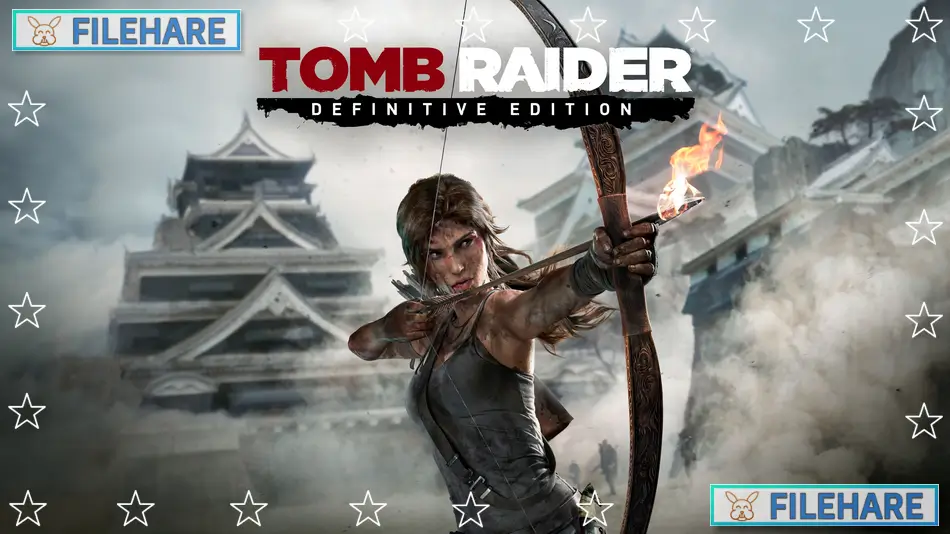
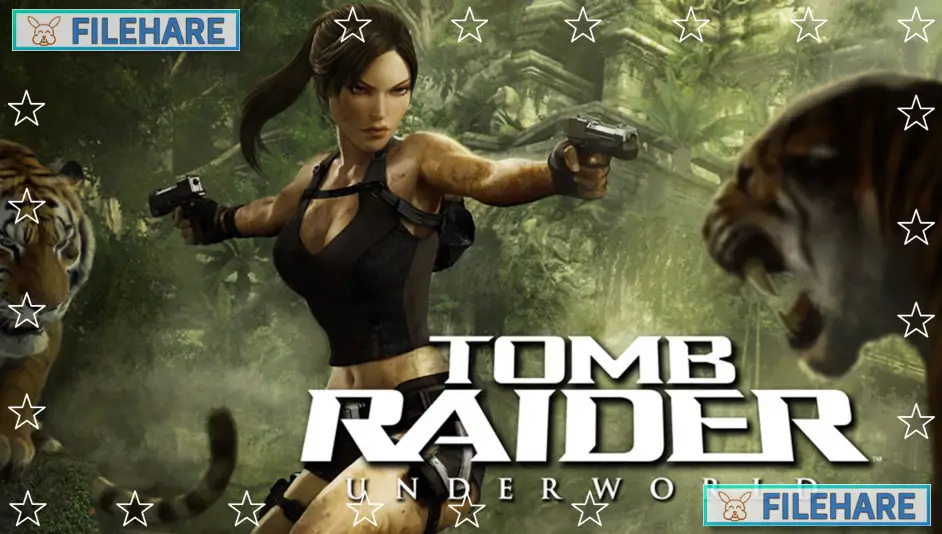
Tomb Raider: Definitive Edition is an action-adventure game that shows how Lara Croft became a survivor. Crystal Dynamics developed this game with help from Nixxes Software and United Front Games. Square Enix published it. The Definitive Edition was originally released for PlayStation 4 and Xbox One in January 2014, and later came to PC in April 2024. This version includes improved graphics, all downloadable content, and extra materials like a digital comic and artbook.
Table of Contents
Tomb Raider: Definitive Edition Story
Lara Croft is a young college graduate who joins an expedition on a research ship called the Endurance. She wants to find the lost kingdom of Yamatai, which is believed to be on an island near Japan. The ship’s captain, Conrad Roth, takes them into a dangerous area called the Dragon’s Triangle. A storm destroys the ship, and Lara gets separated from her crew. She wakes up trapped in a cave on a mysterious island. After escaping, she learns that the island is controlled by violent scavengers led by a man named Mathias. These people worship a Sun Queen named Himiko and have been stuck on the island for years. Lara must find her friend Samantha and the other survivors while discovering why nobody can leave the island. As she explores, she learns that Himiko’s spirit is cursed and causes deadly storms that prevent anyone from escaping. Lara must stop Mathias from using Sam in a ritual that would bring Himiko back to life.
Tomb Raider: Definitive Edition Gameplay
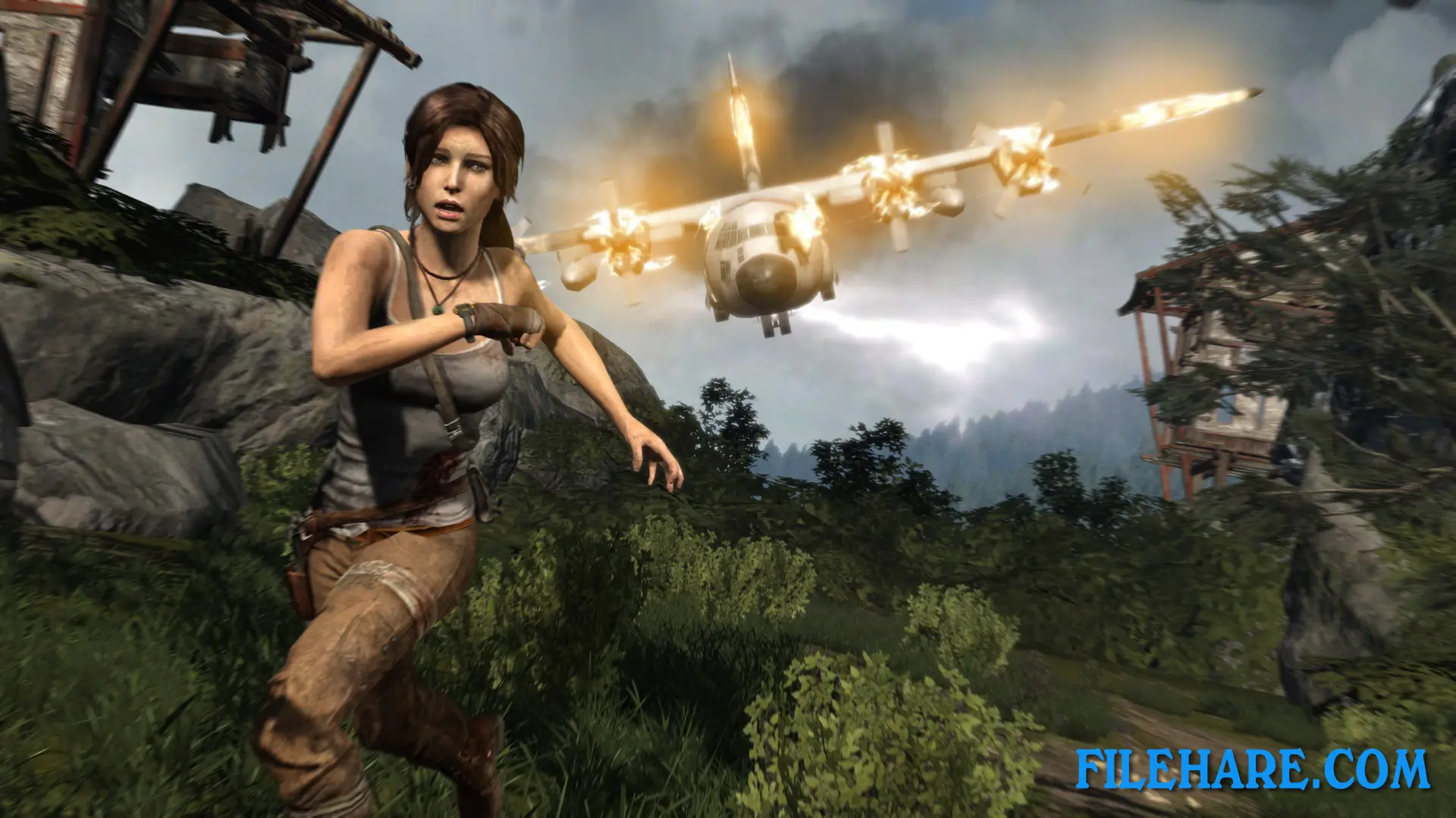
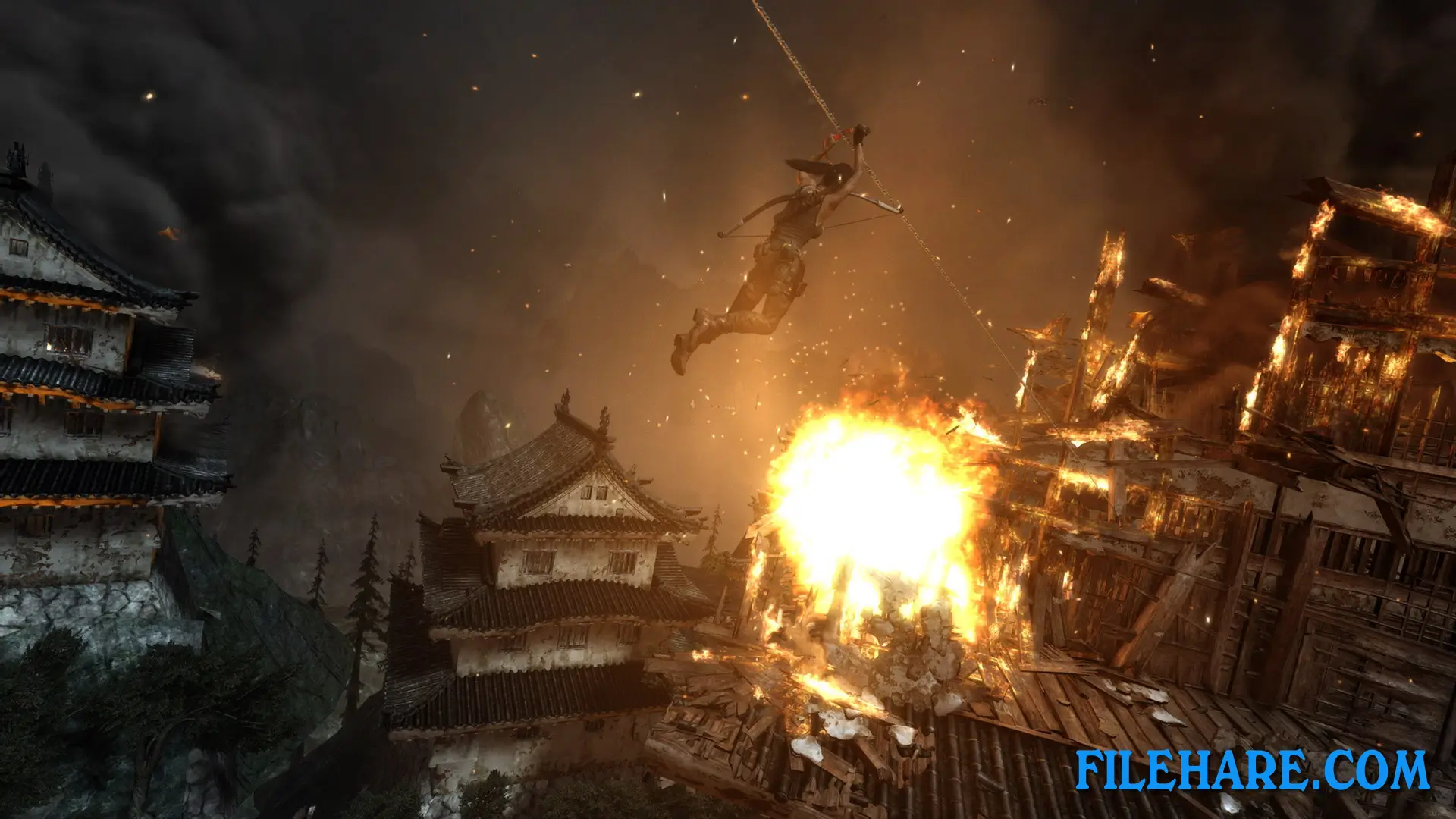
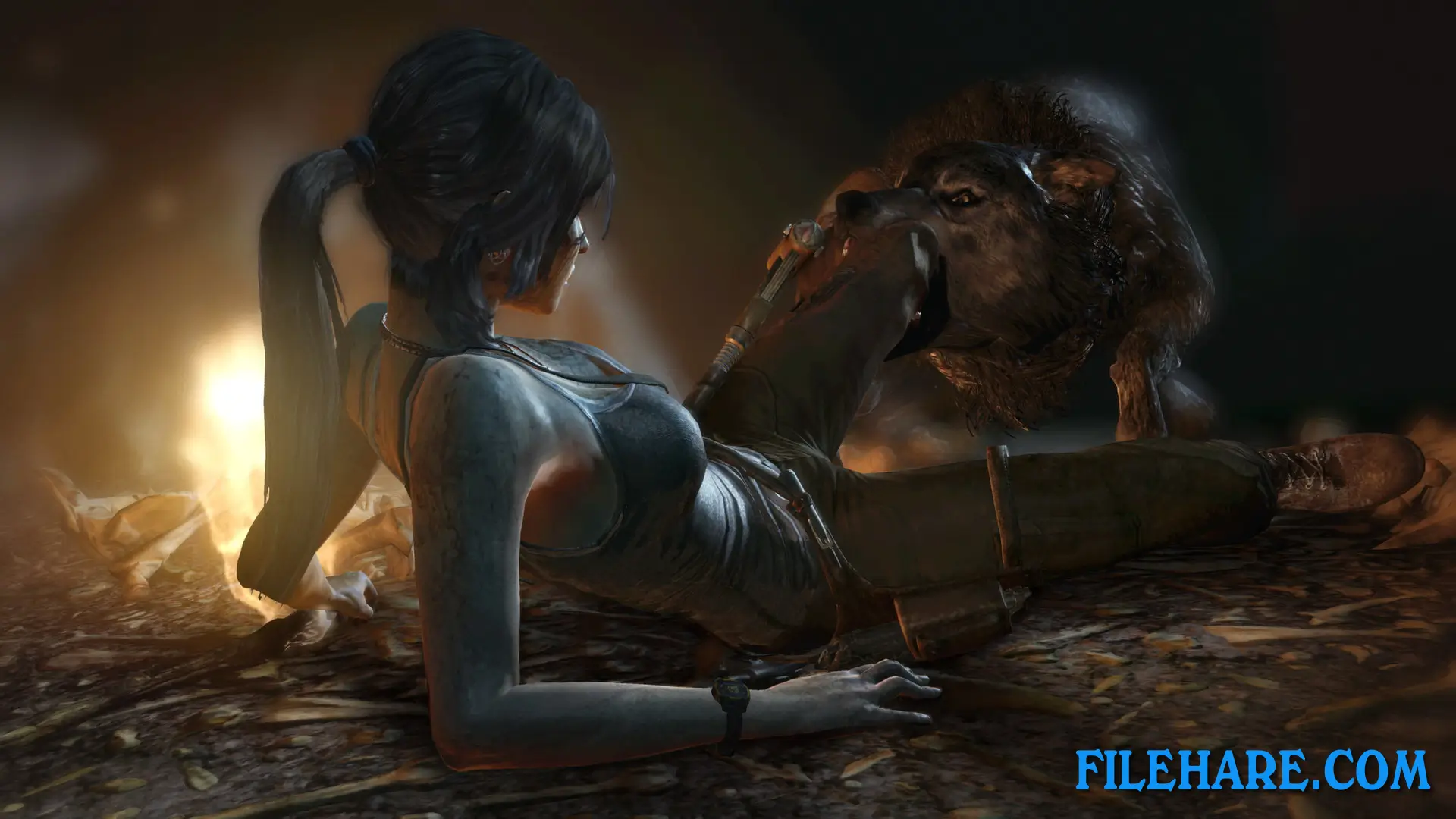
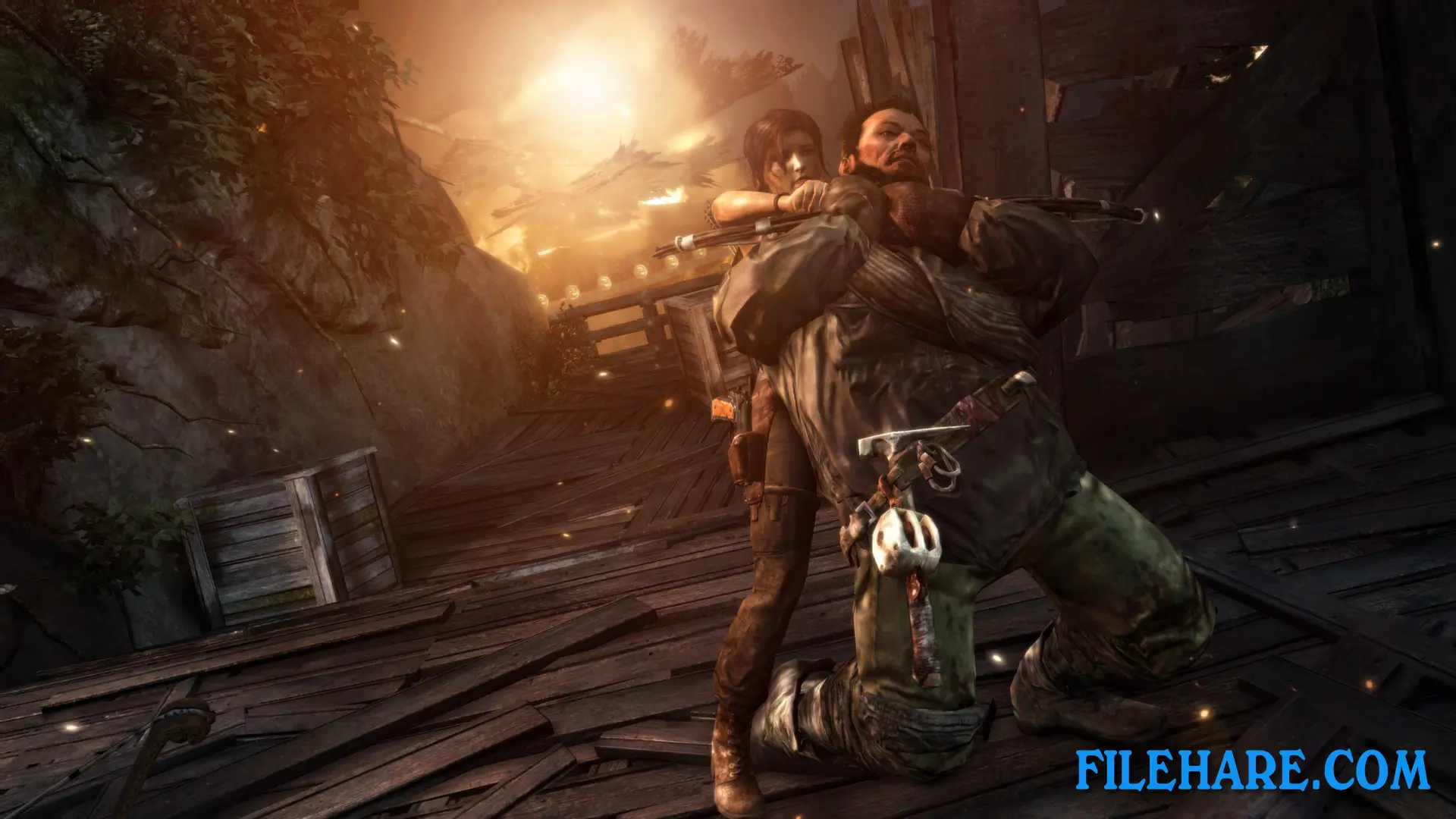
The game is played from a third-person view where you control Lara as she explores the island. You climb cliffs, jump across gaps, and use tools like a bow and arrow, a rope, and a climbing axe to reach new areas. Combat happens when you fight scavengers and animals. You can use stealth to avoid enemies or fight them directly with weapons like pistols, shotguns, and rifles. You collect salvage from crates and dead enemies to upgrade your weapons and equipment. There are optional tombs you can explore that contain puzzles to solve for rewards.
The game has a skill system where Lara learns new abilities as she gains experience. You can hunt animals for food and resources. The island has several camps where you can rest, upgrade equipment, and fast travel to other camps you have discovered. The game also includes a multiplayer mode where players can compete in team battles on various maps.
Recommended System Requirements
- OS: Windows Vista, Windows 7 or Windows 8
- Processor: Quad-core CPU: AMD Phenom II X4 955, Intel Core i5-750
- Memory: 4 GB RAM
- Graphics: DirectX 11 graphics card with 1GB Video RAM: AMD Radeon HD 5870, nVidia GTX 480
- DirectX®: 11
- Hard Drive: 12 GB HD space
Gameplay Screenshots
| Name | Tomb Raider: Definitive Edition |
|---|---|
| Developer | Crystal Dynamics, Eidos-Montréal, Feral Interactive (Mac), Nixxes |
| File Size | 9.32 GB |
| Category | Action, Adventure |
| Minimum System Requirements | |
| CPU | Dual core CPU: AMD Athlon64 X2 2.1 Ghz (4050+), Intel Core2 Duo 1.86 Ghz (E6300) |
| RAM | 1 GB |
| Graphics | DirectX 9 graphics card with 512Mb Video RAM: AMD Radeon HD 2600 XT, nVidia 8600 |
| Free Disk Space | 12 GB |
| Operating System | Windows 10 / 11 / 7 / 8 / Vista / XP |
| User Rating | |
To buy this game, visit the Store Page
How to Download and Install Tomb Raider: Definitive Edition PC Game?
We have simple instructions for you to download and install the PC game. Before following the steps, Ensure your PC meets the minimum system requirements for Playing the game on your PC.
- First, click on the DOWNLOAD button and you will be redirected to the final Download page. Then, Download the Game on your PC.
- Once you have downloaded the Tomb Raider: Definitive Edition PC Game, Open the folder where you saved the Game.
- Then Right-click on the Zip file and click on the "Extract files" option from the dropdown menu. If your computer does not have a Zip file extract software installed, you must first install it. (such as WinRAR, 7Zip software)
- After Extracting the Zip file, Open the Tomb Raider: Definitive Edition PC Game folder.
- Then, double-click on the Setup.exe file to Install the Game.
- If asked, provide administrator permissions for the installation to proceed. Click Yes to continue.
- Follow the on-screen installation wizard to install the game on your PC.
- After the installation, if you get any missing ".dll" errors or the Game is not launching, open the Readme.txt file located in the game folder and follow the instructions shown in the document file to play the game.
Done!. Now, you can launch the game from your desktop.