Warhammer 40,000: Space Marine 2 PC Game Download for Windows 10/11
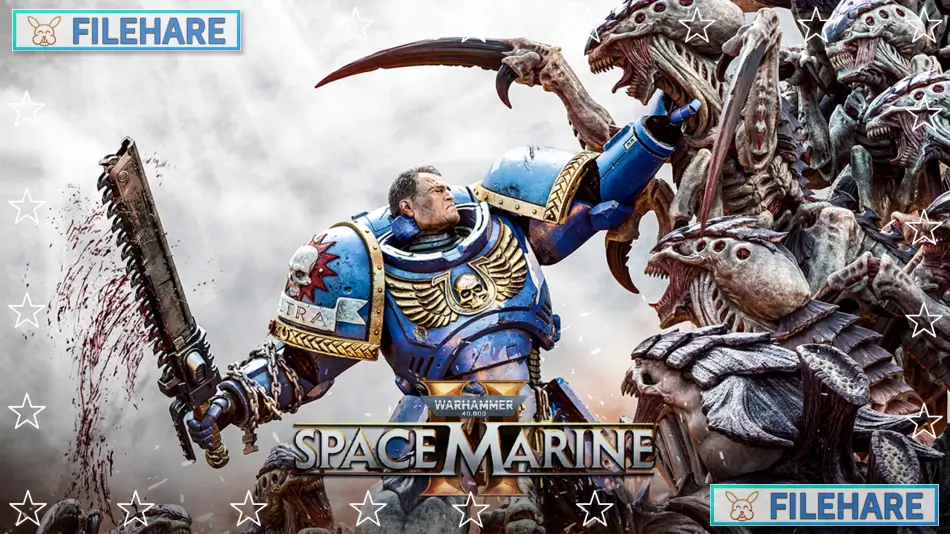
Warhammer 40,000: Space Marine 2 is a third-person shooter and hack-and-slash video game that was developed by Saber Interactive and published by Focus Entertainment. The game was released on September 9, 2024, for PlayStation 5, Xbox Series X/S, and PC via Steam. This is a sequel to the 2011 game Warhammer 40,000: Space Marine. The game takes place in the Warhammer 40,000 universe during the 41st Millennium. Lieutenant Demetrian Titus returns as the main character after more than a century has passed since the first game.
Table of Contents
Warhammer 40,000: Space Marine 2 Story
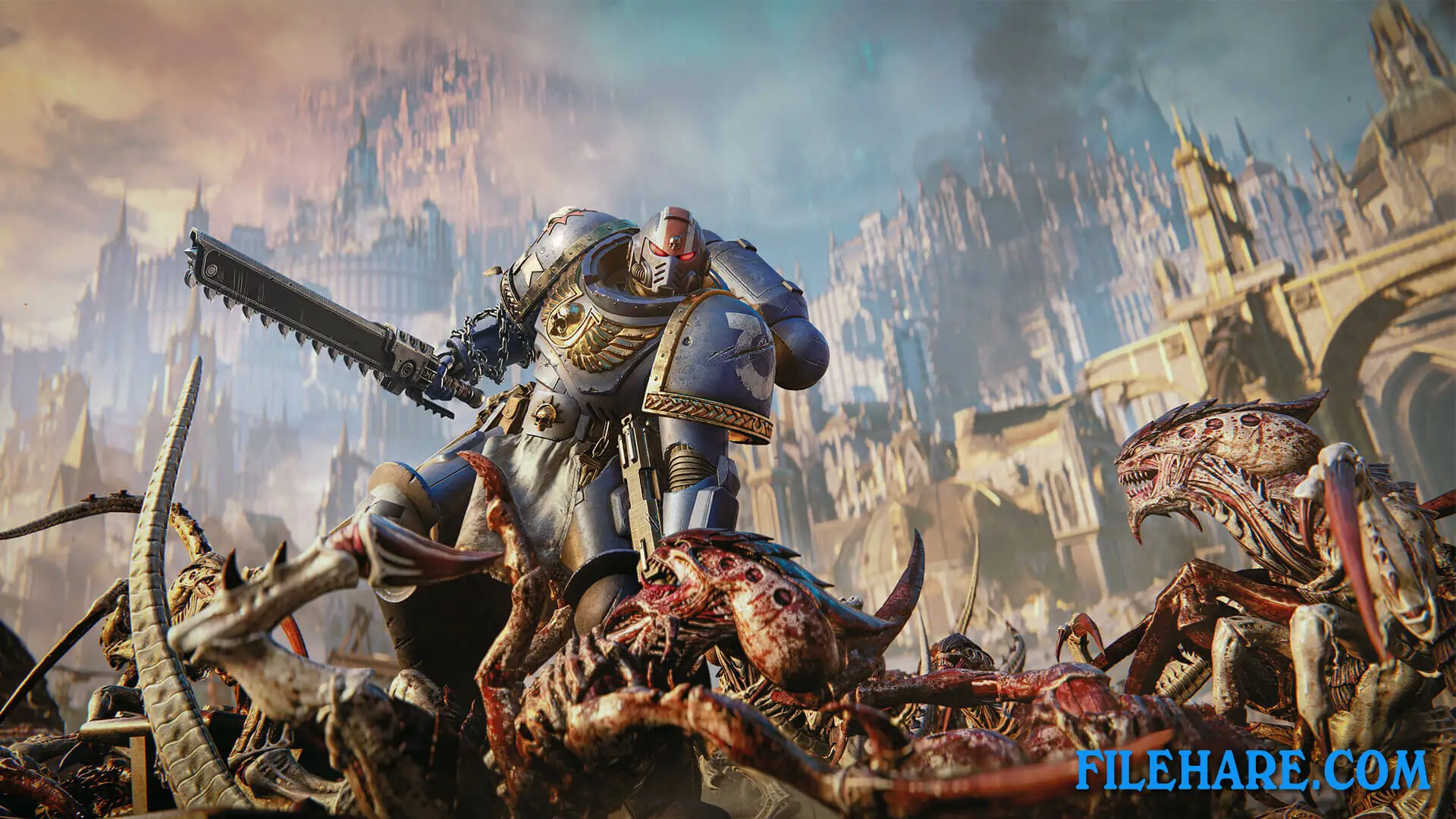
The story follows Lieutenant Titus of the Ultramarines Chapter after he returns from imprisonment. In the first game, Titus was Captain of the 2nd Company. After those events, an Inquisitor accused him of heresy because Titus showed resistance to Chaos powers. He was imprisoned and tortured for over one hundred years. After the Inquisitor died, Titus was freed and rejoined his Chapter, but as a Lieutenant instead of a Captain. The game is set during a time when the Imperium of Man is fighting the Indomitus Crusade to take back planets from enemies. The main threat in this game comes from the Tyranids, which are dangerous alien creatures from Hive Fleet Leviathan. Titus and his Space Marine brothers must protect the Imperium from these aliens and also from Chaos forces.
Warhammer 40,000: Space Marine 2 Gameplay
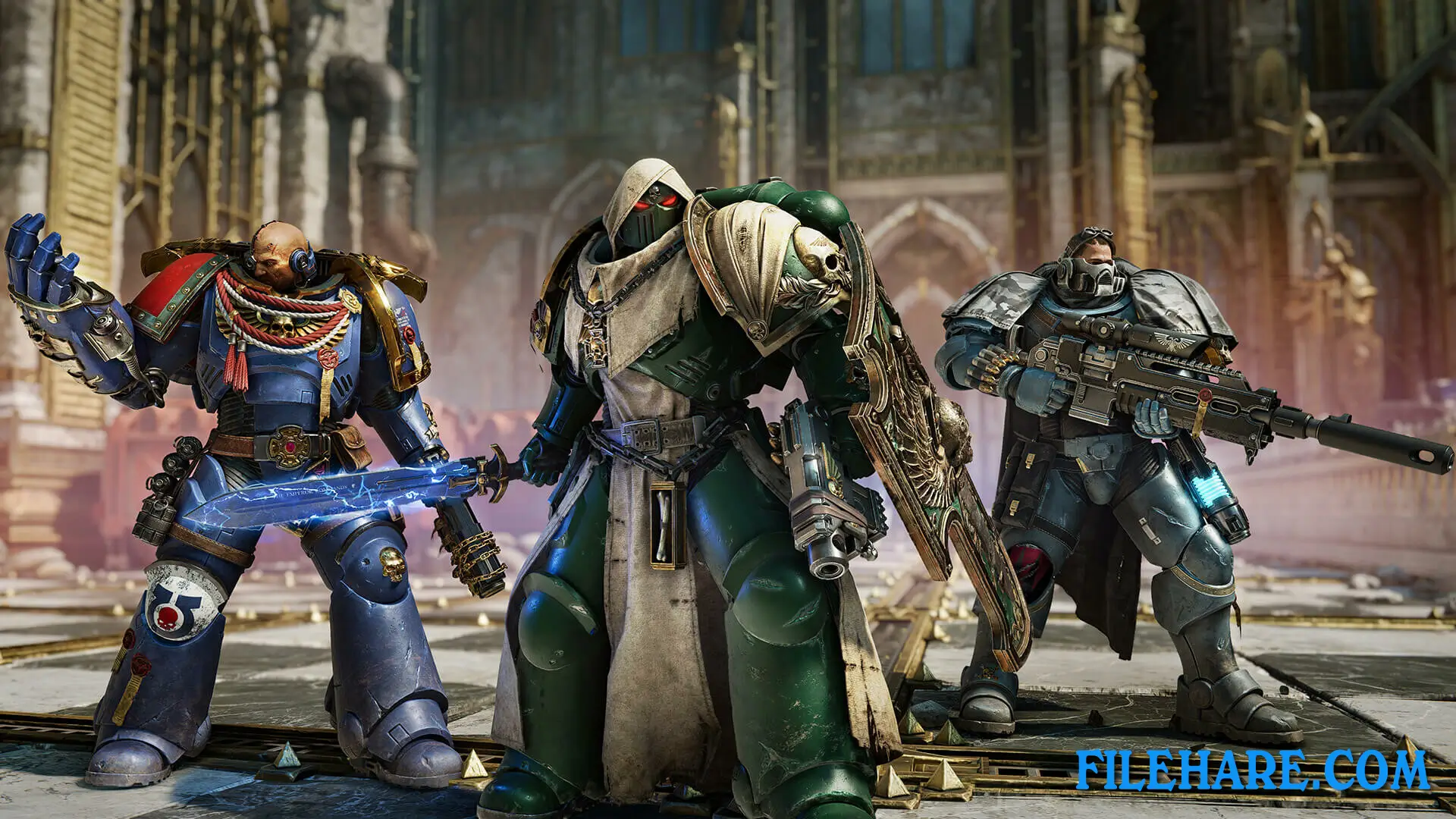
The gameplay combines shooting and melee combat in a third-person view. Players control Titus, who is a genetically enhanced soldier wearing powerful armor. You can use various weapons like bolt rifles and plasma guns to shoot enemies from a distance. For close combat, you can use chainswords and power swords to cut through alien swarms. The game supports both solo play and three-player co-op mode. In co-op, players can work together to complete the campaign missions. There is also a PvE Operations mode where teams of three complete objectives that connect to the main story. The game includes a PvP multiplayer mode where players compete against each other.
Warhammer 40,000: Space Marine 2 Features
The game features the Ultramarines Chapter and lets you customize your Space Marine’s armor and weapons with different cosmetic options. You can play as different Space Marine classes in the Operations mode. The enemies include huge Tyranid swarms with hundreds of creatures on screen at once, thanks to technology from Saber’s previous game, World War Z. The game takes you to different planets and locations, including damaged Imperial cities. Multiple editions were available at launch, including a Collector’s Edition with a resin statue of Titus.
Recommended System Requirements
Requires a 64-bit processor and operating system
- OS: Windows 10 (1903 min) / 11 64-bit
- Processor: AMD Ryzen 7 5800X / Intel Core i7-12700
- Memory: 16 GB RAM
- Graphics: 8 GB VRAM, AMD Radeon RX 6800 XT / Nvidia GeForce RTX 3070
- DirectX: Version 12
- Storage: 75 GB available space
- Additional Notes: SSD required. 60 FPS in 1920×1080 with the “Ultra” preset.
Gameplay Screenshots
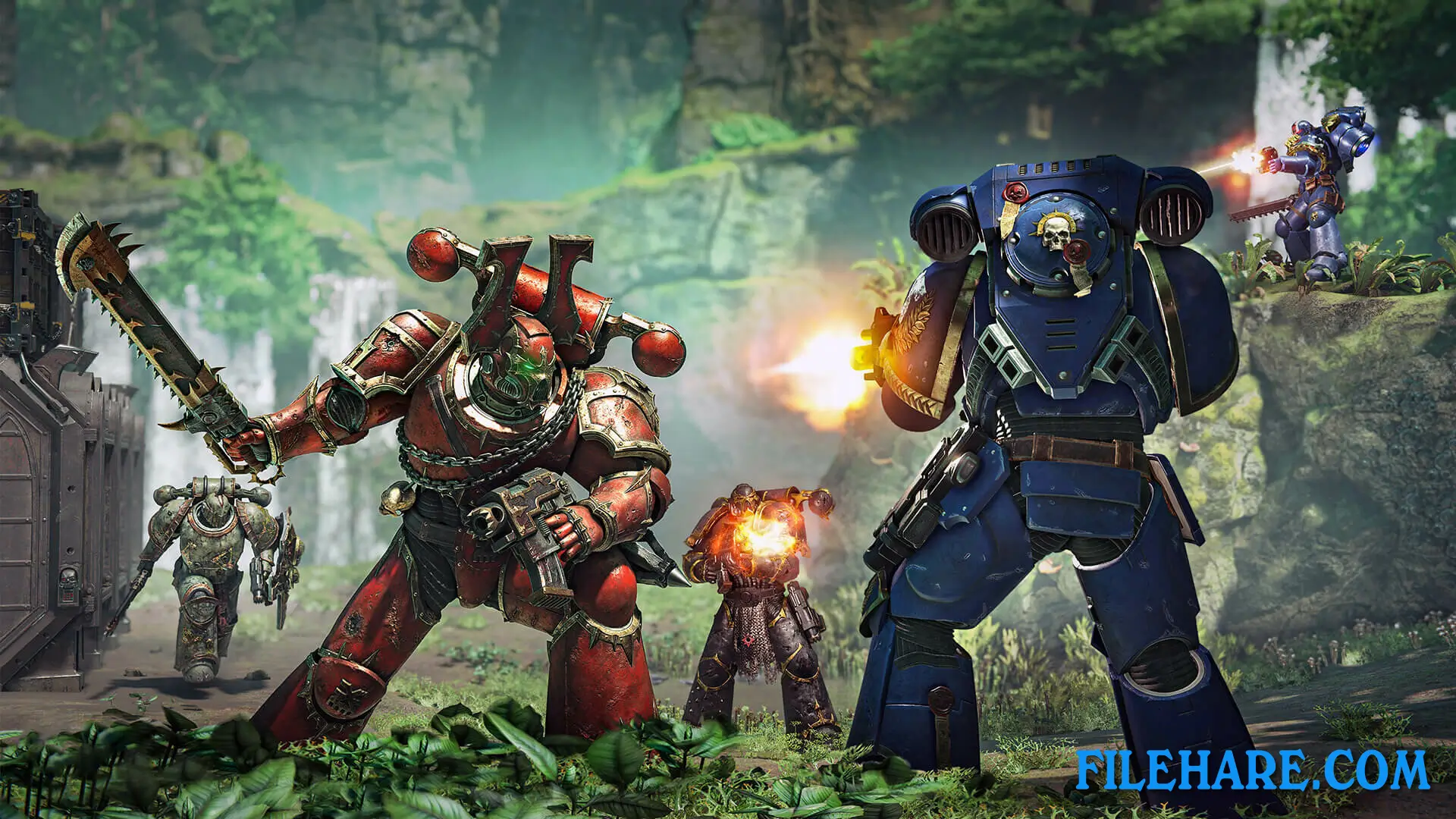
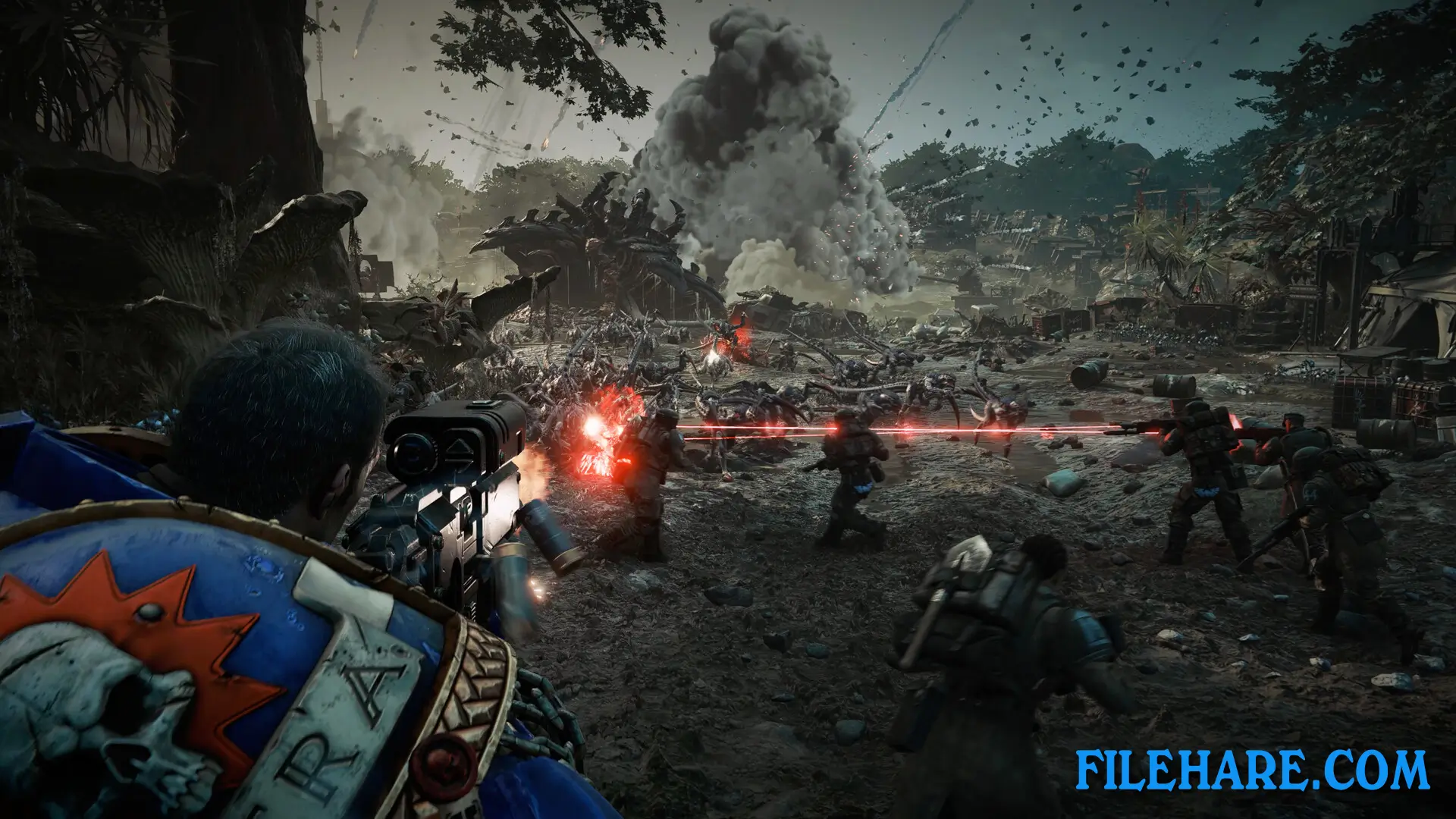
| Name | Warhammer 40,000: Space Marine 2 |
|---|---|
| Developer | Saber Interactive |
| File Size | 38.55 GB |
| Category | Action |
| Minimum System Requirements | |
| CPU | AMD Ryzen 5 2600X / Intel Core i5-8600K |
| RAM | 8 GB |
| Graphics | 6 GB VRAM, AMD Radeon RX 580 / Nvidia GeForce GTX 1060 |
| Free Disk Space | 75 GB |
| Operating System | Windows 10 / 11 (64-bit) |
| User Rating | |
To buy this game, visit the Store Page
How to Download and Install Warhammer 40,000: Space Marine 2 PC Game?
We have simple instructions for you to download and install the PC game. Before following the steps, Ensure your PC meets the minimum system requirements for Playing the game on your PC.
- First, click on the DOWNLOAD button and you will be redirected to the final Download page. Then, Download the Game on your PC.
- Once you have downloaded the Warhammer 40,000: Space Marine 2 PC Game, Open the folder where you saved the Game.
- Then Right-click on the Zip file and click on the "Extract files" option from the dropdown menu. If your computer does not have a Zip file extract software installed, you must first install it. (such as WinRAR, 7Zip software)
- After Extracting the Zip file, Open the Warhammer 40,000: Space Marine 2 PC Game folder.
- Then, double-click on the Setup.exe file to Install the Game.
- If asked, provide administrator permissions for the installation to proceed. Click Yes to continue.
- Follow the on-screen installation wizard to install the game on your PC.
- After the installation, if you get any missing ".dll" errors or the Game is not launching, open the Readme.txt file located in the game folder and follow the instructions shown in the document file to play the game.
Done!. Now, you can launch the game from your desktop.