Expeditions: A MudRunner Game PC Game Download for Windows 10/11

Expeditions: A MudRunner Game is an off-road driving simulation video game where you lead scientific research missions in remote wilderness areas. The game was developed by Saber Interactive and published by Focus Entertainment. It was released on March 5, 2024, for PC via Steam, PlayStation 5, PlayStation 4, Xbox Series X/S, Xbox One, and Nintendo Switch. This is the fourth game in the MudRunner series and takes a new direction by combining vehicle simulation with scientific exploration.
Table of Contents
Expeditions: A MudRunner Game Gameplay
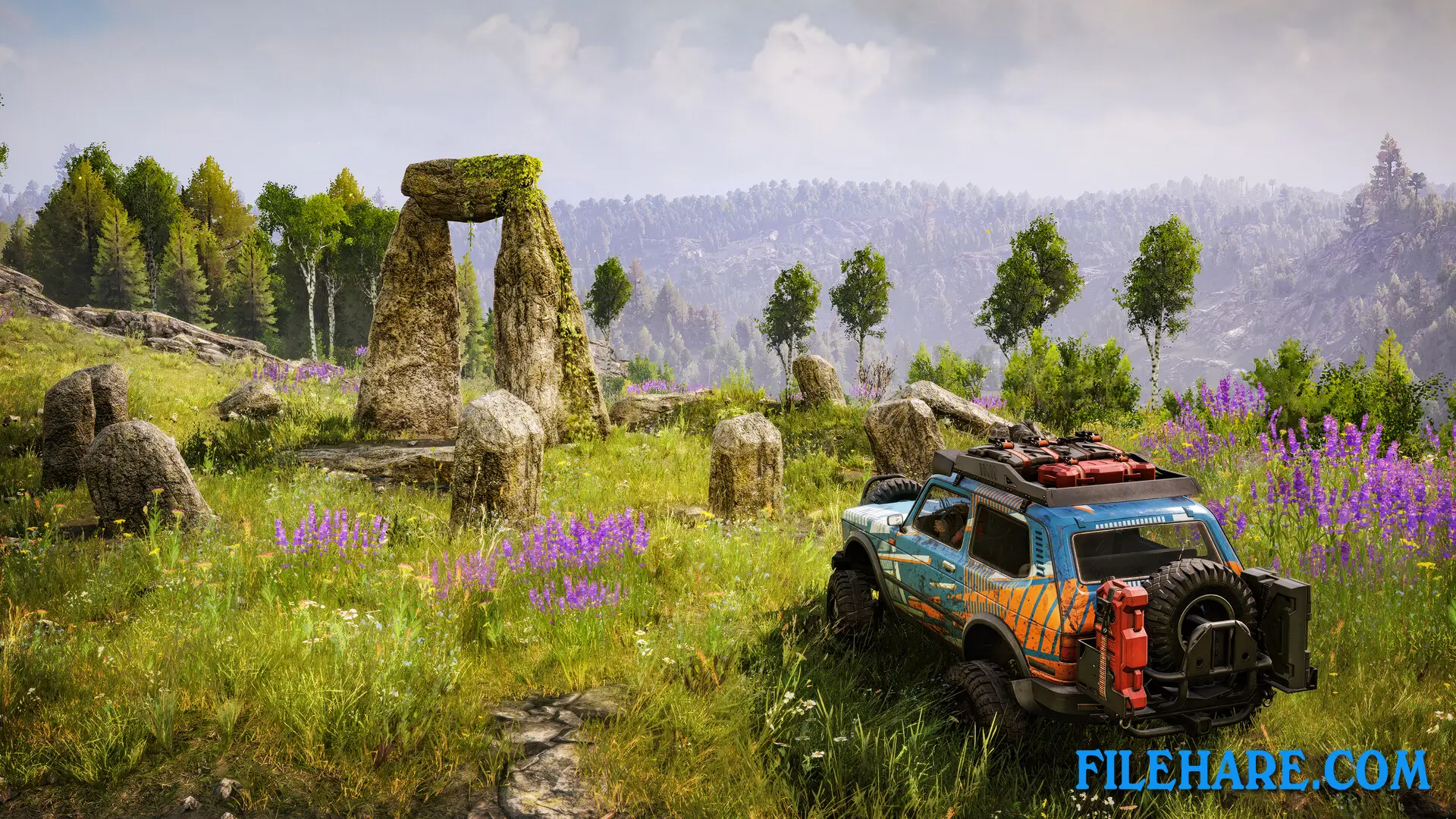
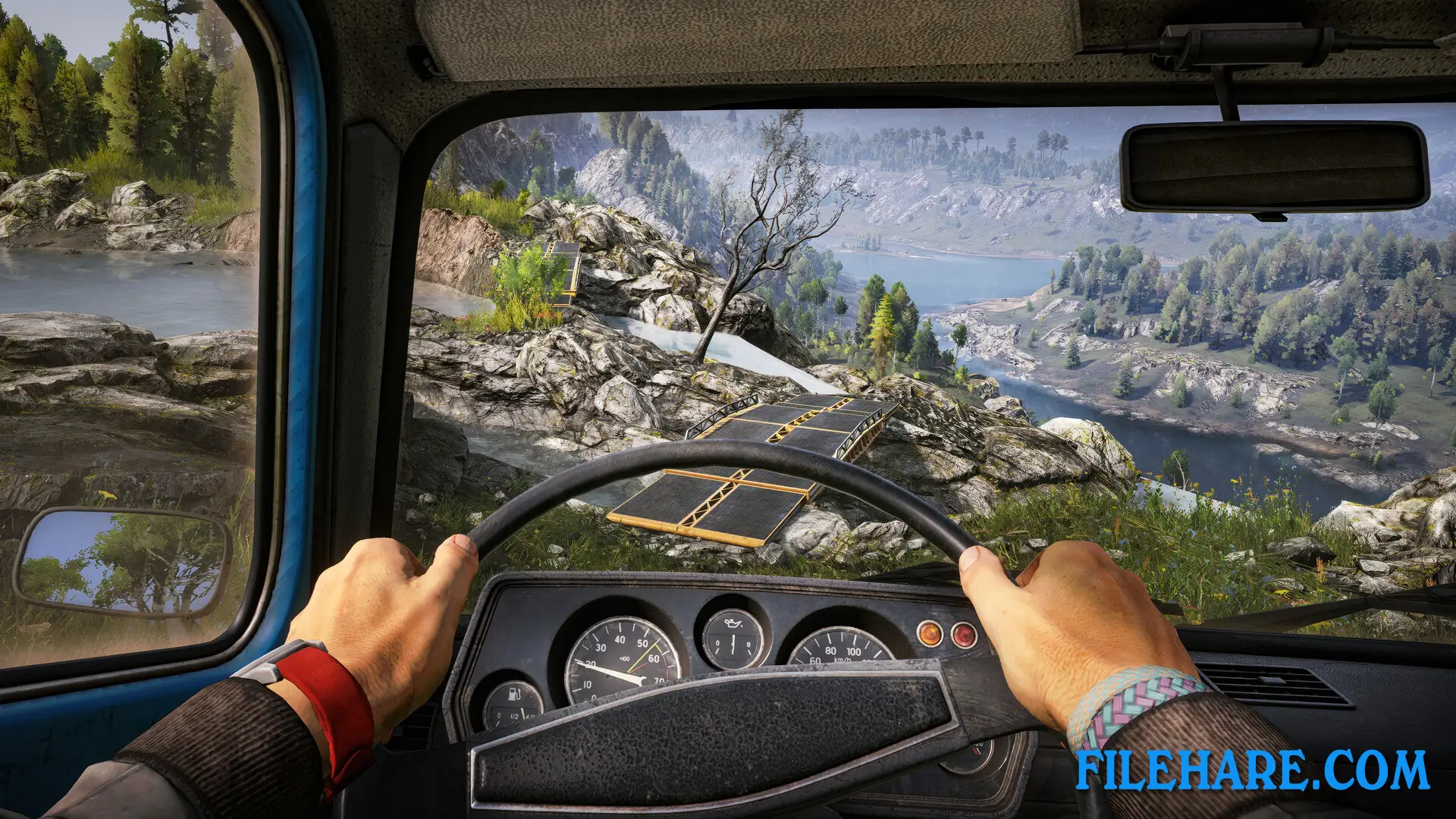
The gameplay focuses on driving all-terrain vehicles across difficult terrain while completing scientific research missions. You explore open areas that include deserts, forests, and mountains. The game uses advanced physics to simulate realistic off-road driving conditions. You must plan your routes carefully before heading out on expeditions. A reconnaissance drone helps you scout the area from above to find the best paths. During missions, you search for hidden treasures, forgotten ruins, and equipment caches using various tools.
The metal detector helps locate buried items, while the camera drone takes pictures of important locations. Your vehicles come equipped with high-tech gadgets to handle obstacles. You can use a winch and portable anchors to climb steep slopes or pull your vehicle out of mud. An echo sounder checks water depth before crossing rivers. The game can be played solo or in online co-op mode with up to four players working together on expeditions.
Expeditions: A MudRunner Game Features
The game includes three main regions to explore: Little Colorado, Arizona, and the Carpathians. There are twelve maps total, with four maps in every region. You drive a variety of all-terrain vehicles designed for scientific work. Between missions, you manage a home base where you can build research structures and unlock new supplies. You hire specialists who provide useful skills and abilities that help during expeditions. The specialists improve your performance in the field and open up new options for exploration. Money earned from successful expeditions can be invested in base upgrades and better equipment. You must prepare carefully for missions by choosing the right tools and vehicles.
The game continues to receive seasonal updates with new content. A co-op multiplayer mode was added after launch via a free update in July 2024. The game supports mods on PC, allowing players to create custom content.
Recommended System Requirements
Requires a 64-bit processor and operating system
- OS: Windows 10/11 64-bit
- Processor: Intel Core i7-10700 / AMD Ryzen 5 5600X
- Memory: 16 GB RAM
- Graphics: 6 GB VRAM, Nvidia GeForce RTX 2060 / AMD Radeon RX 6800 XT
- DirectX: Version 11
- Storage: 20 GB available space
- Additional Notes: 60 FPS in 1920×1080 with the “Ultra” preset
Gameplay Screenshots


| Name | Expeditions: A MudRunner Game |
|---|---|
| Developer | Saber Interactive |
| File Size | 10.85 GB |
| Category | Simulation |
| Minimum System Requirements | |
| CPU | Intel Core i3-9100 / AMD Ryzen 3 1300X |
| RAM | 8 GB |
| Graphics | 2 GB VRAM, Nvidia GeForce GTX 660 / AMD Radeon R7 370 |
| Free Disk Space | 20 GB |
| Operating System | Windows 10 / 11 (64-bit) |
| User Rating | |
To buy this game, visit the Store Page
How to Download and Install Expeditions: A MudRunner PC Game?
We have simple instructions for you to download and install the PC game. Before following the steps, Ensure your PC meets the minimum system requirements for Playing the game on your PC.
- First, click on the DOWNLOAD button and you will be redirected to the final Download page. Then, Download the Game on your PC.
- Once you have downloaded the Expeditions: A MudRunner PC Game, Open the folder where you saved the Game.
- Then Right-click on the Zip file and click on the "Extract files" option from the dropdown menu. If your computer does not have a Zip file extract software installed, you must first install it. (such as WinRAR, 7Zip software)
- After Extracting the Zip file, Open the Expeditions: A MudRunner PC Game folder.
- Then, double-click on the Setup.exe file to Install the Game.
- If asked, provide administrator permissions for the installation to proceed. Click Yes to continue.
- Follow the on-screen installation wizard to install the game on your PC.
- After the installation, if you get any missing ".dll" errors or the Game is not launching, open the Readme.txt file located in the game folder and follow the instructions shown in the document file to play the game.
Done!. Now, you can launch the game from your desktop.