Stellaris: Ultimate Bundle PC Game Download for Windows 10/11

Stellaris: Ultimate Bundle is a complete collection that includes the base game Stellaris along with multiple expansion packs, story packs, and species packs. The base game Stellaris was developed by Paradox Development Studio and published by Paradox Interactive. It was released on May 9, 2016, for PC platforms including Windows, macOS, and Linux. The Ultimate Bundle package provides players with the full Stellaris experience, combining the main game with thirteen additional content packs that greatly expand gameplay options and introduce new alien species, stories, and game mechanics.
Table of Contents
Stellaris: Ultimate Bundle Gameplay
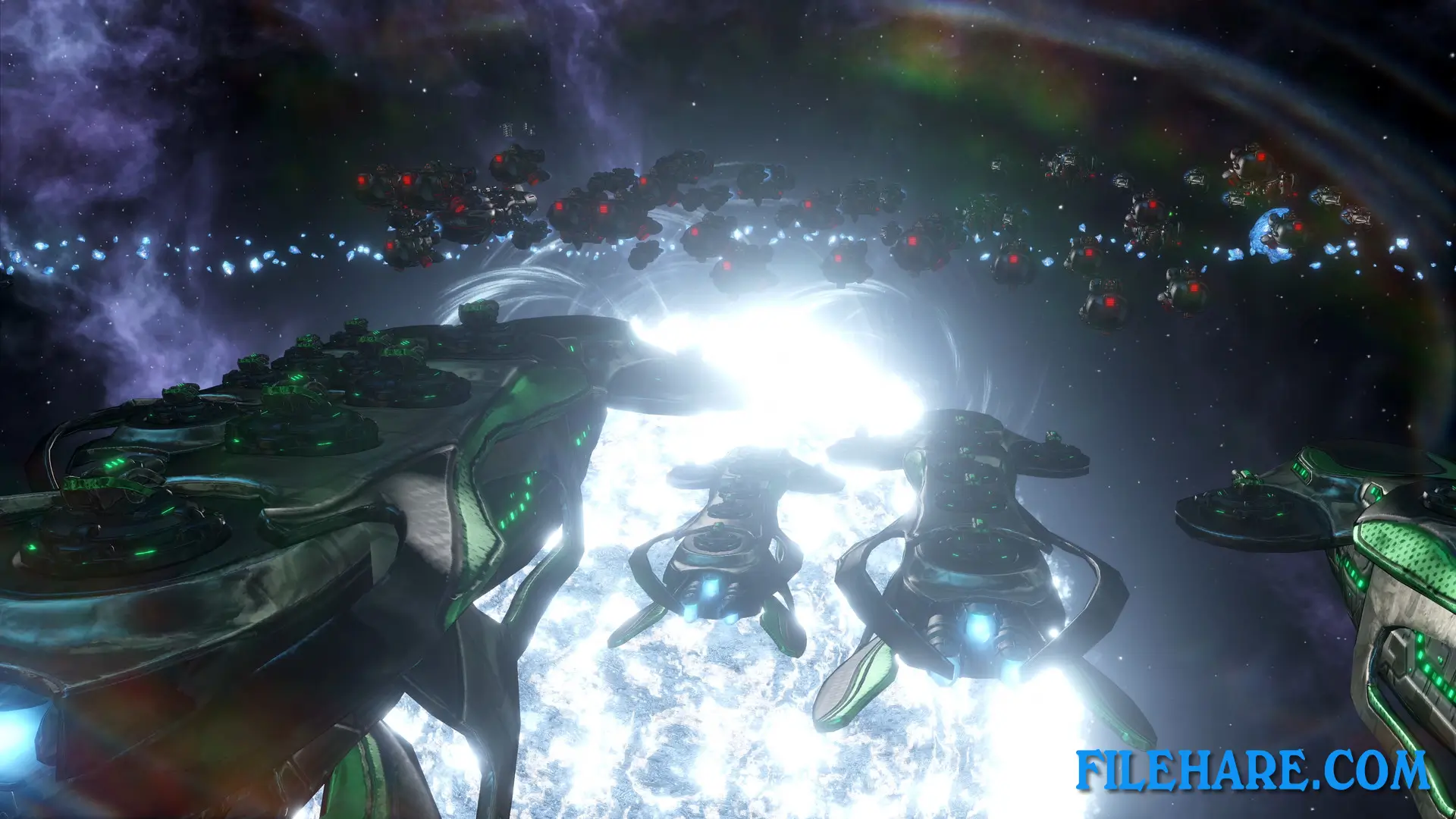
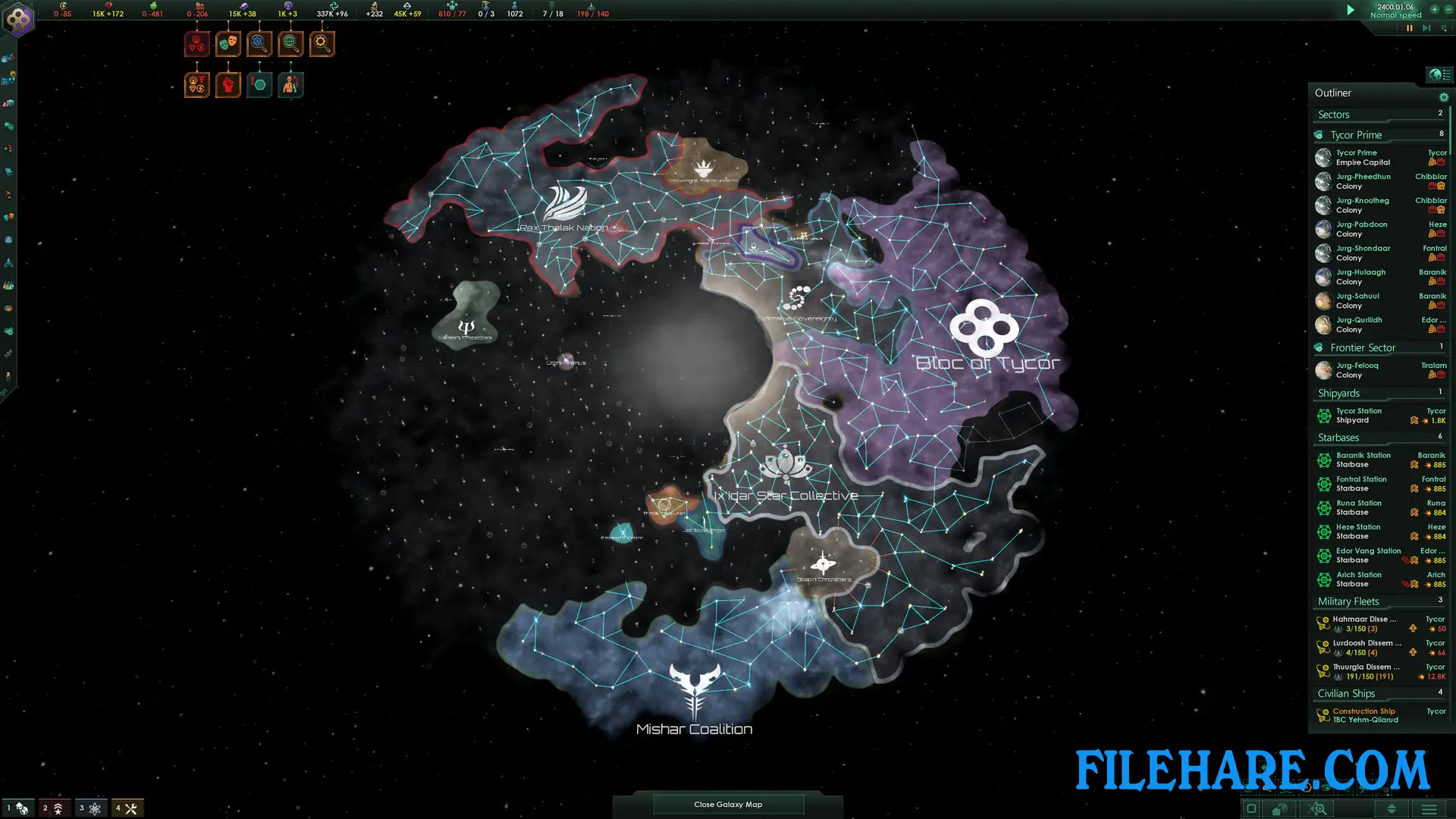
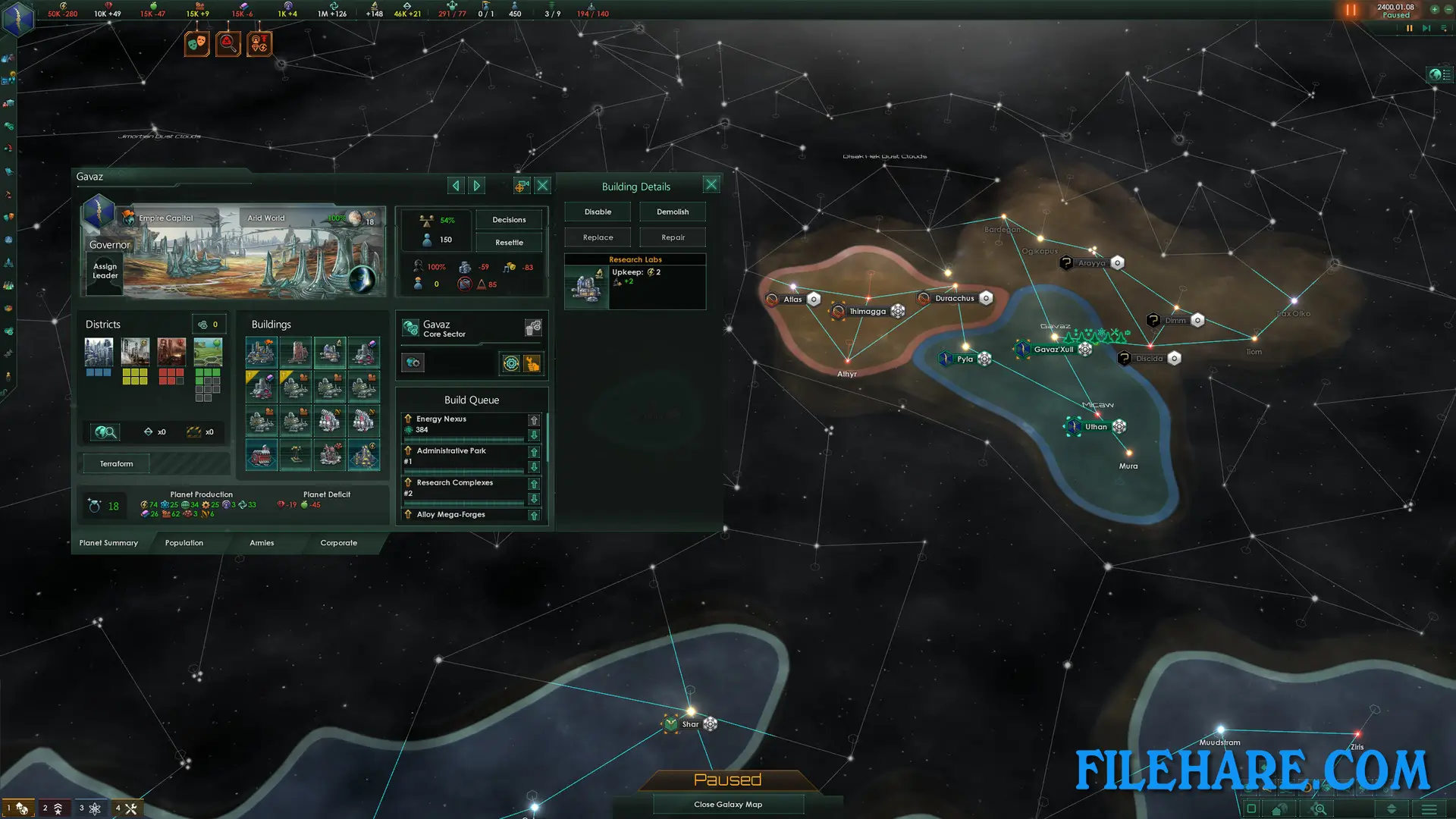
Stellaris is a real-time grand strategy game with 4X elements where players control an interstellar civilization. The game starts in the year 2200, when your species has just discovered faster-than-light travel. Players begin with one home planet and must explore nearby star systems using science ships that survey unknown space and find anomalies. Construction ships build stations around planets to establish colonies and extract resources. The game takes place on a procedurally generated galaxy map containing hundreds to thousands of star systems. Players can pause the game at any time to issue commands and plan their next moves. Early gameplay focuses on exploration and colonization as you expand your empire across the galaxy. As you encounter other alien civilizations, the game shifts toward diplomacy, trade agreements, and warfare.
Stellaris: Ultimate Bundle Features
The Ultimate Bundle includes five major expansion packs that change core game mechanics. Utopia lets players build megastructures like Dyson Spheres and ring worlds while transforming their species through genetic modification or cybernetic upgrades. Apocalypse introduces massive Titan warships and planet-destroying Colossus weapons for total warfare. MegaCorp allows players to run corporate empires focused on trade and profit. Federations improves diplomatic options with advanced alliance systems and galactic senate mechanics. Overlord introduces vassal management, where players can control and influence subject empires. The bundle also contains multiple species packs. Story packs introduce special event chains, fallen empires, mysterious artifacts, and even a playable machine race of sentient robots.
Recommended System Requirements
Requires a 64-bit processor and operating system
- OS: Windows 10 Home 64-Bit
- Processor: Intel iCore i5-3570K or AMD Ryzen 5 2400G
- Memory: 4 GB RAM
- Graphics: Nvidia GeForce GTX 560 Ti (1GB VRAM) or AMD Radeon R7 370 (2 GB VRAM)
- DirectX: Version 12
- Storage: 10 GB available space
- Sound Card: DirectX 9.0c-compatible sound card
- Additional Notes: Controller support: 3-button mouse, keyboard and speakers. Special multiplayer requirements: Internet Connection
Gameplay Screenshots

| Name | Stellaris: Ultimate Bundle |
|---|---|
| Developer | Paradox Development Studio |
| File Size | 7.93 GB |
| Category | Strategy |
| Minimum System Requirements | |
| CPU | Intel iCore i3-530 or AMD FX-6350 |
| RAM | 4 GB |
| Graphics | Nvidia GeForce GTX 460 or AMD ATI Radeon HD 5870 (1GB VRAM), or AMD Radeon RX Vega 11 or Intel HD Graphics 4600 |
| Free Disk Space | 10 GB |
| Operating System | Windows 10 / 11 (64-bit) |
| User Rating | |
To buy this game, visit the Store Page
How to Download and Install Stellaris: Ultimate Bundle PC Game?
We have simple instructions for you to download and install the PC game. Before following the steps, Ensure your PC meets the minimum system requirements for Playing the game on your PC.
- First, click on the DOWNLOAD button and you will be redirected to the final Download page. Then, Download the Game on your PC.
- Once you have downloaded the Stellaris: Ultimate Bundle PC Game, Open the folder where you saved the Game.
- Then Right-click on the Zip file and click on the "Extract files" option from the dropdown menu. If your computer does not have a Zip file extract software installed, you must first install it. (such as WinRAR, 7Zip software)
- After Extracting the Zip file, Open the Stellaris: Ultimate Bundle PC Game folder.
- Then, double-click on the Setup.exe file to Install the Game.
- If asked, provide administrator permissions for the installation to proceed. Click Yes to continue.
- Follow the on-screen installation wizard to install the game on your PC.
- After the installation, if you get any missing ".dll" errors or the Game is not launching, open the Readme.txt file located in the game folder and follow the instructions shown in the document file to play the game.
Done!. Now, you can launch the game from your desktop.