Shadows of Doubt PC Game Download for Windows 10/11
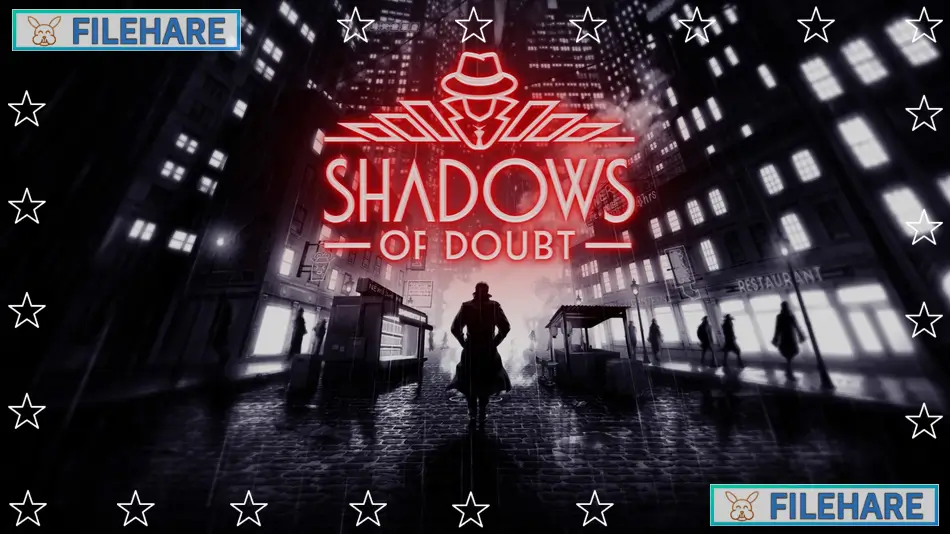
Shadows of Doubt is a detective stealth video game developed by ColePowered Games and published by Fireshine Games. The game was released in Early Access on April 24, 2023, for PC via Steam. It officially came out of Early Access and got its full release on September 26, 2024, for PC, PlayStation 5, and Xbox Series X/S. The game is set in an alternate history version of the 1980s, where you work as a private detective solving murder cases in a sci-fi city.
Table of Contents
Shadows of Doubt Gameplay
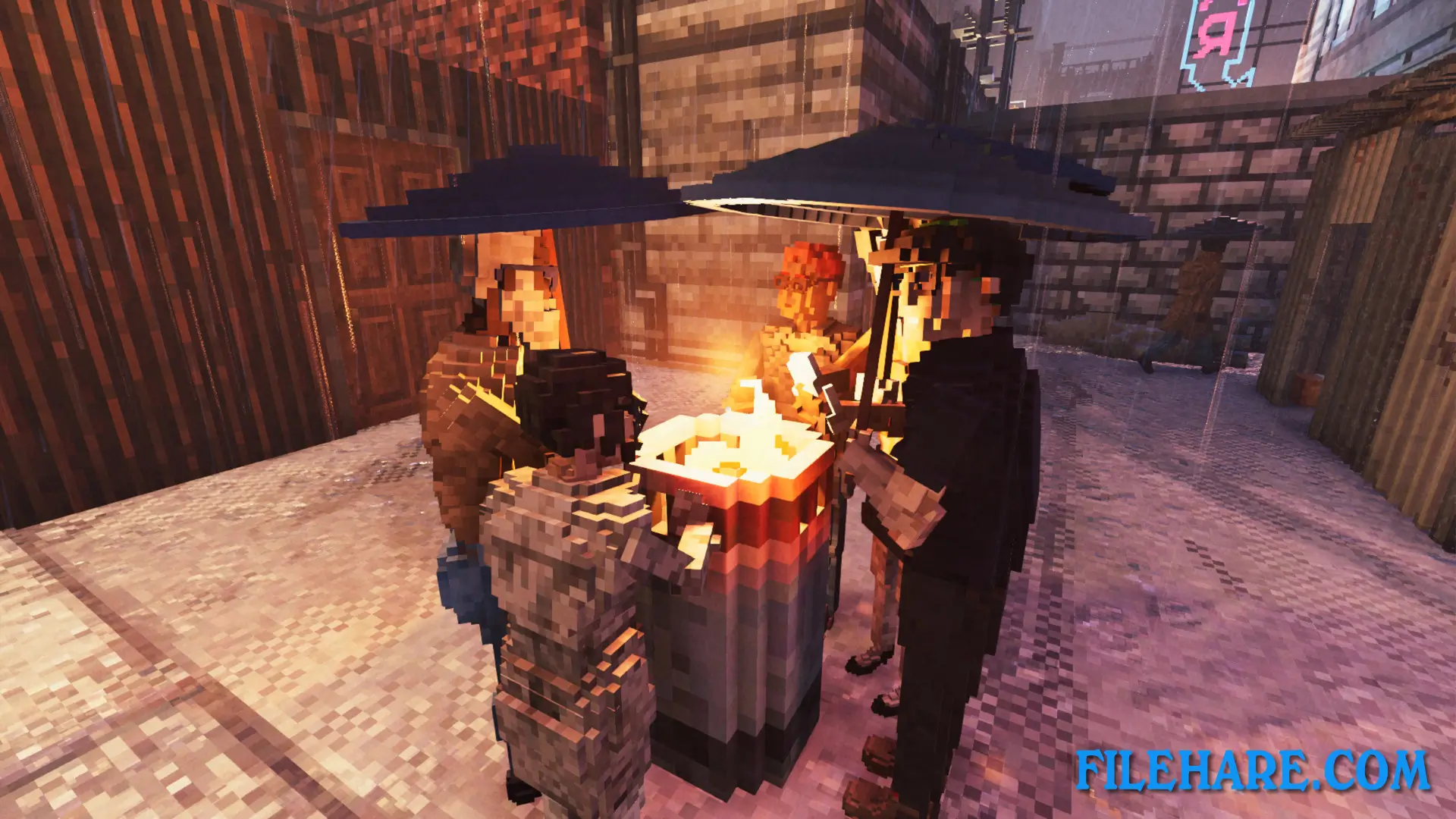
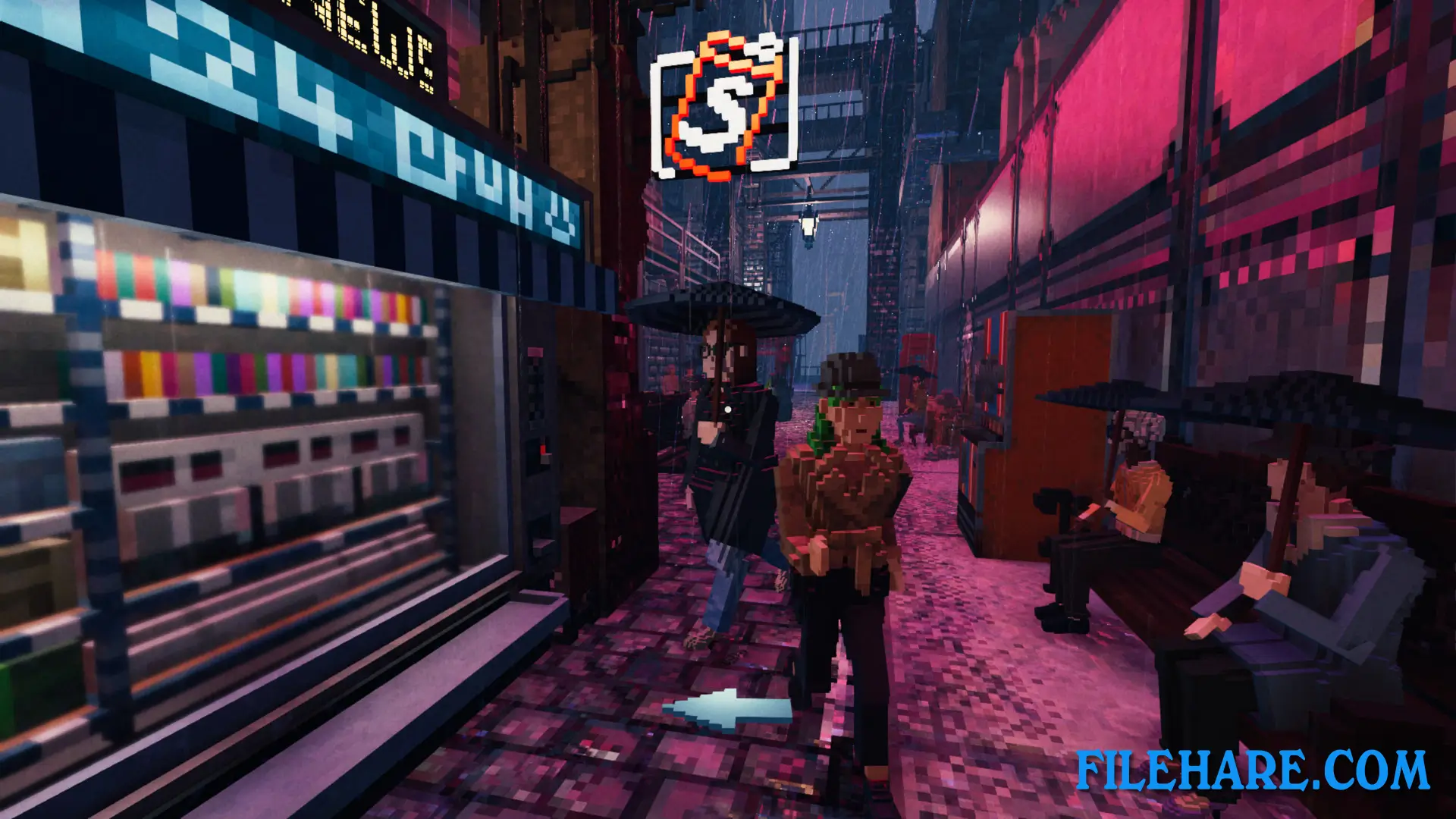
You play as a private investigator who takes on murder cases to earn money. The game uses a first-person view and takes place in cities that are created differently every time you start a new game. Every citizen in the city has their name, job, home address, and daily schedule. They go to work, visit places, and live their lives whether you watch them or not.
When you get a case, you must find clues and track down the killer. You can search apartments, read emails, check phone records, scan fingerprints, and watch security camera footage. Breaking into buildings is allowed, and you can hack computers to find information. Every case is random, so the murderer and the evidence are always in a new location. You need to work quickly because if you take too long, the killer may commit another crime.
The game gives you gadgets to help investigate. You can use a fingerprint scanner, read documents, bribe people for tips, and follow suspects around the city. You explore buildings room by room, including apartments, offices, bars, and hotels. The city runs in real time, so people follow their routines, and the day-night cycle continues as you investigate.
Shadows of Doubt Features
The game includes a Sandbox Mode where you solve an unlimited number of random murder cases. There is also a special introductory case called “The Dead of Night” that teaches you how to play. Cities are built using procedural generation, so every new game has a totally new city layout with new buildings and streets.
Players can buy better equipment and gadgets with the money earned from completing cases. You have your apartment that can be customized. The game also has a Social Credit score that you work toward. Updates have added new modes, including a Film Noir mode with black and white graphics, a permadeath mode, and even a mode where you play as a rat detective. The game supports modding so players can create and share custom content.
Recommended System Requirements
- OS: Windows 11 or newer
- Processor: Intel 9th Gen i5 or AMD Ryzen 5 3500
- Memory: 16 GB RAM
- Graphics: Nvidia GTX 3060 or Radeon RX 5700 XT
- DirectX: Version 11
- Storage: 4 GB available space
- Additional Notes: Approximate specs for 1080p, 60+ fps
Gameplay Screenshots

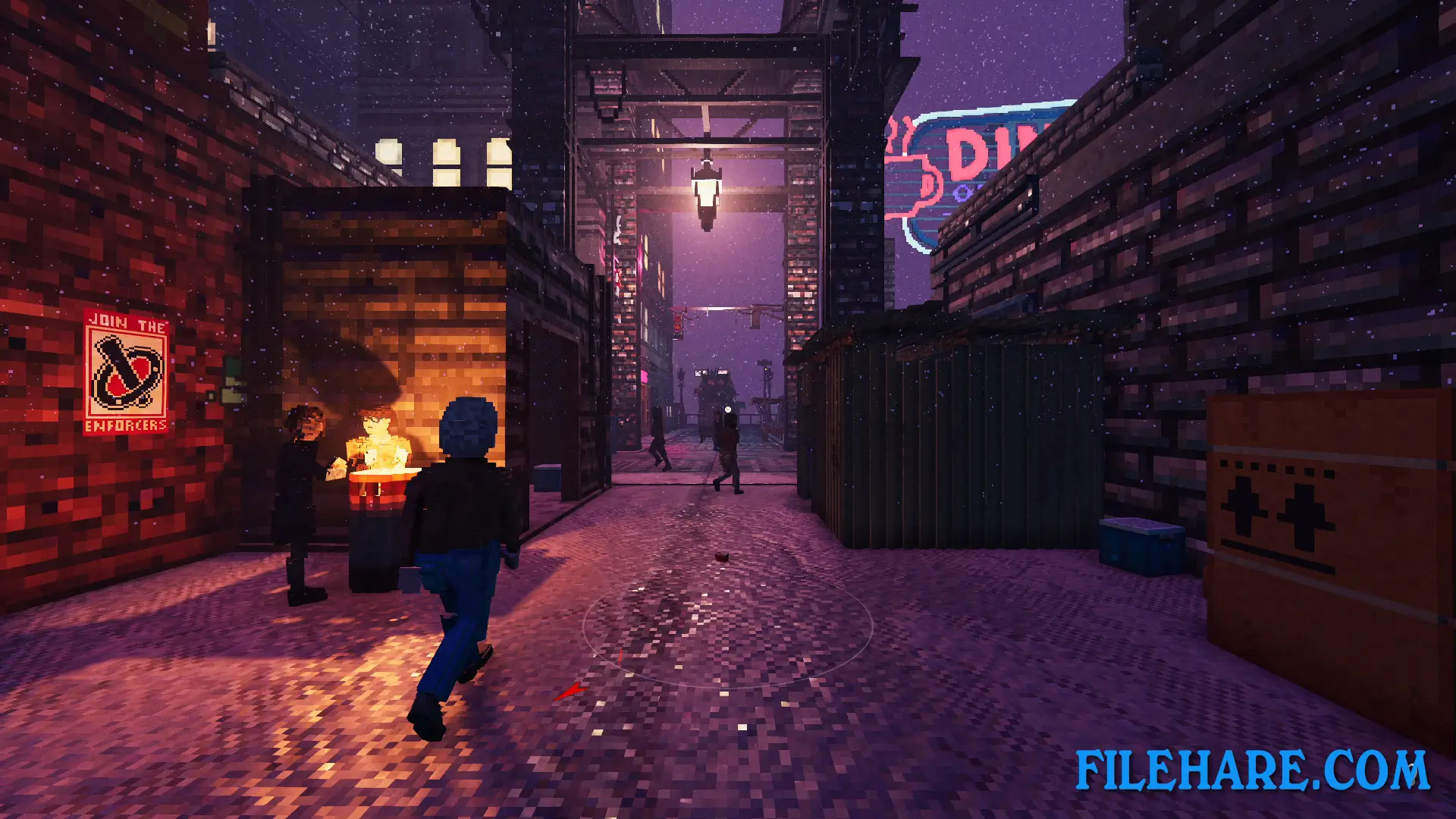
| Name | Shadows of Doubt |
|---|---|
| Developer | ColePowered Games |
| File Size | 558.84 MB |
| Category | Action, Indie |
| Minimum System Requirements | |
| CPU | Intel 6th Gen i5 or AMD Ryzen 5 1600 |
| RAM | 8 GB |
| Graphics | Nvidia GTX 1060 or Radeon 5500XT |
| Free Disk Space | 4 GB |
| Operating System | Windows 10 / 11 |
| User Rating | |
To buy this game, visit the Store Page
How to Download and Install Shadows of Doubt PC Game?
We have simple instructions for you to download and install the PC game. Before following the steps, Ensure your PC meets the minimum system requirements for Playing the game on your PC.
- First, click on the DOWNLOAD button and you will be redirected to the final Download page. Then, Download the Game on your PC.
- Once you have downloaded the Shadows of Doubt PC Game, Open the folder where you saved the Game.
- Then Right-click on the Zip file and click on the "Extract files" option from the dropdown menu. If your computer does not have a Zip file extract software installed, you must first install it. (such as WinRAR, 7Zip software)
- After Extracting the Zip file, Open the Shadows of Doubt PC Game folder.
- Then, double-click on the Setup.exe file to Install the Game.
- If asked, provide administrator permissions for the installation to proceed. Click Yes to continue.
- Follow the on-screen installation wizard to install the game on your PC.
- After the installation, if you get any missing ".dll" errors or the Game is not launching, open the Readme.txt file located in the game folder and follow the instructions shown in the document file to play the game.
Done!. Now, you can launch the game from your desktop.