Machinika: Atlas PC Game Download for Windows 10/11/7/8
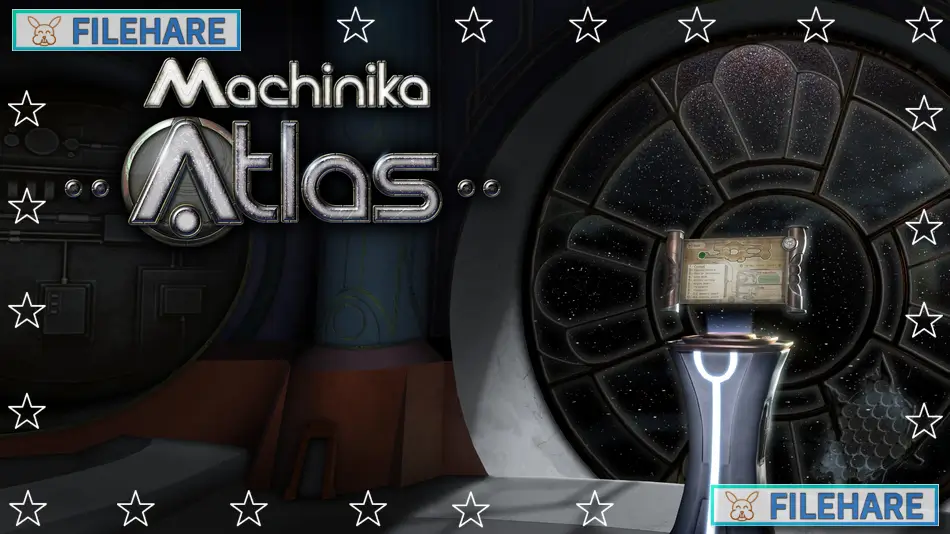
Machinika: Atlas is an indie puzzle adventure game with science fiction themes. The game was developed by Littlefield Studio from Paris, France, and published by Dear Villagers, a subsidiary of Plug in Digital. It was released on September 17, 2024, for PC via Steam and Epic Games Store. The game costs $11.99 but launched with a 20% discount at $9.59. It is also available on mobile platforms for iOS and Android.
Table of Contents
Machinika: Atlas Story
You play as a museum researcher who was the main character from the previous game, Machinika: Museum. Your escape pod has crashed onto Atlas, which is one of Saturn’s moons. You find yourself stranded inside an alien spaceship that has also crashed on this moon. Your goal is to uncover what happened to the alien vessel and its crew. The game is a direct sequel to Machinika: Museum, but you do not need to play the first game to understand this story. The game takes place in a science fiction universe where humanity explores space and encounters alien technology. As a researcher specializing in extraterrestrial artifacts, you must investigate the mysterious devices inside the ship.
Machinika: Atlas Gameplay
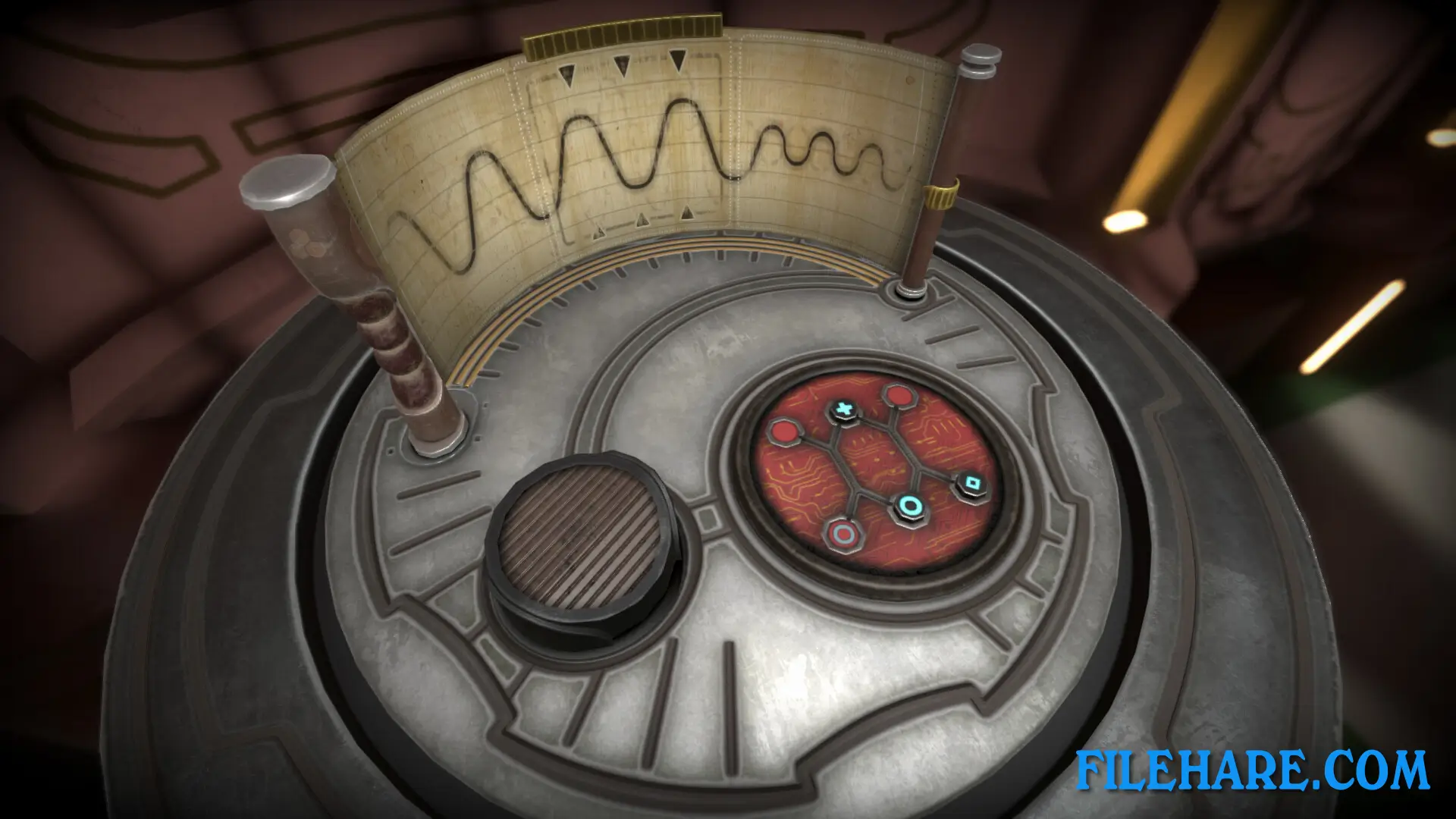
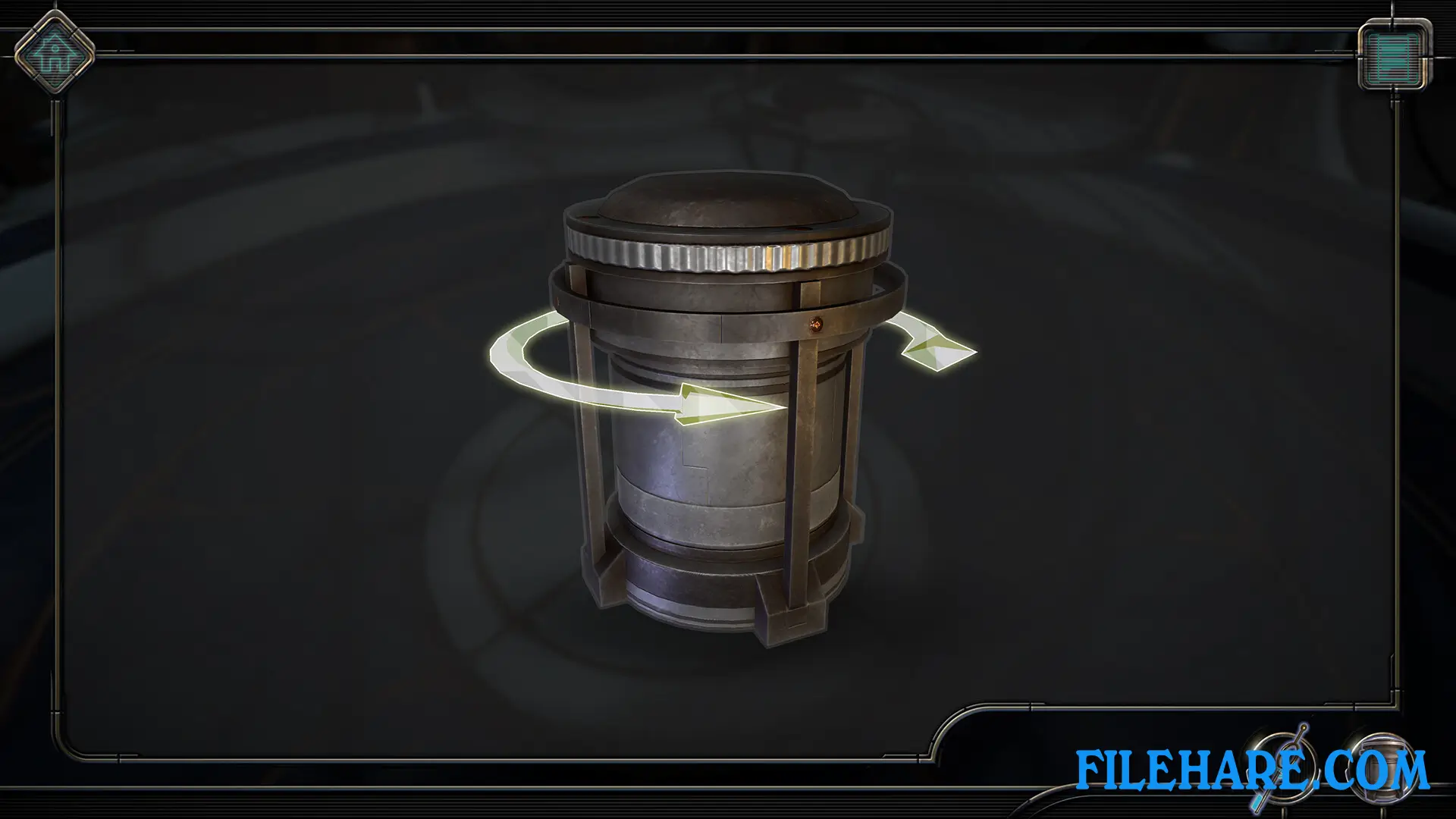
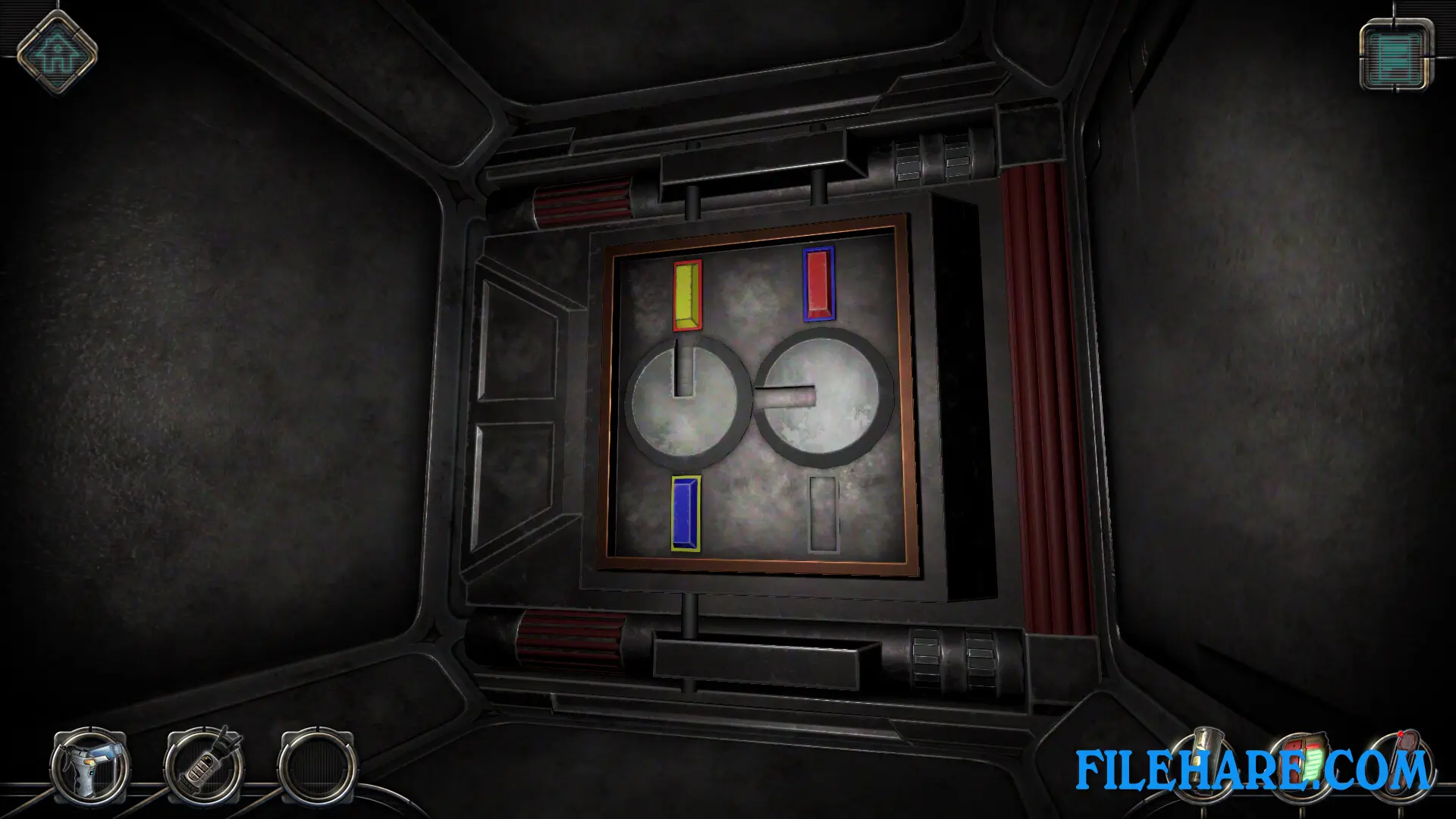
The game is a first-person point-and-click puzzle adventure. You explore the interior of the crashed alien ship by moving from room to room. The main gameplay involves examining strange alien devices and figuring out how they work. These devices are similar to puzzle boxes, where you must manipulate parts, press buttons, turn dials, and find the correct sequence to unlock them. The game requires logic and observation skills to understand how the alien technology operates. You can rotate objects to see them from all angles and interact with various components. Some devices have hidden compartments or secret mechanisms that only reveal themselves after careful inspection.
The controls are simple and intuitive, so the challenge comes from the puzzles themselves rather than complicated controls. The game has a linear structure where you move through the ship and encounter puzzles in a specific order. There is no combat or time pressure, so you can take as long as you need to examine and think about solutions. The game takes approximately 3 to 4 hours to complete, depending on how quickly you figure out the puzzles. Some puzzles are easy while others require more thought and experimentation.
The game supports both keyboard and mouse controls as well as partial controller support. Steam Achievements are available for completing certain tasks and finding collectibles.
Machinika: Atlas Features
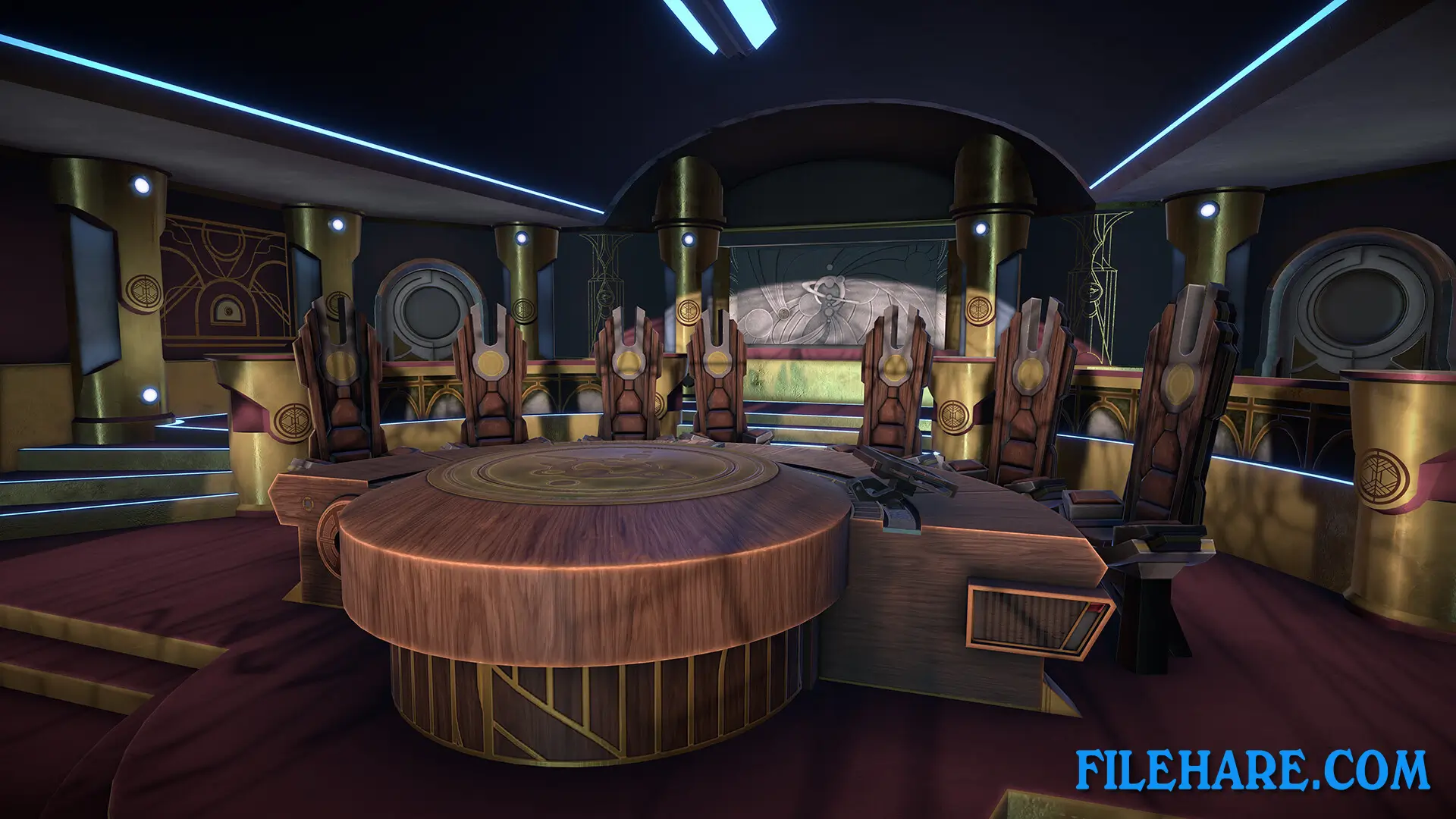
The game has realistic 3D graphics that show detailed alien machinery and spacecraft interiors. The visual design is inspired by science fiction films and literature. The alien technology looks authentic with intricate mechanical parts and glowing energy sources. The game runs smoothly on most computers with minimum requirements. The game is available in 14 languages, including English, French, Italian, German, Spanish, Simplified Chinese, Traditional Chinese, Korean, Japanese, Polish, Portuguese, Russian, Danish, Dutch, and Swedish. Steam reviews are mostly positive, with 76% of 463 users recommending the game.
The game has a single-player mode only with no multiplayer options. It supports Steam Family Sharing, so multiple accounts on the same computer can access it. The developers at Littlefield Studio are a small indie team from Paris who previously created Machinika: Museum in 2021.
Recommended System Requirements
- OS: Windows 7 or above
- Processor: AMD FX 4100 / Intel Core i3-4130
- Memory: 8 GB RAM
- Graphics: GeForce GT 440 / AMD Radeon HD 5750
Gameplay Screenshots
| Name | Machinika: Atlas |
|---|---|
| Developer | Littlefield Studio |
| File Size | 1.15 GB |
| Category | Indie |
| Minimum System Requirements | |
| CPU | Intel/AMD 3.4 GHz or higher |
| RAM | 4 GB |
| Graphics | Graphics card with at least 1 GB of dedicated VRAM |
| Free Disk Space | 4 GB |
| Operating System | Windows 10 / 11 / 7 / 8 |
| User Rating | |
To buy this game, visit the Store Page
How to Download and Install Machinika: Atlas PC Game?
We have simple instructions for you to download and install the PC game. Before following the steps, Ensure your PC meets the minimum system requirements for Playing the game on your PC.
- First, click on the DOWNLOAD button and you will be redirected to the final Download page. Then, Download the Game on your PC.
- Once you have downloaded the Machinika: Atlas PC Game, Open the folder where you saved the Game.
- Then Right-click on the Zip file and click on the "Extract files" option from the dropdown menu. If your computer does not have a Zip file extract software installed, you must first install it. (such as WinRAR, 7Zip software)
- After Extracting the Zip file, Open the Machinika: Atlas PC Game folder.
- Then, double-click on the Setup.exe file to Install the Game.
- If asked, provide administrator permissions for the installation to proceed. Click Yes to continue.
- Follow the on-screen installation wizard to install the game on your PC.
- After the installation, if you get any missing ".dll" errors or the Game is not launching, open the Readme.txt file located in the game folder and follow the instructions shown in the document file to play the game.
Done!. Now, you can launch the game from your desktop.