Fernbus Simulator PC Game Download for Windows 10/11
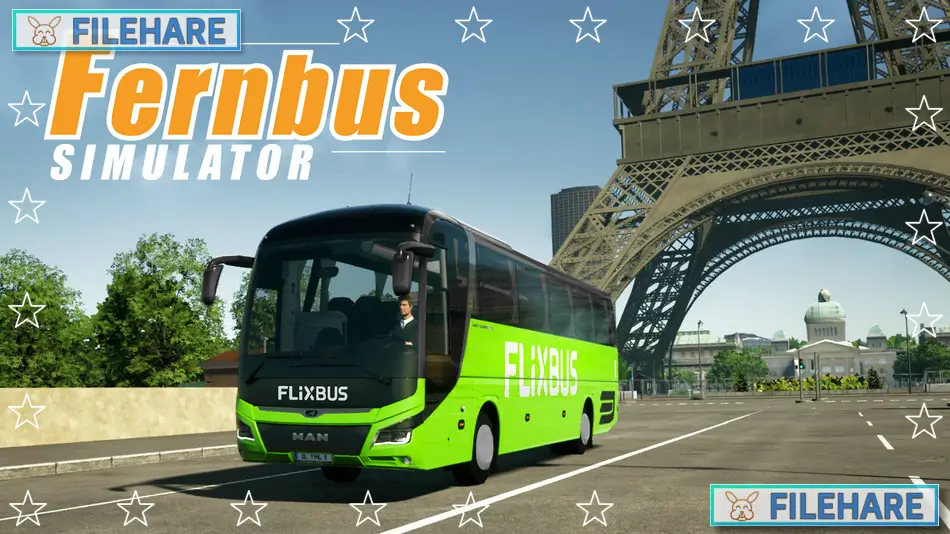
Fernbus Simulator is a bus driving simulation game developed by TML-Studios and published by Aerosoft GmbH. The game was released on August 25, 2016, for PC via Steam. Players work as long-distance bus driver in Germany, transporting passengers between cities. The game offers a realistic driving experience with authentic German buses and real road networks across the country.
Table of Contents
Fernbus Simulator Gameplay
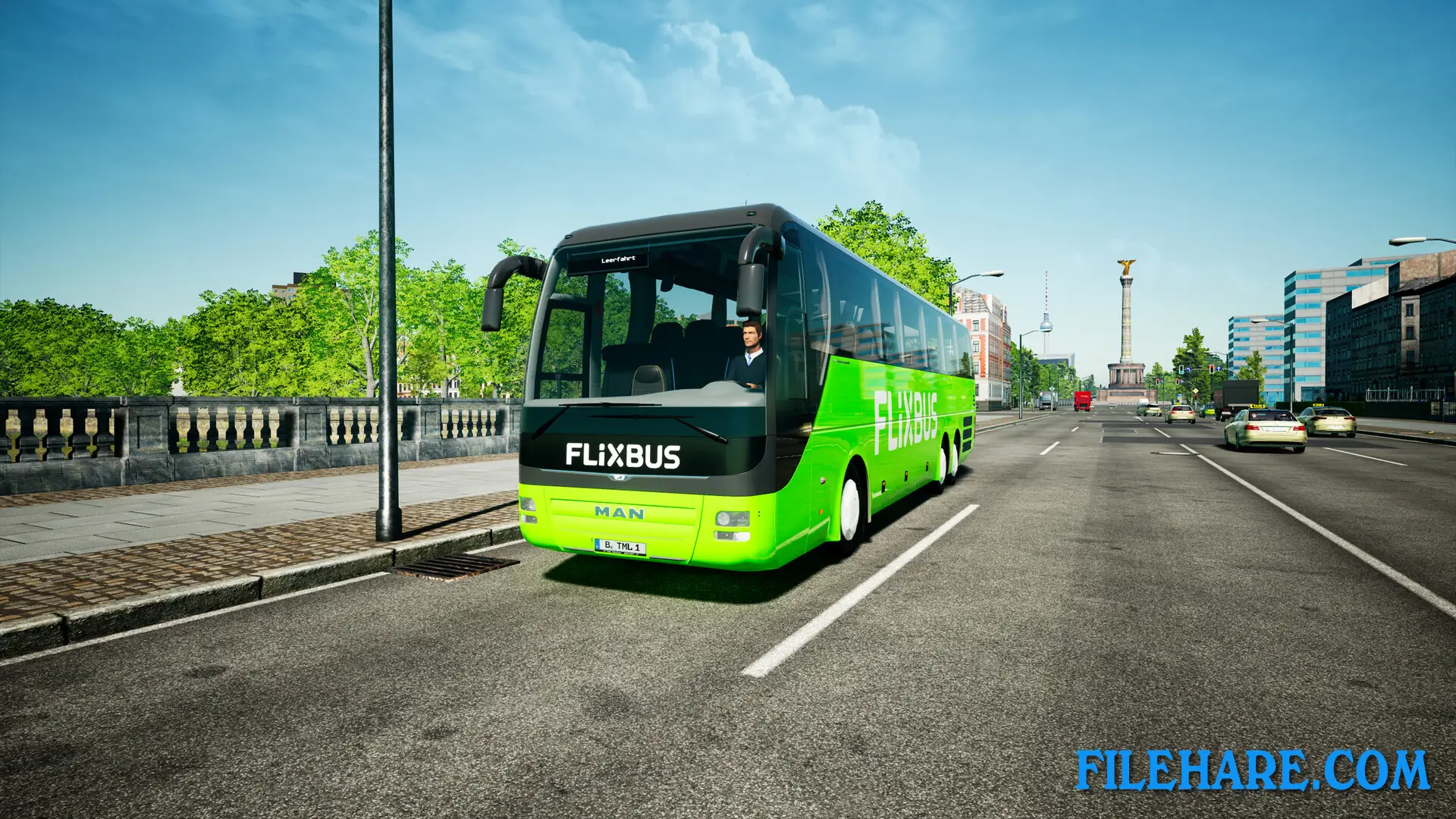
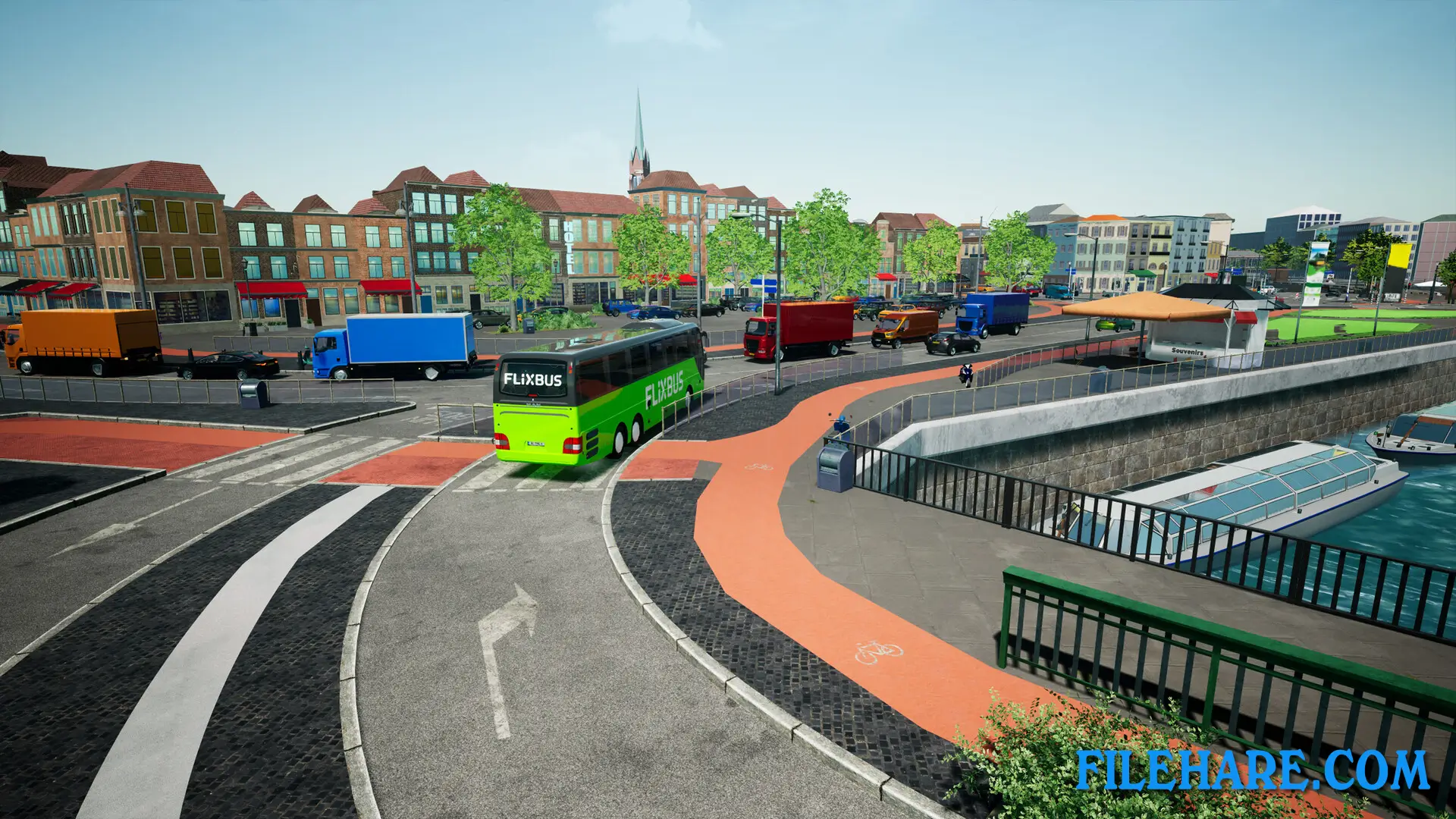
The gameplay focuses on driving intercity buses and following scheduled routes. You pick up passengers at bus stations and drive them to their destinations safely. You must follow traffic laws, use turn signals, and drive carefully to avoid accidents. The game uses realistic bus controls, including mirrors, indicator lights, and dashboard instruments. You need to announce stops, open doors for passengers, and maintain your schedule.
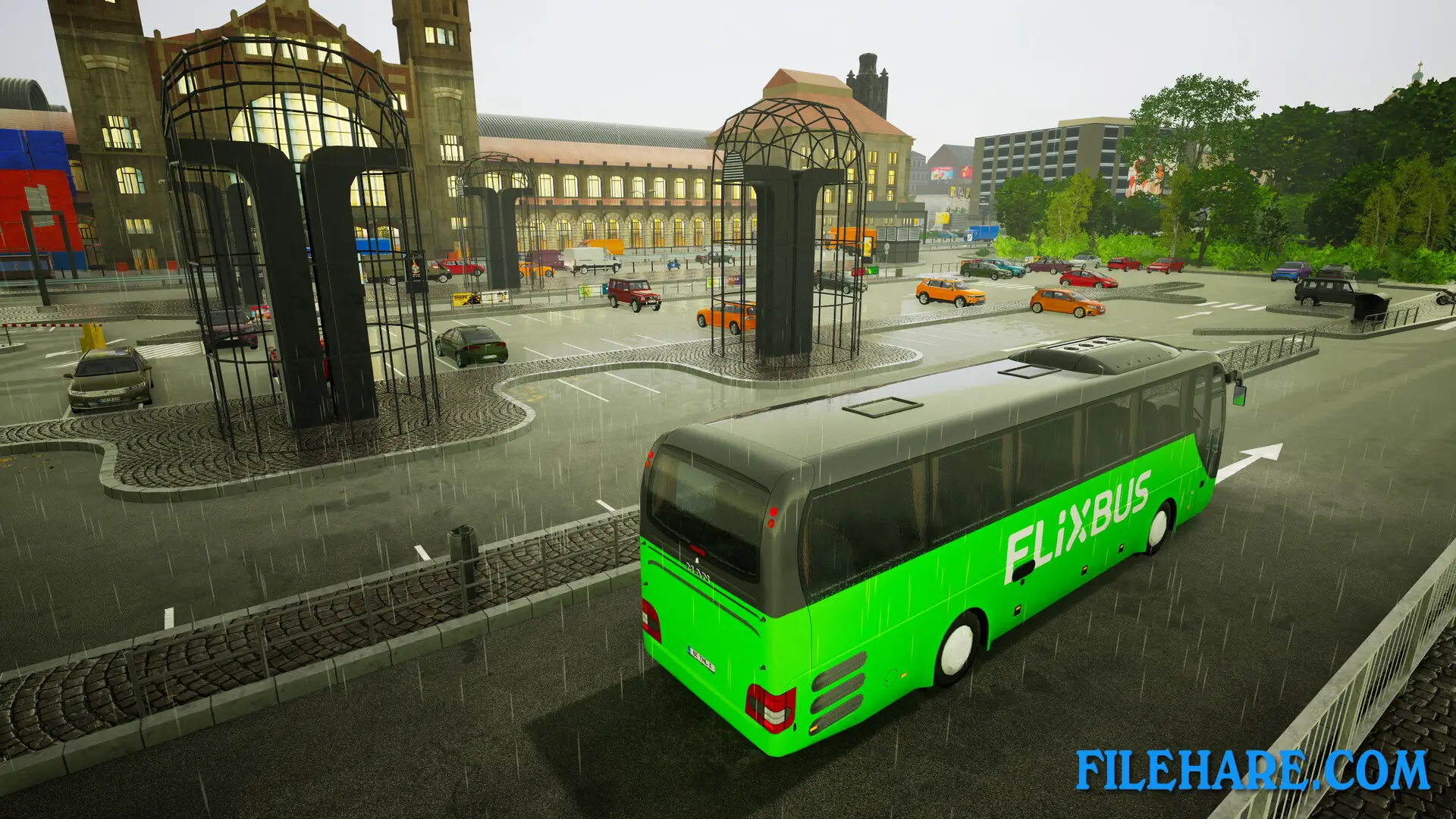
Before starting a route, you perform vehicle checks to make sure the bus is ready. During trips, you must watch your speed, fuel level, and follow GPS directions. Weather conditions like rain and fog affect visibility and driving. The game has a day and night cycle, so you drive in various lighting conditions. You earn money by completing routes successfully. Arriving on time and driving smoothly gives you better ratings.
Passengers complain if you drive too fast, brake hard, or miss their stops. You can advance your career by completing more routes and unlocking new buses and longer trips.
Fernbus Simulator Features
The game includes licensed MAN buses that are commonly used for intercity travel in Germany. The map covers over 20,000 kilometers of German roads connecting more than 40 cities. You can drive between major cities like Berlin, Munich, Frankfurt, and Hamburg. The routes include highways, country roads, and city streets with realistic traffic. There are rest stops along the way where you can take breaks as required by driving regulations.
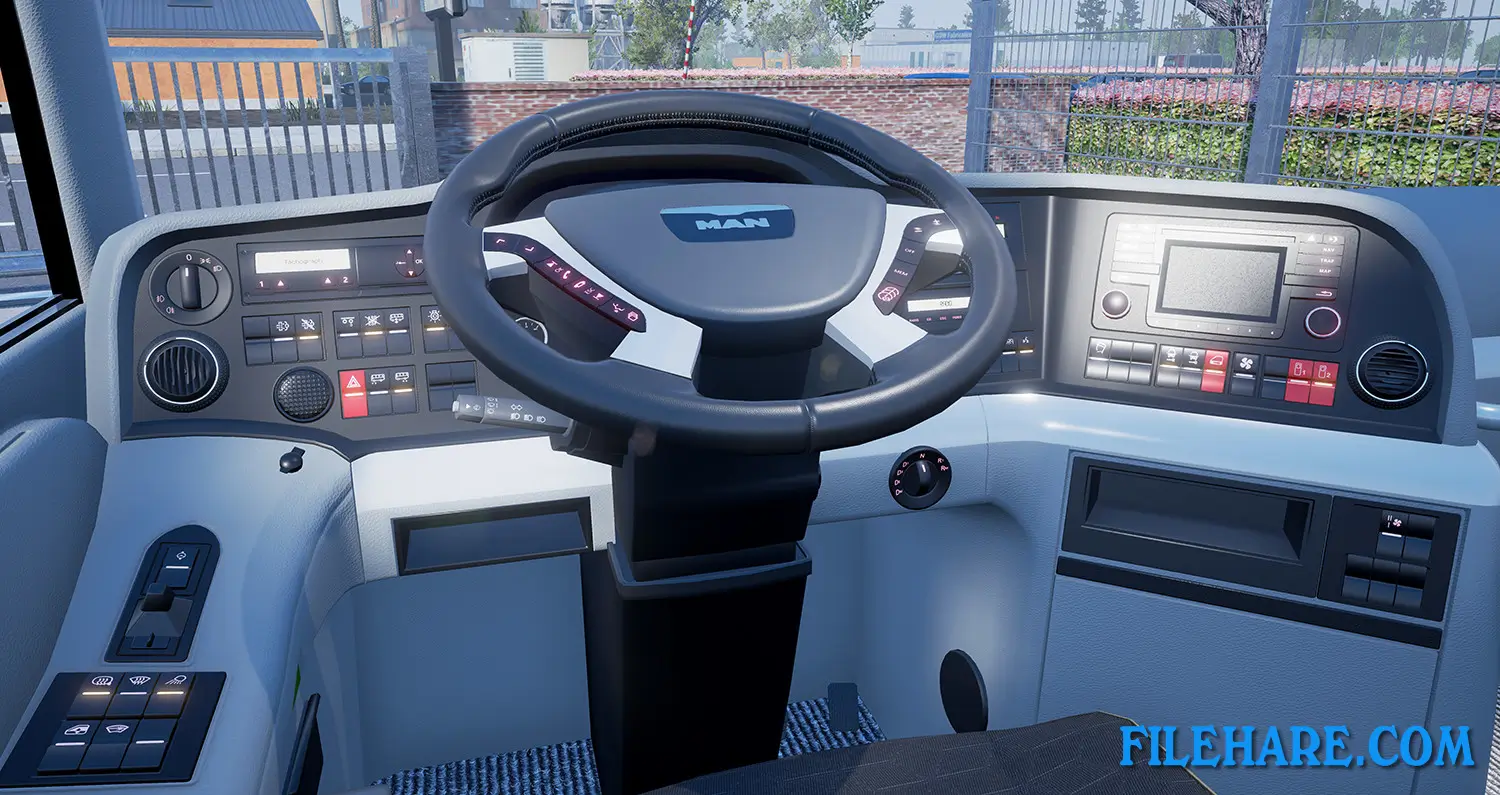
The game has detailed bus interiors with working controls and passenger seats. You can customize your view with multiple camera angles, including a cockpit view. There is a ticket sales system where you handle passenger boarding. The game receives updates that add new cities, buses, and route options. You can also install community mods that expand the game with additional content and buses from other manufacturers.
Recommended System Requirements
Requires a 64-bit processor and operating system
- OS: Windows 10, 11
- Processor: Intel Core i7 Processor or similar with at least 3.5 GHz
- Memory: 8 GB RAM
- Graphics: Nvidia GeForce GTX 780 or AMD Radeon RX 480
- DirectX: Version 11
- Storage: 45 GB available space
- Sound Card: Yes
- Additional Notes: Installing on SSD recommended
Gameplay Screenshots
| Name | Fernbus Simulator |
|---|---|
| Developer | TML-Studios |
| File Size | 2.85 GB |
| Category | Simulation |
| Minimum System Requirements | |
| CPU | Intel Core i5 Processor or similar with at least 2.6 GHz |
| RAM | 6 GB |
| Graphics | Nvidia GeForce GTX 560 or similar AMD Radeon (no support for onboard cards) |
| Free Disk Space | 45 GB |
| Operating System | Windows 10 / 11 (64-bit) |
| User Rating | |
To buy this game, visit the Store Page
How to Download and Install Fernbus Simulator PC Game?
We have simple instructions for you to download and install the PC game. Before following the steps, Ensure your PC meets the minimum system requirements for Playing the game on your PC.
- First, click on the DOWNLOAD button and you will be redirected to the final Download page. Then, Download the Game on your PC.
- Once you have downloaded the Fernbus Simulator PC Game, Open the folder where you saved the Game.
- Then Right-click on the Zip file and click on the "Extract files" option from the dropdown menu. If your computer does not have a Zip file extract software installed, you must first install it. (such as WinRAR, 7Zip software)
- After Extracting the Zip file, Open the Fernbus Simulator PC Game folder.
- Then, double-click on the Setup.exe file to Install the Game.
- If asked, provide administrator permissions for the installation to proceed. Click Yes to continue.
- Follow the on-screen installation wizard to install the game on your PC.
- After the installation, if you get any missing ".dll" errors or the Game is not launching, open the Readme.txt file located in the game folder and follow the instructions shown in the document file to play the game.
Done!. Now, you can launch the game from your desktop.