Architect Life: A House Design Simulator – Supporter Edition PC Game Download

Architect Life: A House Design Simulator – Supporter Edition is a building and design simulation game where you become an architect and create homes. The game was developed by Shine Research and published by Nacon. It was released on June 19, 2025, for PC, PlayStation 5, Xbox Series X/S, and Nintendo Switch. This simulator lets you design houses from start to finish, working with clients or building whatever you want in creative mode.
Table of Contents
Architect Life: A House Design Simulator Gameplay
The game offers two main ways to play. In Career Mode, you run an architectural firm and complete 60 different building projects for clients. You must follow what the clients want, work within their budget, and build on the land they own. You start by creating the basic structure, which means drawing walls, rooms, roofs, doors, windows, and balconies. After that, you pick the materials for floors, walls, and roof coverings. You also need to install heating systems to keep the house warm.
Then you can work on the outdoor areas by building swimming pools, garages, verandas, and other outside structures. As you finish more projects successfully, you earn experience points that unlock new materials, construction methods, and green energy options. In Free Mode, you can choose from 60 different environments and terrains. This mode has no limits or requirements, so you can design and build any house you imagine. You can even try to recreate your real house or design something completely new.
Architect Life: A House Design Simulator Features
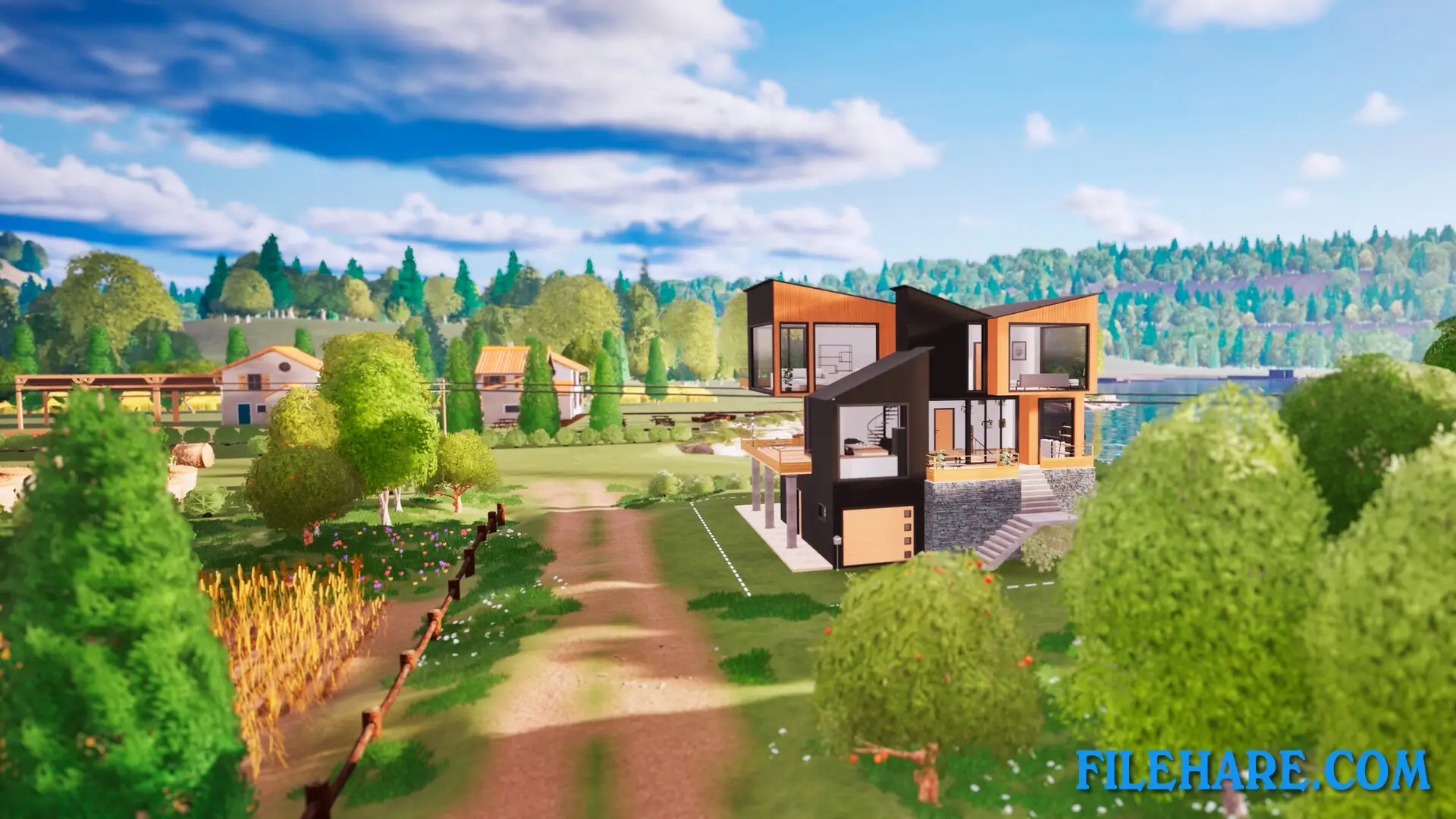
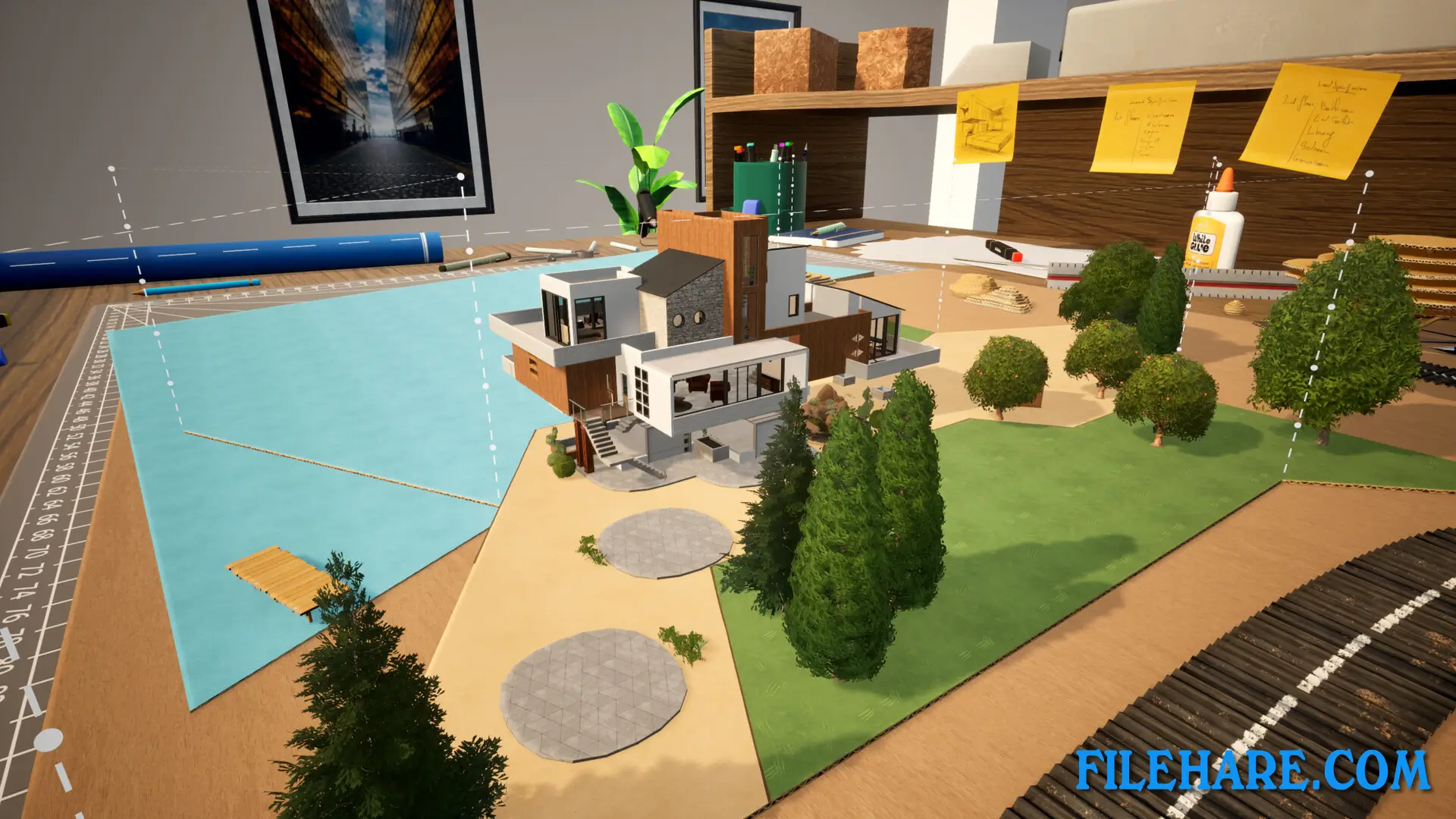
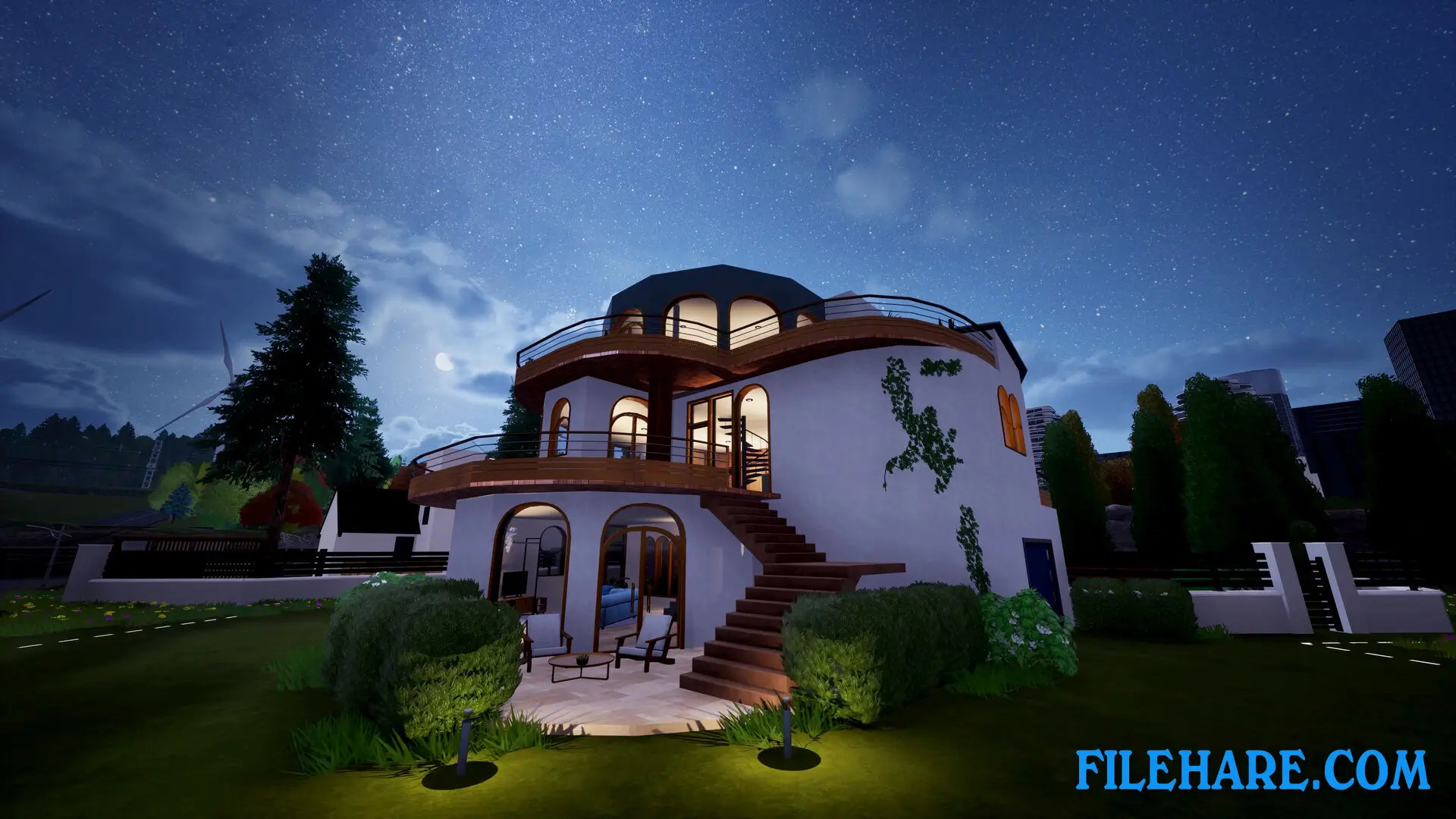
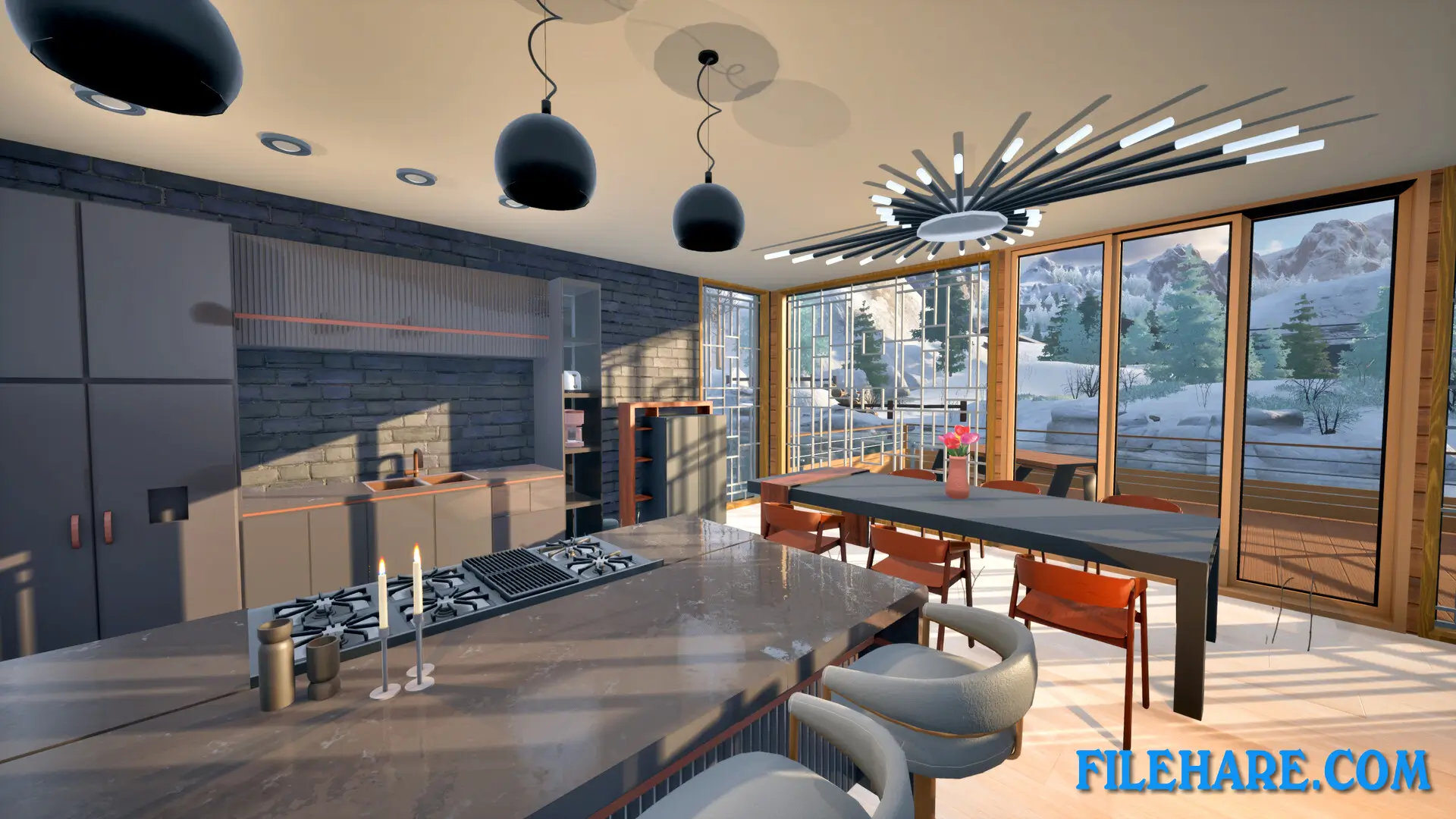
The game provides many building tools that help you create beautiful houses. You can draw both straight and curved walls with exact measurements for dimensions and angles. The tools let you build multiple floors, create balconies and mezzanines, and design roofs in any shape you want. There is a large selection of materials and coatings available for customization. You can manage heating in each room by placing heaters in the best locations. Interior decoration is also possible, including picking furniture colours and arranging items inside rooms. Outside the house, you can plant vegetation and add facilities like swimming pools and playgrounds.
The game works well with both gamepad controllers and keyboard and mouse, so players on consoles and PC can easily control everything. Construction site management is part of the career mode, where you need to pick subcontractors and make sure projects finish on time and within budget. The Supporter Edition of the game includes bonus content and additional items to help with building.
Recommended System Requirements
Requires a 64-bit processor and operating system
- OS: Windows 10 64-bits
- Processor: Intel Core i5-8400 or AMD Ryzen 5 1600
- Memory: 8 GB RAM
- Graphics: NVIDIA GeForce RTX 3080 Ti, 12 GB or AMD Radeon RX 7900 XT, 20 GB or Intel Arc A580, 12 GB
- DirectX: Version 11
- Storage: 11 GB available space
Gameplay Screenshots
| Name | Architect Life: A House Design Simulator – Supporter Edition |
|---|---|
| Developer | Shine Research |
| File Size | 4.47 GB |
| Category | Simulation |
| Minimum System Requirements | |
| CPU | Intel Core i5-3470 or AMD Ryzen 3 1300X |
| RAM | 8 GB |
| Graphics | NVIDIA GeForce GTX 1050, 2 GB or AMD Radeon R9 270X, 2 GB or Intel Arc A380, 6 GB |
| Free Disk Space | 11 GB |
| Operating System | Windows 10 / 11 (64-bit) |
| User Rating | |
To buy this game, visit the Store Page
How to Download and Install Architect Life: A House Design Simulator – Supporter Edition PC Game?
We have simple instructions for you to download and install the PC game. Before following the steps, Ensure your PC meets the minimum system requirements for Playing the game on your PC.
- First, click on the DOWNLOAD button and you will be redirected to the final Download page. Then, Download the Game on your PC.
- Once you have downloaded the Architect Life: A House Design Simulator – Supporter Edition PC Game, Open the folder where you saved the Game.
- Then Right-click on the Zip file and click on the "Extract files" option from the dropdown menu. If your computer does not have a Zip file extract software installed, you must first install it. (such as WinRAR, 7Zip software)
- After Extracting the Zip file, Open the Architect Life: A House Design Simulator – Supporter Edition PC Game folder.
- Then, double-click on the Setup.exe file to Install the Game.
- If asked, provide administrator permissions for the installation to proceed. Click Yes to continue.
- Follow the on-screen installation wizard to install the game on your PC.
- After the installation, if you get any missing ".dll" errors or the Game is not launching, open the Readme.txt file located in the game folder and follow the instructions shown in the document file to play the game.
Done!. Now, you can launch the game from your desktop.