Parking Tycoon: Business Simulator PC Game Download for Windows 10/11
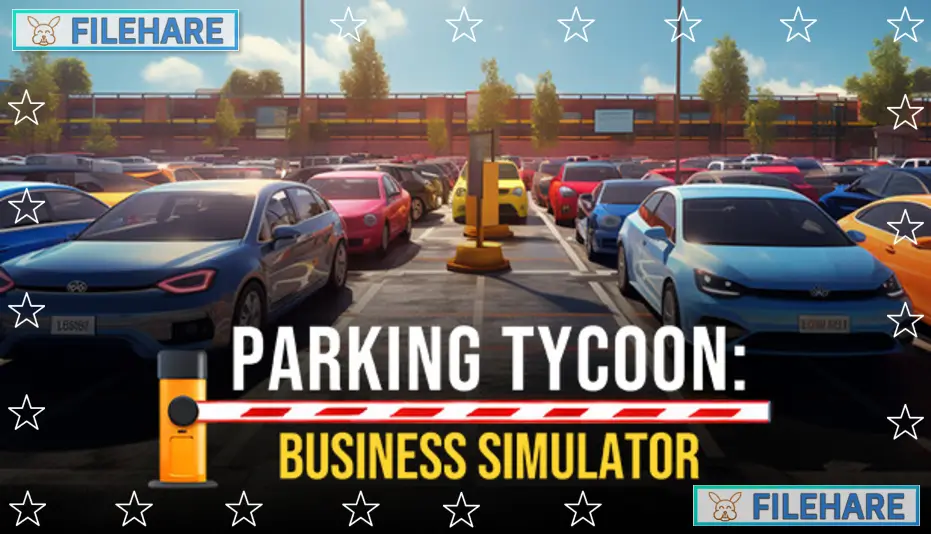
Parking Tycoon: Business Simulator is a first-person simulation game where you manage and build your parking business. Developed by Geekon and published by Midnight Games, the game was released on November 3, 2023 for Windows. In this game, you take control of a car parking manager who has turned into a successful parking business. Your main goal is to build and manage parking lots to increase your income and become the best parking lot owner in the business.
Table of Contents
Parking Tycoon: Business Simulator Story
The game includes a story where you discover the history behind the land you own and why it was so cheap to buy. You will need to find the truth and mysteries of this property while building your parking business. Throughout the game, you might face strange problems like equipment breaking down, unusual accidents, or weird weather. The story gives more reason to keep playing and managing your parking facilities.
Parking Tycoon: Business Simulator Gameplay
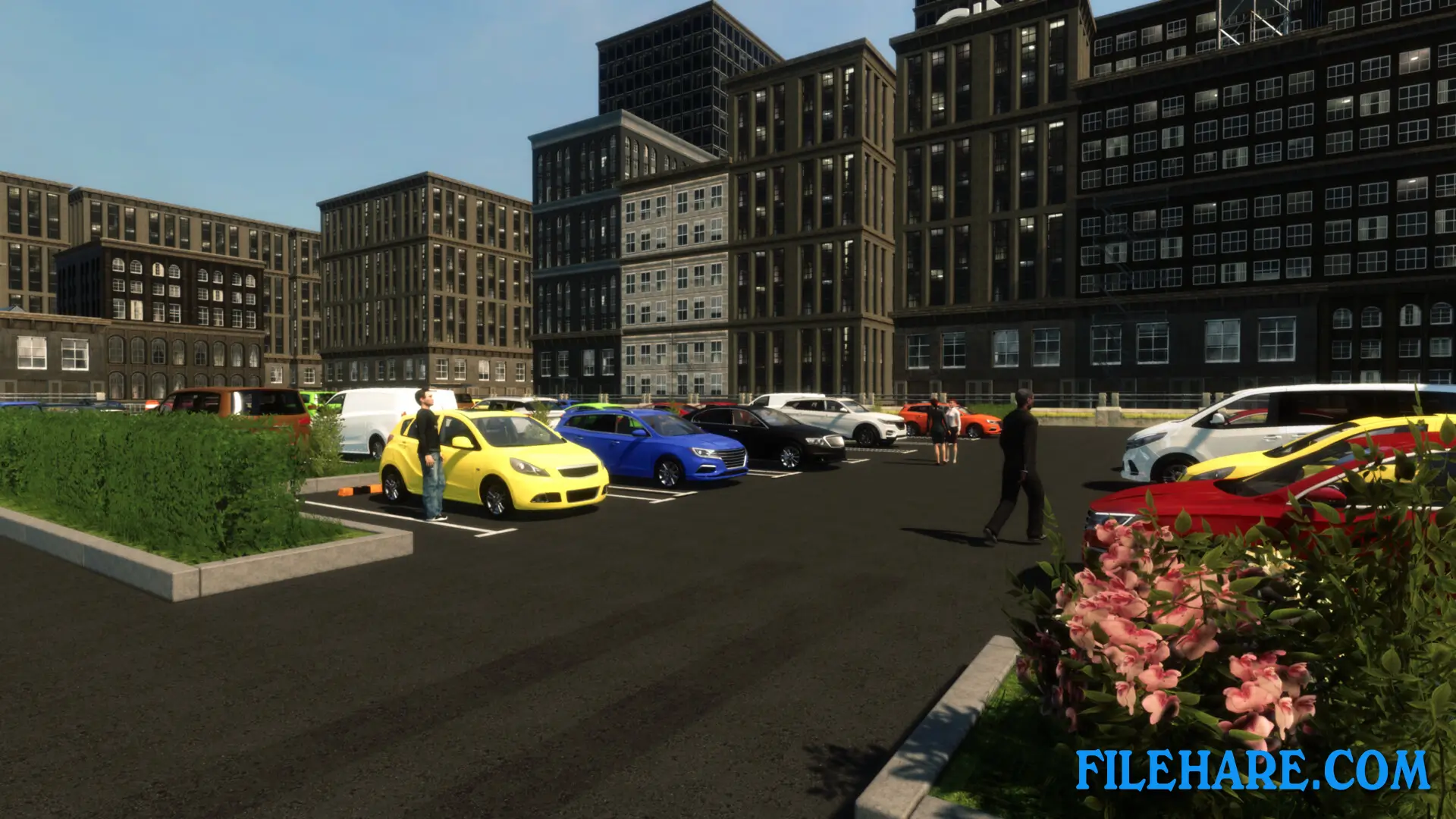
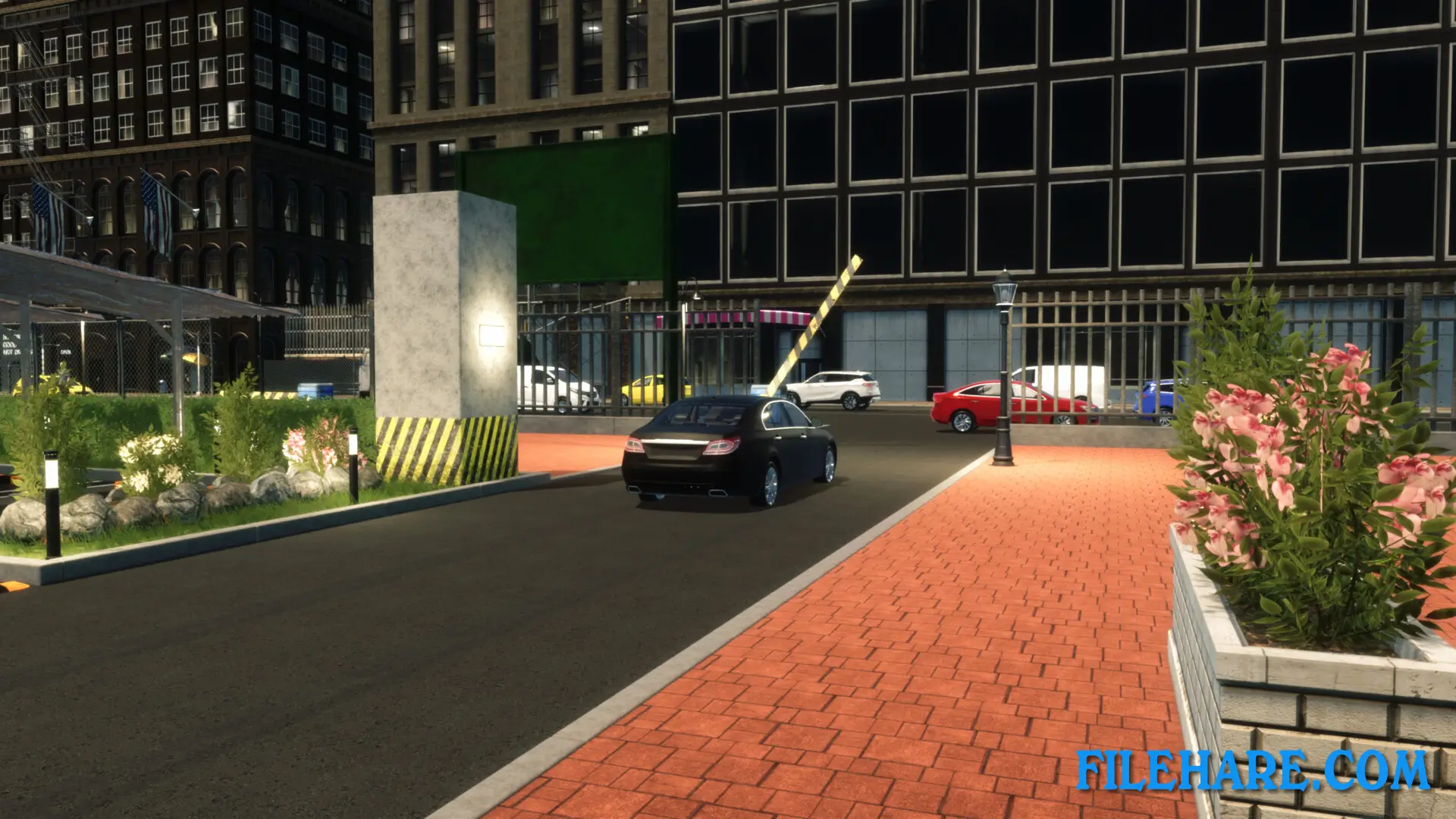
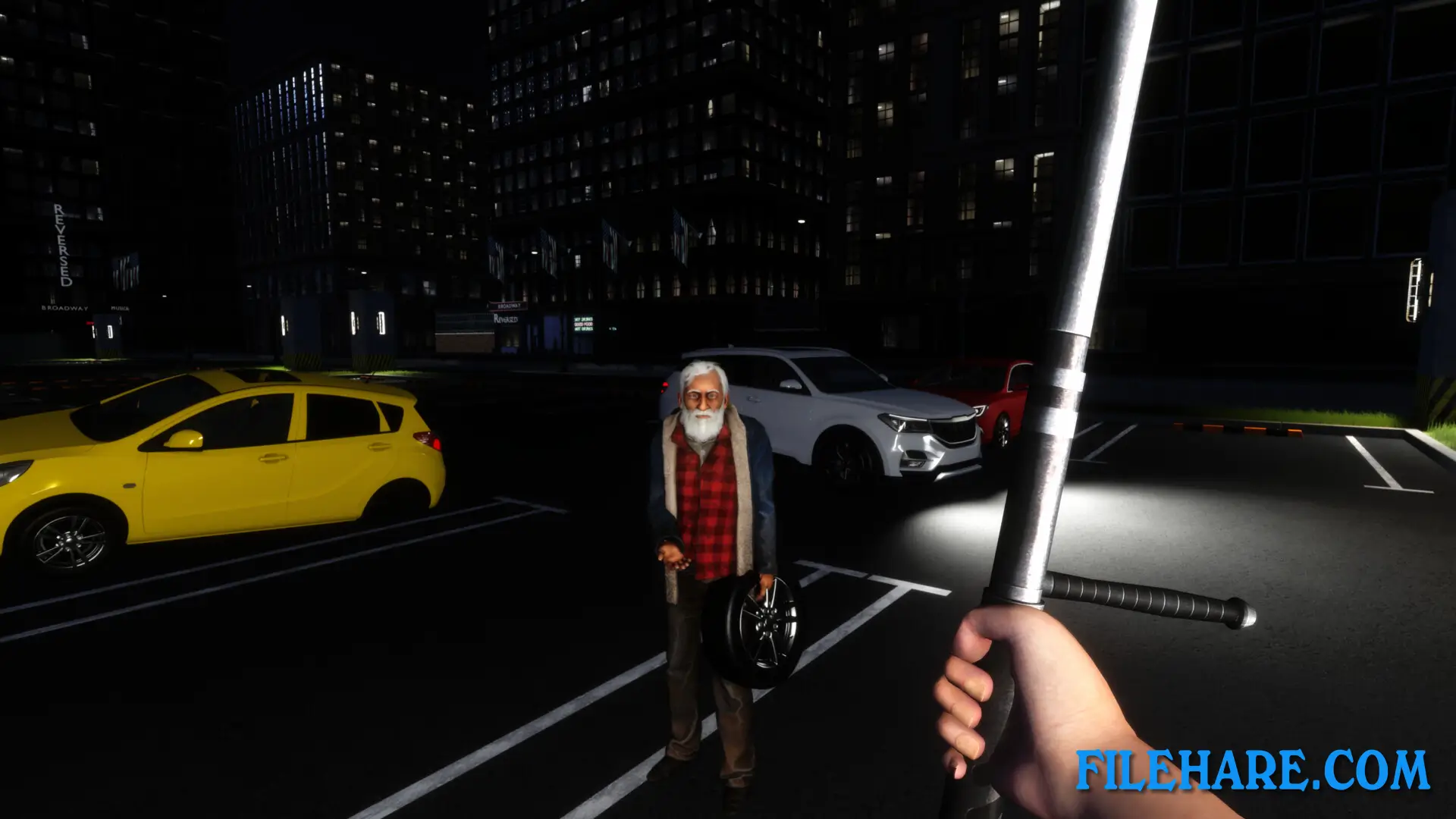
You start with a big piece of empty land ready to become a parking empire. You need to plan and build parking spaces, then upgrade them to attract more customers. Every choice you make is important. You must set competitive parking rates per hour and ensure customer satisfaction. You also need to prevent crime and keep parked vehicles safe. As you get more money, you can buy new properties and expand your business. You need to make sure your parking lots are safe, nice-looking, and have modern equipment. The game also has problems you must deal with, like vandals and thieves who try to damage your property or steal from customers.
Parking Tycoon: Business Simulator Features
The game includes several management tools to run your parking business. You can build and improve parking spaces with better security and technology. The game also has a DLC expansion called Seaside Business, which adds a Miami waterfront district with ocean views and a high-tech multi-level rotary parking system. You can also manage extra services like vending machines and cleaning staff. The game requires you to balance money coming in with costs going out. You must hire workers, maintain equipment, and upgrade your facilities. Players can buy more land and expand their parking business across different locations.
Recommended System Requirements
Requires a 64-bit processor and operating system
- OS: Windows 11
- Processor: i5
- Memory: 8 GB RAM
- Graphics: GTX 1060
- DirectX: Version 12
- Storage: 20 GB available space
Gameplay Screenshots

| Name | Parking Tycoon: Business Simulator |
|---|---|
| Developer | Geekon |
| File Size | 1 GB |
| Category | Simulation |
| Minimum System Requirements | |
| CPU | Intel/AMD 2.0 GHz dual-core |
| RAM | 4 GB |
| Graphics | Intel HD Graphics |
| Free Disk Space | 5 GB |
| Operating System | Windows 10 / 11 (64-bit) |
| User Rating | |
To buy this game, visit the Store Page
How to Download and Install Parking Tycoon: Business Simulator PC Game?
We have simple instructions for you to download and install the PC game. Before following the steps, Ensure your PC meets the minimum system requirements for Playing the game on your PC.
- First, click on the DOWNLOAD button and you will be redirected to the final Download page. Then, Download the Game on your PC.
- Once you have downloaded the Parking Tycoon: Business Simulator PC Game, Open the folder where you saved the Game.
- Then Right-click on the Zip file and click on the "Extract files" option from the dropdown menu. If your computer does not have a Zip file extract software installed, you must first install it. (such as WinRAR, 7Zip software)
- After Extracting the Zip file, Open the Parking Tycoon: Business Simulator PC Game folder.
- Then, double-click on the Setup.exe file to Install the Game.
- If asked, provide administrator permissions for the installation to proceed. Click Yes to continue.
- Follow the on-screen installation wizard to install the game on your PC.
- After the installation, if you get any missing ".dll" errors or the Game is not launching, open the Readme.txt file located in the game folder and follow the instructions shown in the document file to play the game.
Done!. Now, you can launch the game from your desktop.