Saints Row IV: Re-Elected PC Game Download for Windows 10/11/7/8
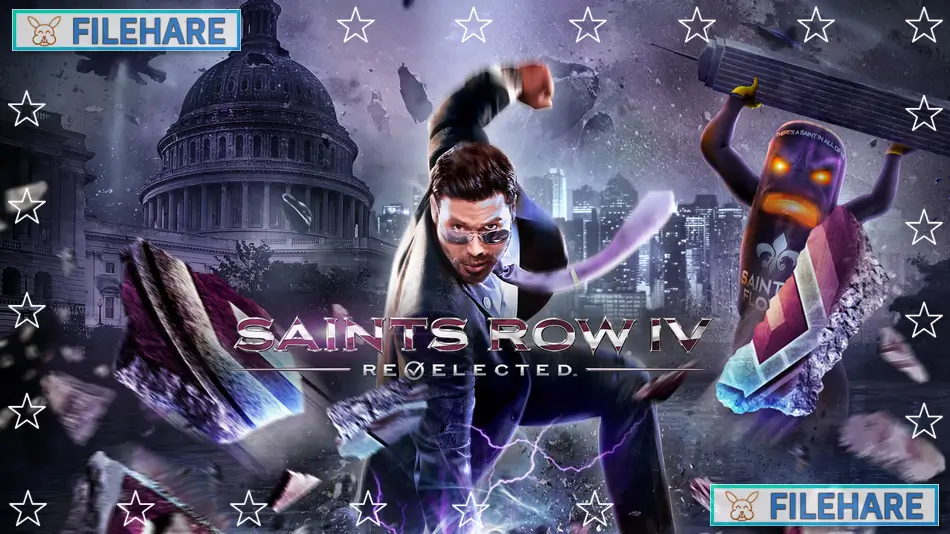
Saints Row IV: Re-Elected is an action-adventure game developed by Deep Silver Volition and published by Deep Silver. The original Saints Row IV was released in August 2013 for PC, PlayStation 3, and Xbox 360. The Re-Elected version came out in January 2015 for PlayStation 4 and Xbox One. On December 8, 2022, a free update brought the Re-Elected version to PC on Steam and GOG with all 25 DLC packs included. This version replaced all previous PC releases and gave existing owners all the extra content for free.
Table of Contents
Saints Row IV: Re-Elected Story
You play as the leader of the 3rd Street Saints gang who becomes the President of the United States. Five years into your presidency, an alien empire called the Zin invades Earth. The alien leader Zinyak captures you and your gang members and traps everyone inside a virtual simulation of Steelport city. Some Saints members who escaped manage to hack into the simulation and give you superpowers. Now you must use these powers to save your friends, escape the simulation, and stop the alien invasion. The story is full of comedy and does not take itself seriously. You will do strange things like cure cancer, save Santa Claus, and fight in 2D side-scrolling battles. The game mocks many popular movies and video games while telling its silly story.
Saints Row IV: Re-Elected Gameplay
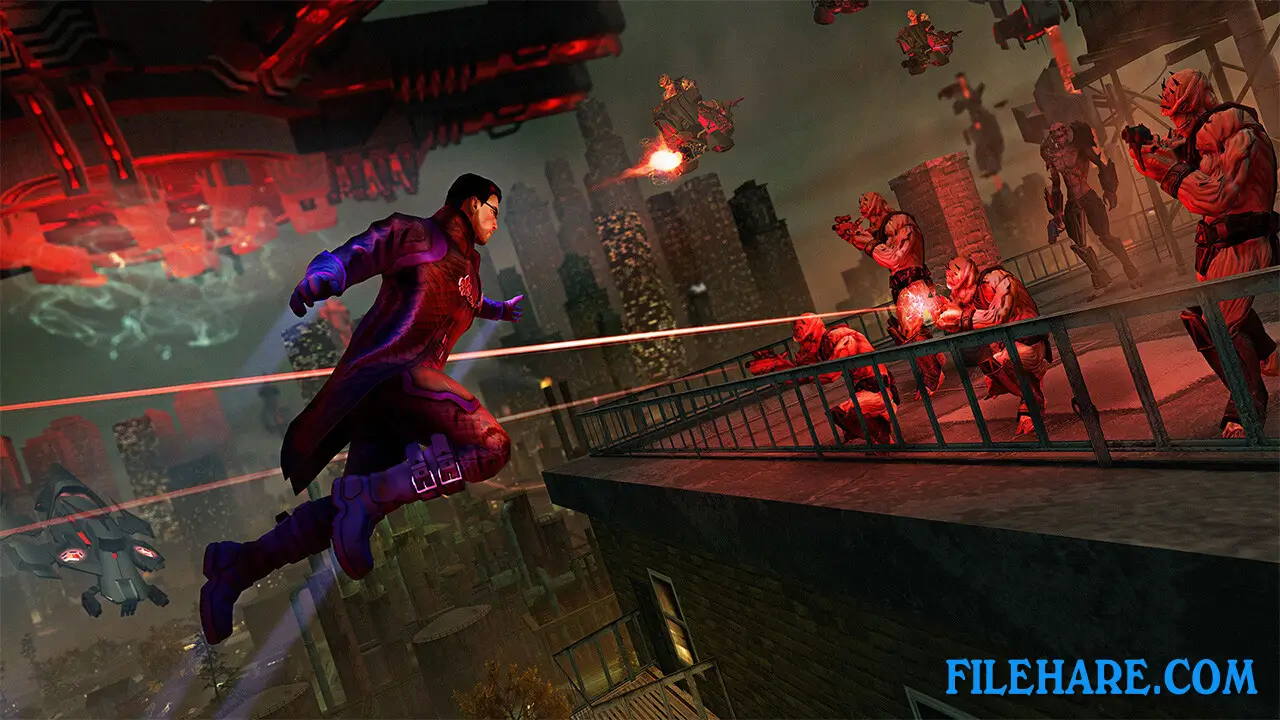
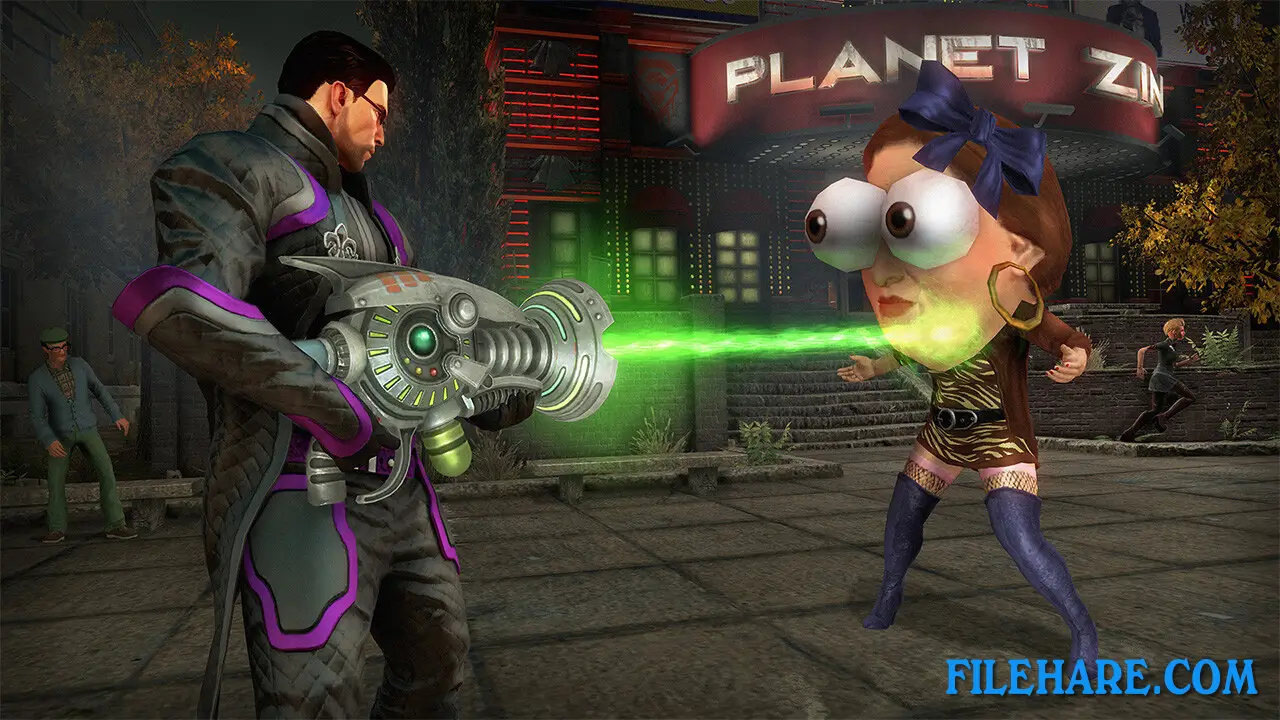
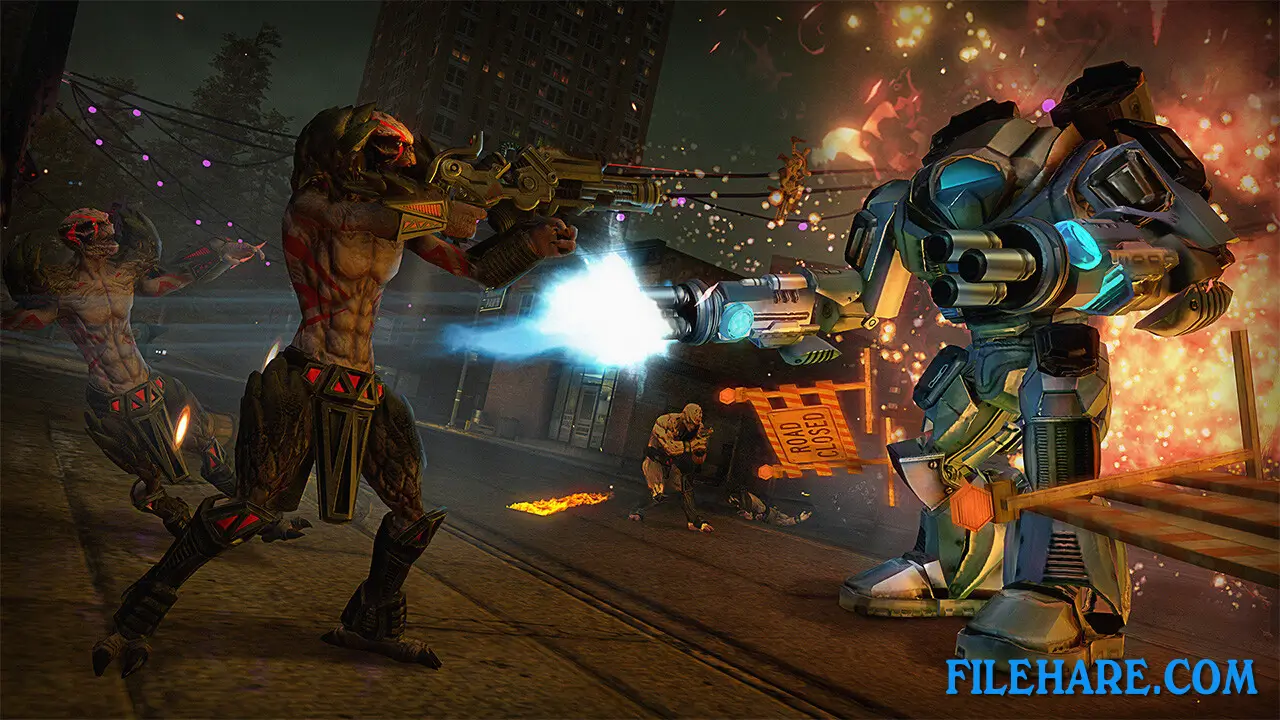
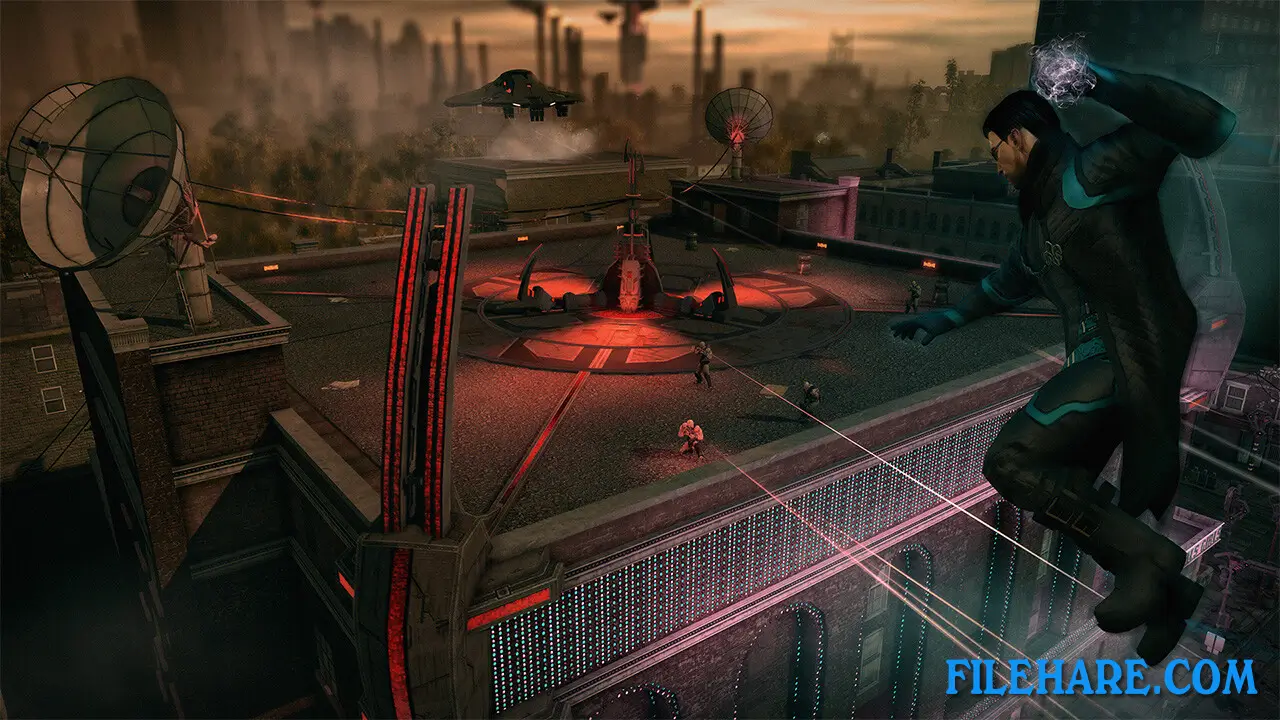
This is an open-world game where you can freely explore the simulated city of Steelport. You complete main missions and side activities whenever you want. The game gives you superpowers like super speed, super jump, telekinesis, and energy blasts. You can run faster than cars, jump over tall buildings, throw people with your mind, and freeze enemies. The combat uses third-person shooting, where you aim and fire guns at enemies. But you also use your superpowers during fights.
The game has many strange weapons like the Dubstep Gun that makes enemies dance, the Inflato-Ray that inflates people, and the Disintegrator. You can steal vehicles and drive around, but with super speed, running is often faster. The game includes a co-op mode where another player can join you online to complete missions together. You can customize your character’s face, body, clothing, and voice to look however you want.
Recommended System Requirements
- OS: Windows 7 (x86 or x64)
- Processor: Intel i3 2100T | AMD Phenom II x4 or higher
- Memory: 4 GB RAM
- Graphics: NVIDIA GTX 560 | AMD Radeon HD 6800 series or higher
- DirectX: Version 11
- Storage: 10 GB available space
Gameplay Screenshots
| Name | Saints Row IV: Re-Elected |
|---|---|
| Developer | Deep Silver Volition |
| File Size | 5 GB |
| Category | Action |
| Minimum System Requirements | |
| CPU | Intel Core 2 Quad Q6600 | AMD Athlon II x3 |
| RAM | 4 GB |
| Graphics | NVIDIA GTX 260 | AMD Radeon HD 5800 series |
| Free Disk Space | 10 GB |
| Operating System | Windows 10 / 11 / 7 / 8 / Vista |
| User Rating | |
To buy this game, visit the Store Page
How to Download and Install Saints Row IV: Re-Elected PC Game?
We have simple instructions for you to download and install the PC game. Before following the steps, Ensure your PC meets the minimum system requirements for Playing the game on your PC.
- First, click on the DOWNLOAD button and you will be redirected to the final Download page. Then, Download the Game on your PC.
- Once you have downloaded the Saints Row IV: Re-Elected PC Game, Open the folder where you saved the Game.
- Then Right-click on the Zip file and click on the "Extract files" option from the dropdown menu. If your computer does not have a Zip file extract software installed, you must first install it. (such as WinRAR, 7Zip software)
- After Extracting the Zip file, Open the Saints Row IV: Re-Elected PC Game folder.
- Then, double-click on the Setup.exe file to Install the Game.
- If asked, provide administrator permissions for the installation to proceed. Click Yes to continue.
- Follow the on-screen installation wizard to install the game on your PC.
- After the installation, if you get any missing ".dll" errors or the Game is not launching, open the Readme.txt file located in the game folder and follow the instructions shown in the document file to play the game.
Done!. Now, you can launch the game from your desktop.