The Invincible: Deluxe Edition PC Game Download for Windows 10/11
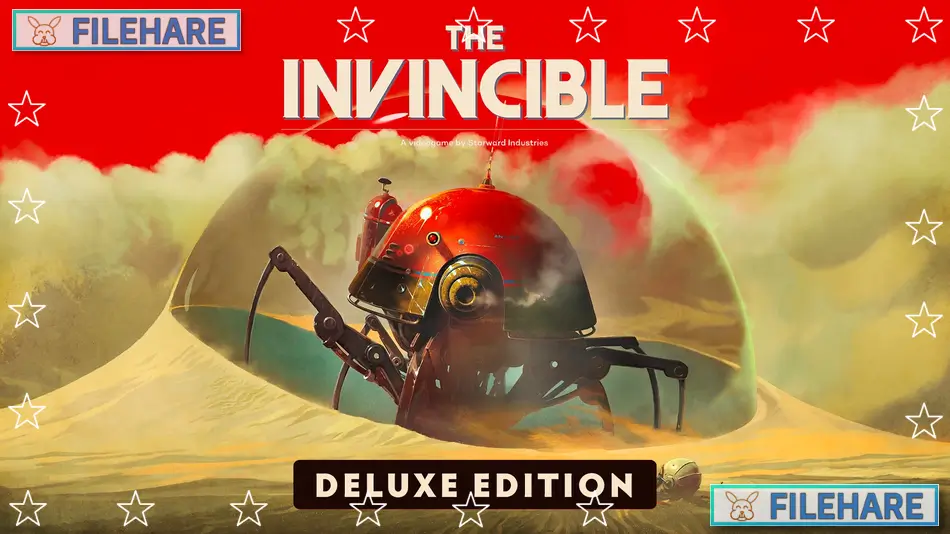
The Invincible: Deluxe Edition is a science fiction adventure game developed by Starward Industries and published by 11 bit studios. The game was released on November 6, 2023, for PC, PlayStation 5, and Xbox Series X/S. This deluxe edition includes the base game along with extra content such as a digital artbook, a digital comic book, and the original soundtrack. The game is based on a 1964 novel by Polish author Stanisław Lem.
Table of Contents
The Invincible: Deluxe Edition Story
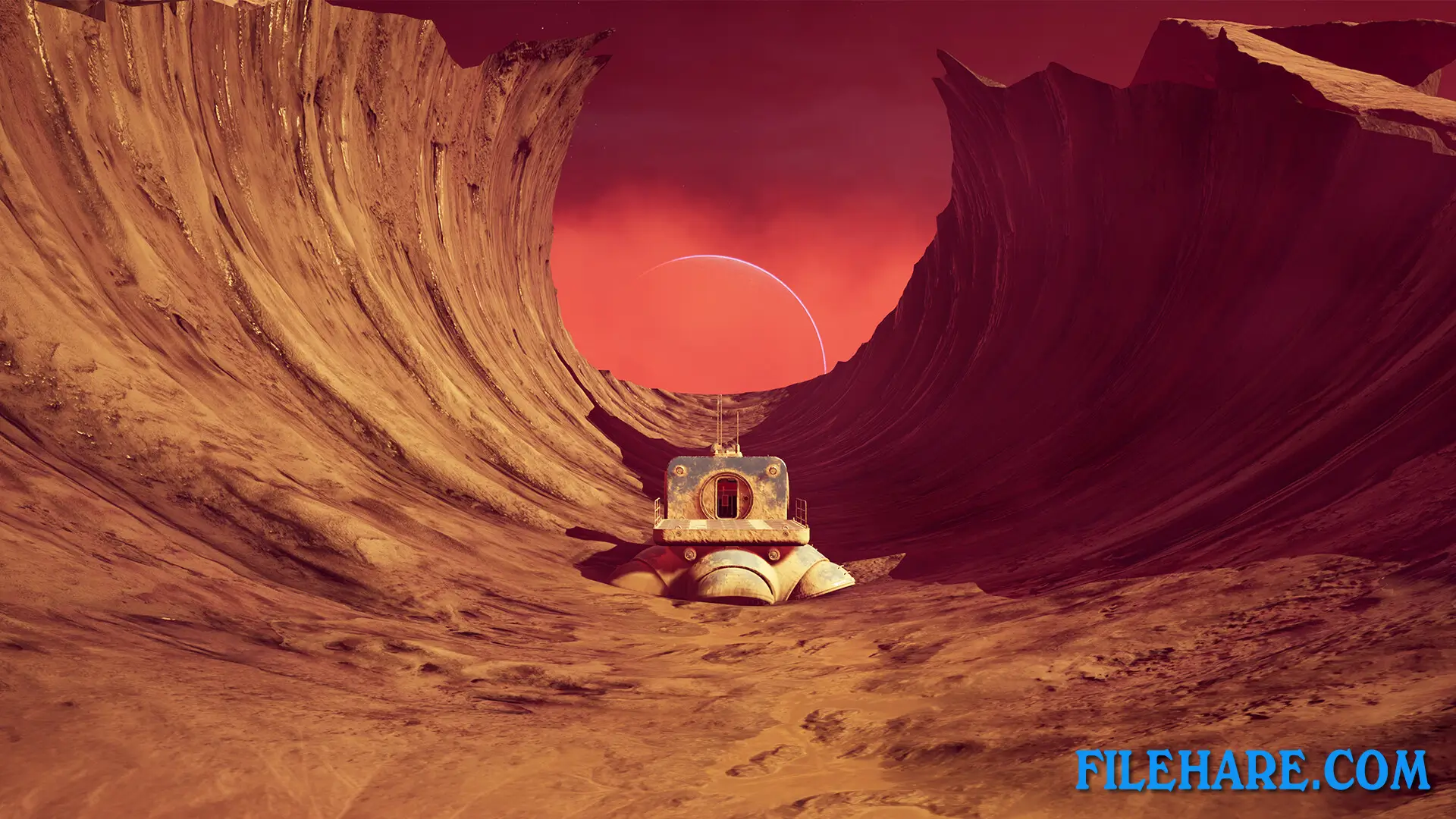
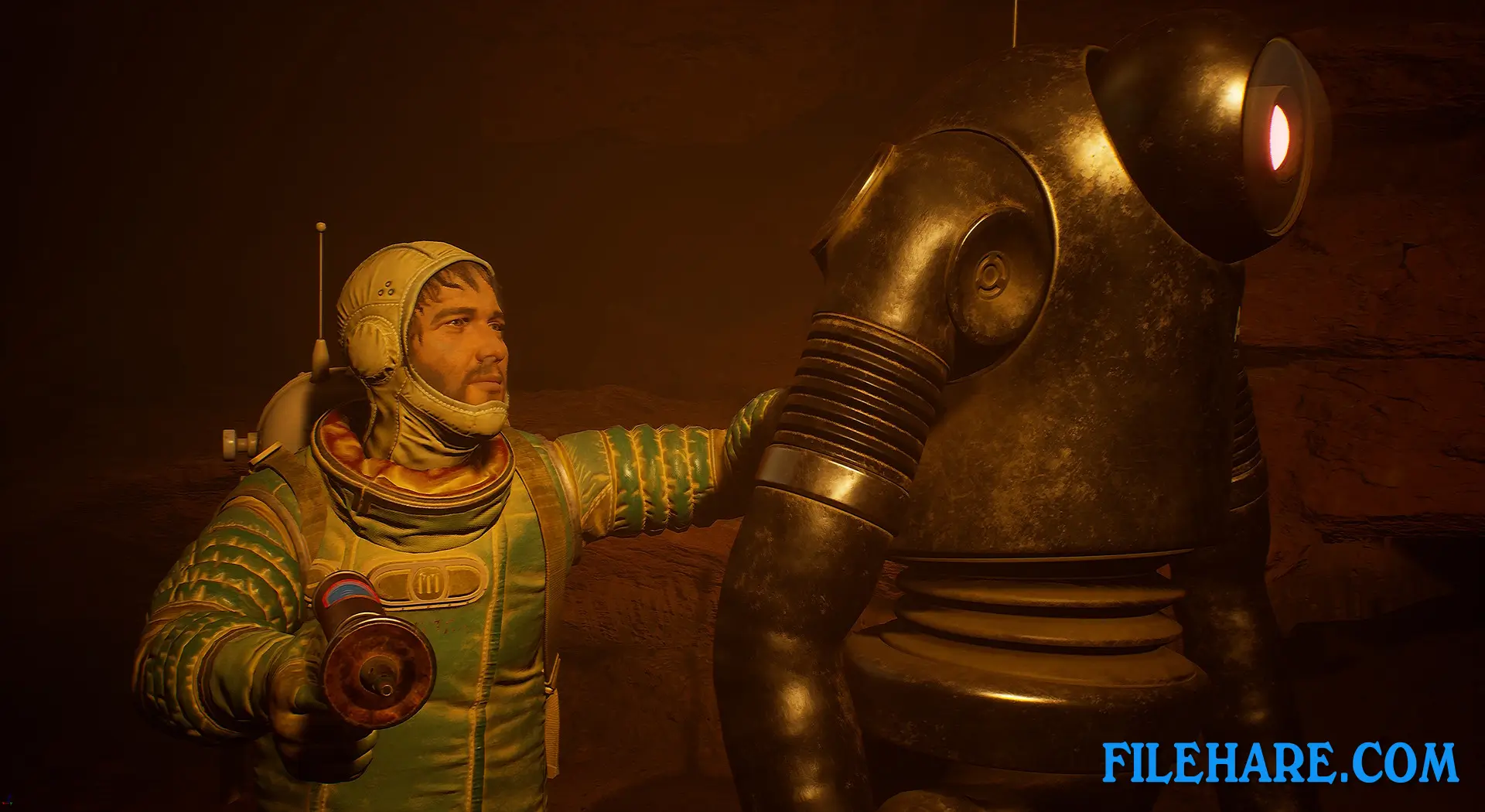
The game follows astrobiologist Yasna, who arrives on planet Regis III with her crew for a scientific mission. The mission quickly becomes a search operation when her crewmates go missing. You must explore the alien planet to find out what happened to your team while facing unknown threats. The story takes place during a space race between nations. As you search for answers, you discover strange scientific events that make you question human knowledge and our place in the universe. An astrogator named Novik guides Yasna by radio and helps her during difficult situations. The game has multiple endings based on the decisions you make.
The Invincible: Deluxe Edition Gameplay
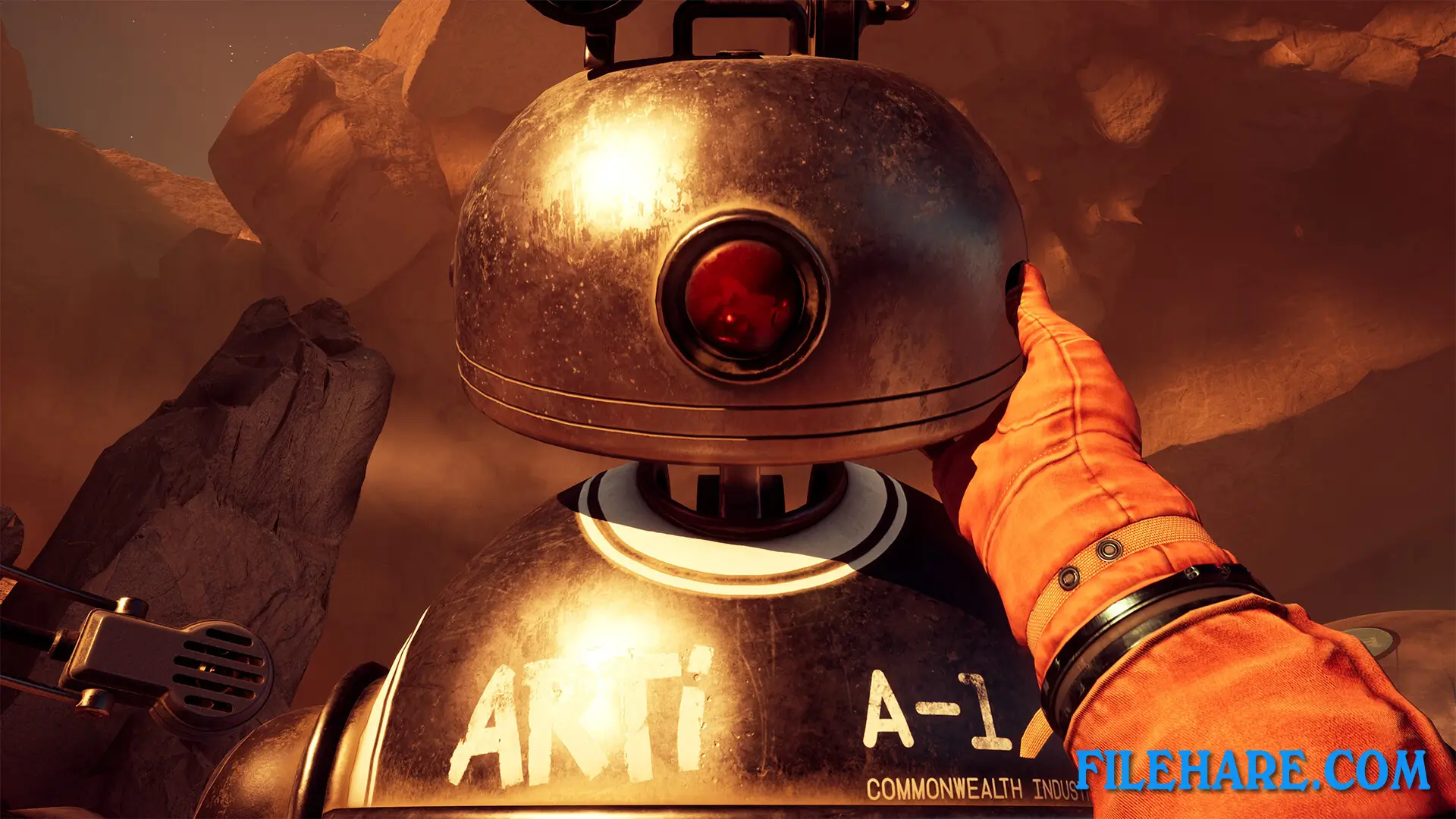
This is a first-person adventure game where you walk around and explore planet Regis III. You use retro-futuristic tools inspired by 1960s science fiction, including a telemeter, tracker, scanner, and handheld telescope. These tools help you identify objects and navigate the alien environment. You can drive a vehicle across the planet’s surface to reach different locations. The game focuses on exploration and conversation rather than combat or action. You talk with Novik through radio communication and make important decisions during conversations that can change how the story develops. The game has interactive elements where you use analogue technology devices. The developers describe it as a walking simulator with a strong story focus and player choice.
Recommended System Requirements
Requires a 64-bit processor and operating system
- OS: Windows 10 (64-bit)
- Processor: AMD Ryzen 7 5800x (8 core with 3,8 Ghz) or Intel i7 – 10700(8 core with 2,9 Ghz)
- Memory: 16 GB RAM
- Graphics: Radeon 6600XT (8GB) or Nvidia GTX 1660 Ti (6GB)
- DirectX: Version 12
- Storage: 40 GB available space
- Additional Notes: SSD. Framerate might drop in graphics-intensive scenes. Ultrawide screen supported. 5.1 headphones or 5.1 sound system recommended
Gameplay Screenshots

| Name | The Invincible: Deluxe Edition |
|---|---|
| Developer | Starward Industries |
| File Size | 11.91 GB |
| Category | Adventure |
| Minimum System Requirements | |
| CPU | AMD Ryzen 5 3600 (6 core with 3,5 Ghz) or Intel i5-10400F (6 core with 2,9 Ghz) |
| RAM | 8 GB |
| Graphics | AMD R7 260x (2GB) or Nvidia GTX 760 (2GB) |
| Free Disk Space | 40 GB |
| Operating System | Windows 10 / 11 (64-bit) |
| User Rating | |
To buy this game, visit the Store Page
How to Download and Install The Invincible: Deluxe Edition PC Game?
We have simple instructions for you to download and install the PC game. Before following the steps, Ensure your PC meets the minimum system requirements for Playing the game on your PC.
- First, click on the DOWNLOAD button and you will be redirected to the final Download page. Then, Download the Game on your PC.
- Once you have downloaded the The Invincible: Deluxe Edition PC Game, Open the folder where you saved the Game.
- Then Right-click on the Zip file and click on the "Extract files" option from the dropdown menu. If your computer does not have a Zip file extract software installed, you must first install it. (such as WinRAR, 7Zip software)
- After Extracting the Zip file, Open the The Invincible: Deluxe Edition PC Game folder.
- Then, double-click on the Setup.exe file to Install the Game.
- If asked, provide administrator permissions for the installation to proceed. Click Yes to continue.
- Follow the on-screen installation wizard to install the game on your PC.
- After the installation, if you get any missing ".dll" errors or the Game is not launching, open the Readme.txt file located in the game folder and follow the instructions shown in the document file to play the game.
Done!. Now, you can launch the game from your desktop.