Vae Victis – Khan PC Game Download for Windows 10/11/7/8
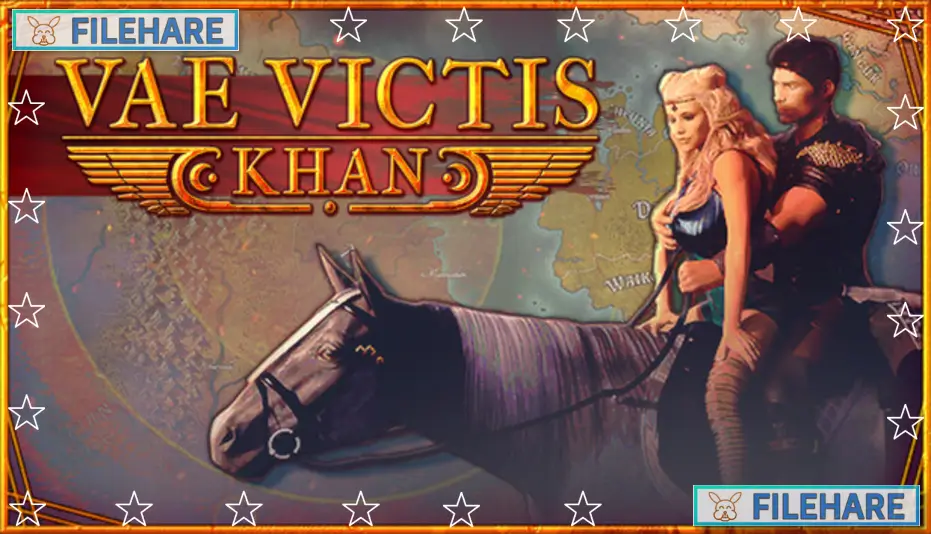
Vae Victis – Khan is an adult adventure RPG and strategy game developed and published by Doorknob22. The game was released on PC on March 1, 2024. It is currently in Early Access and is playable on Windows, Mac, and Linux. The game is a story-rich adult RPG where the player takes on the role of a prince fighting to reclaim his stolen empire.
Table of Contents
Vae Victis – Khan Story
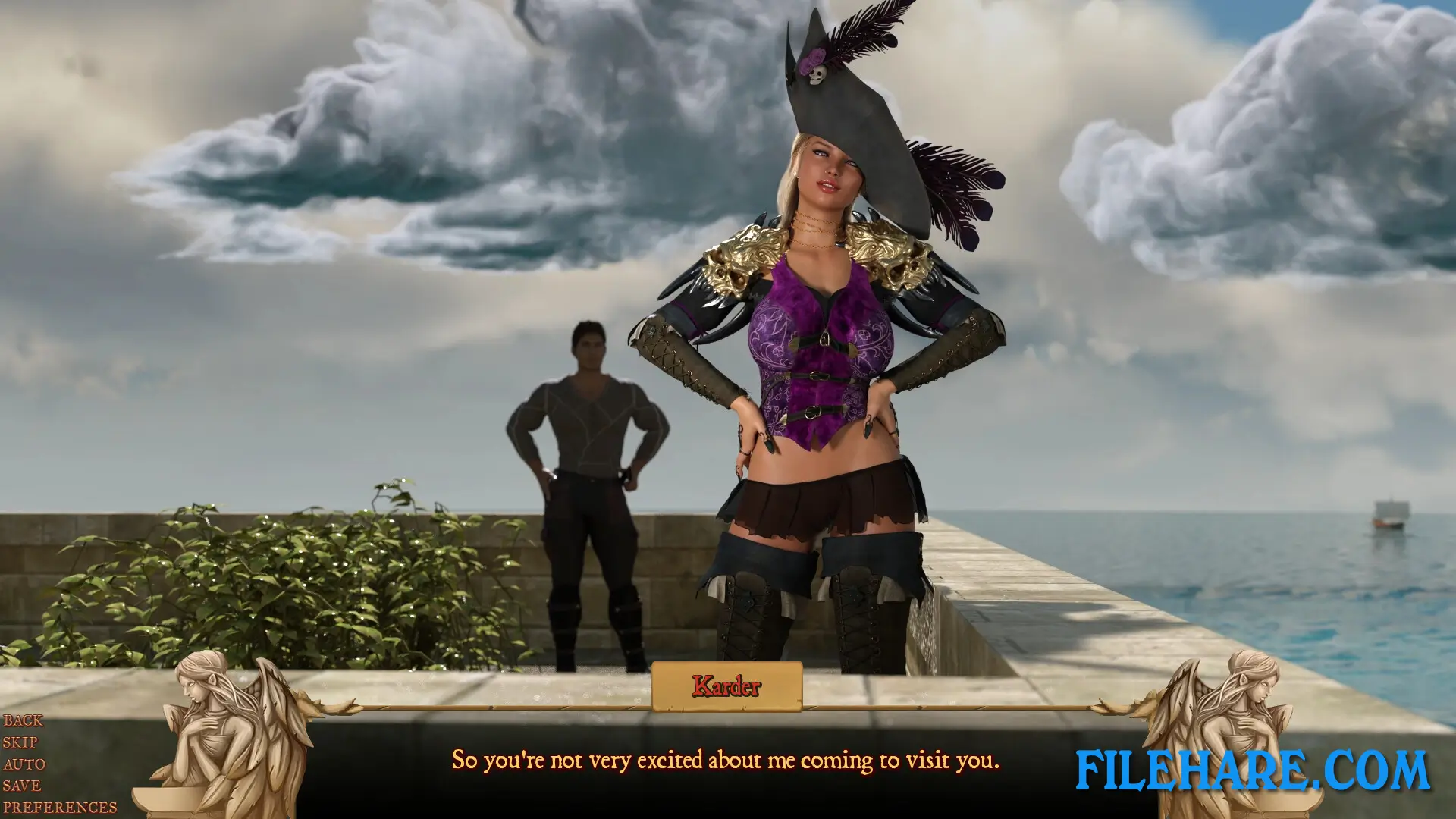
In this game, the player plays as Karder Dal-Arouya — a prince who was robbed of his throne by the mother of his treacherous queen. Karder is many things at once: a prince, an escaped prisoner, a usurper, and a fighter. With one clear goal, he sets out to take back the empire that was stolen from him. Along the way, he runs into powerful allies, dangerous rivals, mighty beasts, and female rulers from across the land. As Karder wins battles and meets new characters, the player can choose to dominate those he has defeated or try to win them over through seduction so they will support him with their skills and knowledge.
Vae Victis – Khan Gameplay
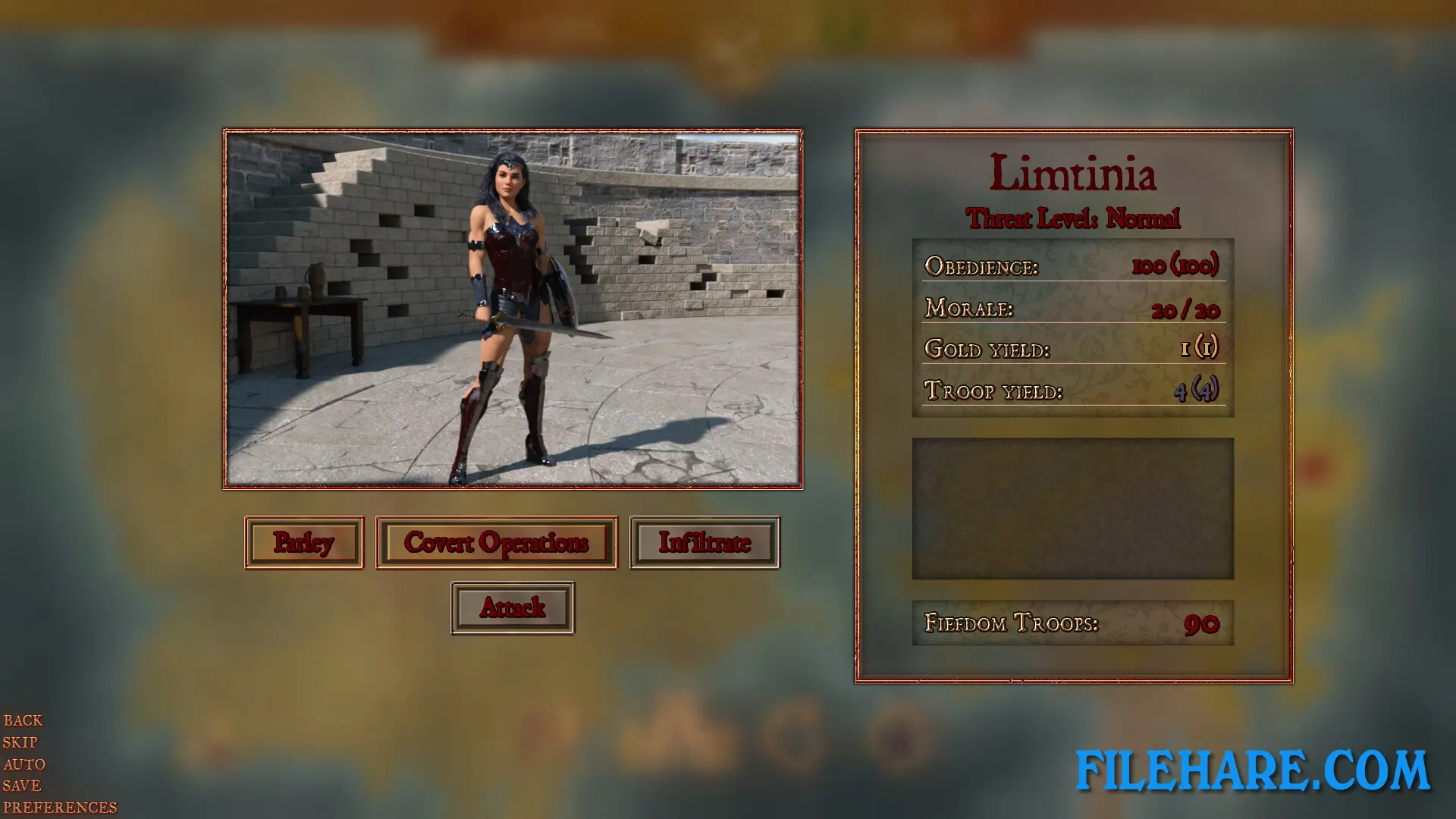
Vae Victis – Khan is an RPG and strategy game where the player manages Karder’s actions across a series of adventures, battles, and encounters. The game includes army versus army combat with formations that the player can use for tactical advantage. Characters in the player’s palace provide special abilities, such as the Shield Wall Formation, which reduces damage for units positioned next to each other. Outside of combat, the player handles relationships with female characters by choosing between a Seduction path or a Dominance path, with some characters also offering a third path called Reluctance. A Codex in the Citadel tracks Karder’s full history, including statistics, notable characters, and story updates.
Vae Victis – Khan Features
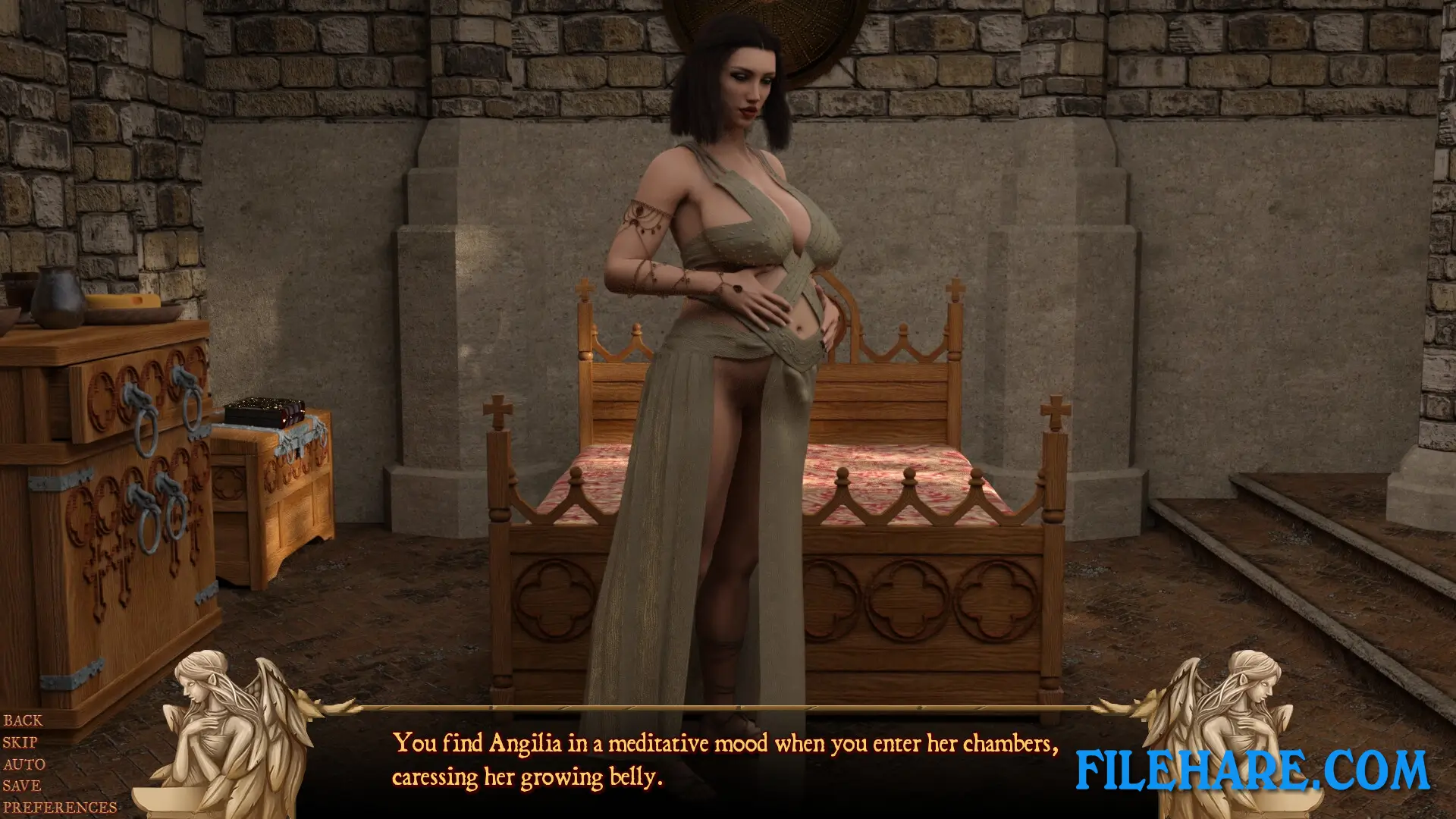
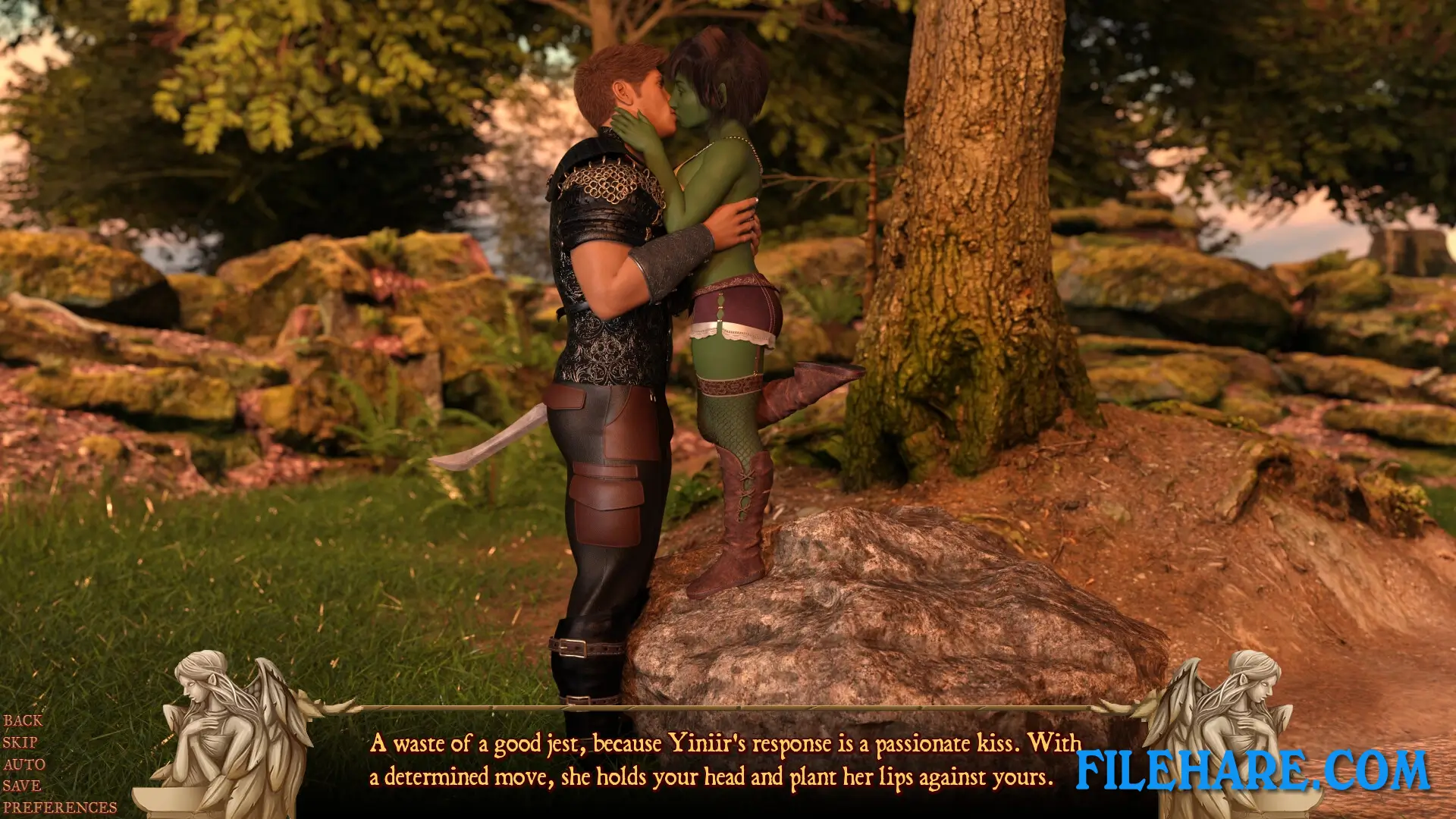
The game includes a wide cast of named female characters such as Queen Nahir, Alam, Domia, Fahda, Arzu, Queen Remy, and Sumia. The game contains hundreds of 3D-rendered images and a large number of animations, with each major update adding new scenes and re-rendered content. Steam Achievements, Steam Cloud saves, and Family Sharing are all supported. A Soundtrack DLC with remixed tracks from the game was also released on April 19, 2024. The game is only available in English and is not currently playable on the Steam Deck.
Gameplay Screenshots
| Name | Vae Victis – Khan |
|---|---|
| Developer | Doorknob22 |
| File Size | 5 GB |
| Category | Adult |
| Minimum System Requirements | |
| CPU | Intel/AMD 2.0 GHz dual-core |
| RAM | 4 GB |
| Graphics | OpenGL 2.0 or DirectX 9.0c compatible |
| Free Disk Space | 9 GB |
| Operating System | Windows 10 / 11 / 7 / 8 |
| User Rating | |
To buy this game, visit the Store Page
How to Download and Install Vae Victis – Khan PC Game?
We have simple instructions for you to download and install the PC game. Before following the steps, Ensure your PC meets the minimum system requirements for Playing the game on your PC.
- First, click on the DOWNLOAD button and you will be redirected to the final Download page. Then, Download the Game on your PC.
- Once you have downloaded the Vae Victis – Khan PC Game, Open the folder where you saved the Game.
- Then Right-click on the Zip file and click on the "Extract files" option from the dropdown menu. If your computer does not have a Zip file extract software installed, you must first install it. (such as WinRAR, 7Zip software)
- After Extracting the Zip file, Open the Vae Victis – Khan PC Game folder.
- Then, double-click on the Setup.exe file to Install the Game.
- If asked, provide administrator permissions for the installation to proceed. Click Yes to continue.
- Follow the on-screen installation wizard to install the game on your PC.
- After the installation, if you get any missing ".dll" errors or the Game is not launching, open the Readme.txt file located in the game folder and follow the instructions shown in the document file to play the game.
Done!. Now, you can launch the game from your desktop.