Quickie: A Love Hotel Story PC Game Download for Windows 10/11/7/8

Quickie: A Love Hotel Story is a hotel management and dating simulation game developed and published by Oppai Games. The game was first launched on Patreon in 2018 and later released on Steam Early Access on December 17, 2021. The final version was released on June 6, 2025. It is inspired by the Persona series and is set in modern-day Tokyo, Japan. The game is available on Windows, macOS, and Steam Deck.
Table of Contents
Quickie: A Love Hotel Story Gameplay
In this game, the player takes on the role of a young university student in his final year in Tokyo. His family hotel is about to close down, so he takes over and turns it into a love hotel to keep it running. The game is played from a first-person view and has two main parts. The first part is hotel management, where the player handles room bookings, upgrades hotel rooms, and earns in-game currency. The second part is a visual novel and dating simulation, where the player visits different locations around Tokyo, gives gifts to girls, and builds romantic relationships with them. The two parts run alongside each other, and the hotel serves as a base that opens up more content as it grows.
Quickie: A Love Hotel Story Features
The game has eight girls that the player can meet and build relationships with. Some of these include Satomi, who was the first girl added to the game, and Victoria, who was the last to be introduced. Each girl has her own story and personal background that the player can learn about over time. The game also has fully animated adult scenes with partial voice acting. Players can explore many locations across Tokyo, and new areas such as Shibuya and Harajuku can be unlocked as the hotel grows. There is also an on-demand scene gallery where players can revisit scenes they have already seen. The game supports multiple languages, including English, Simplified Chinese, and Traditional Chinese.
Gameplay Screenshots


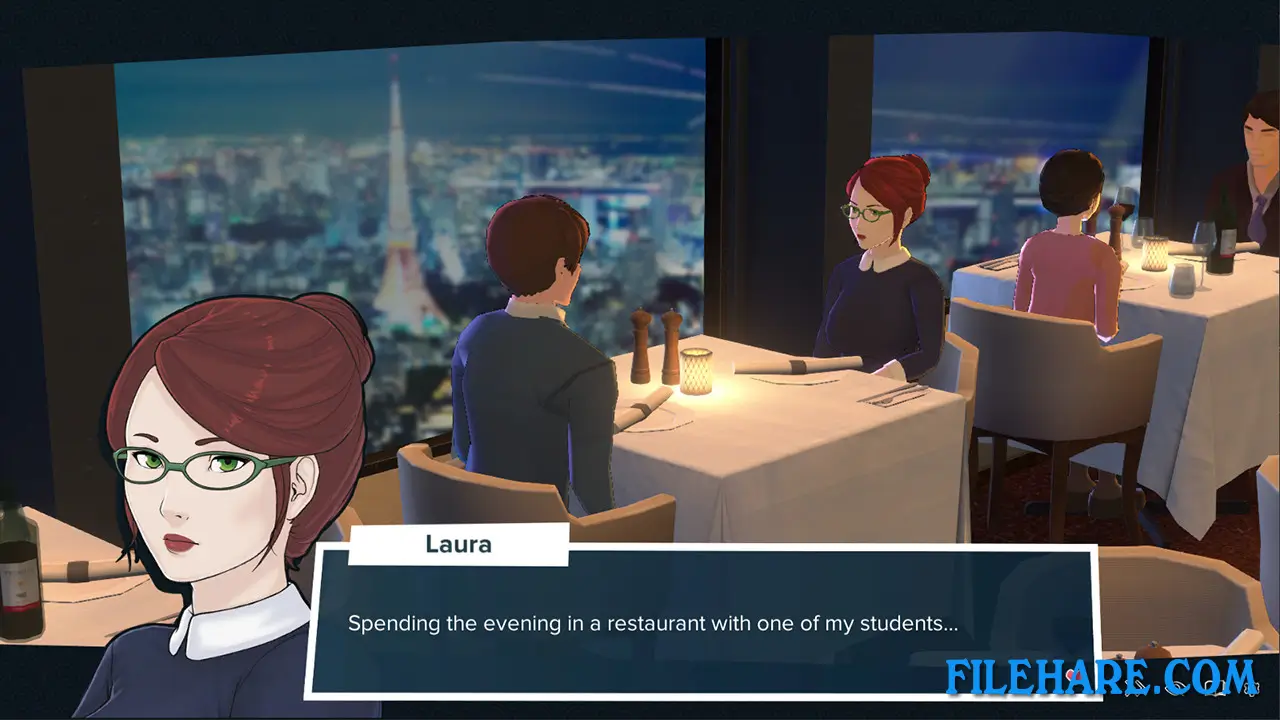
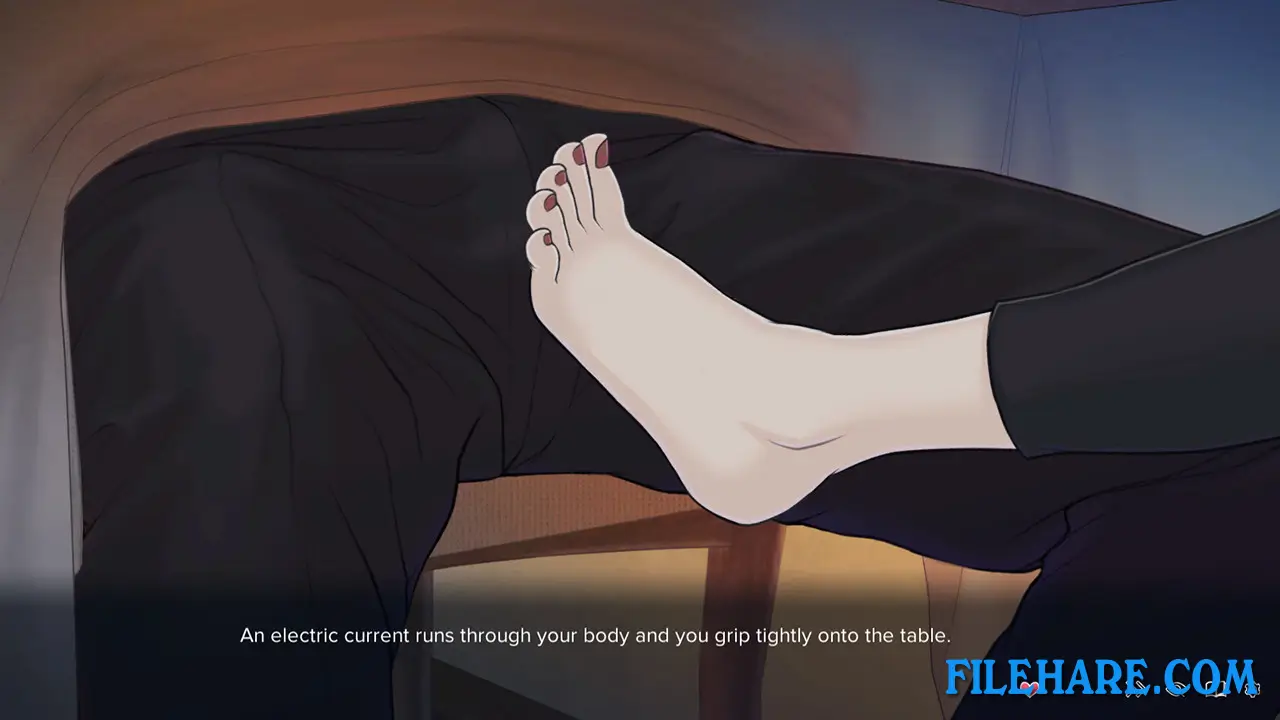
| Name | Quickie: A Love Hotel Story |
|---|---|
| Developer | Oppai Games |
| File Size | 1.95 GB |
| Category | Adult |
| Minimum System Requirements | |
| CPU | Intel/AMD 2.0 GHz dual-core |
| RAM | 4 GB |
| Graphics | DX10, DX11, DX12 capable |
| Free Disk Space | 4 GB |
| Operating System | Windows 10 / 11 / 7 / 8 |
| User Rating | |
To buy this game, visit the Store Page
How to Download and Install Quickie: A Love Hotel Story PC Game?
We have simple instructions for you to download and install the PC game. Before following the steps, Ensure your PC meets the minimum system requirements for Playing the game on your PC.
- First, click on the DOWNLOAD button and you will be redirected to the final Download page. Then, Download the Game on your PC.
- Once you have downloaded the Quickie: A Love Hotel Story PC Game, Open the folder where you saved the Game.
- Then Right-click on the Zip file and click on the "Extract files" option from the dropdown menu. If your computer does not have a Zip file extract software installed, you must first install it. (such as WinRAR, 7Zip software)
- After Extracting the Zip file, Open the Quickie: A Love Hotel Story PC Game folder.
- Then, double-click on the Setup.exe file to Install the Game.
- If asked, provide administrator permissions for the installation to proceed. Click Yes to continue.
- Follow the on-screen installation wizard to install the game on your PC.
- After the installation, if you get any missing ".dll" errors or the Game is not launching, open the Readme.txt file located in the game folder and follow the instructions shown in the document file to play the game.
Done!. Now, you can launch the game from your desktop.