Office Fight PC Game Download for Windows 10/11
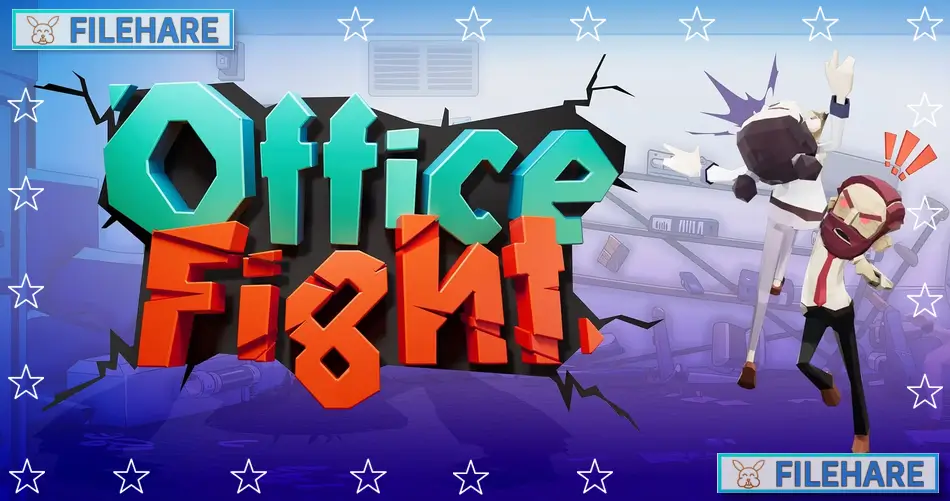
Office Fight is a casual action strategy game where players become a ghost, causing destruction in an office. The game was developed and published by Fenix Studios Pty Ltd, an independent studio based in Sydney, Australia. Office Fight was released on August 21, 2024, for PC through Steam. This is the first game from Fenix Studios. The developers were inspired to create this game after experiencing layoffs in the gaming industry themselves.
Table of Contents
Office Fight Story
You play as an employee who gets unfairly laid off from Mega Corp. The bad news is so shocking that it kills you. Now you are a ghost with unfinished business and only one goal – revenge. As a restless spirit, you haunt your former workplace and cause chaos throughout the company. You must work through every department of Mega Corp, finding secrets about the company while getting back at your old coworkers. The game uses dark comedy to tell the story of corporate revenge. You will face different managers as you move from one office area to another.
Office Fight Gameplay
The game uses physics-based mechanics where you control a ghost that can throw objects around the office. You use your ghostly powers to fling cups, chairs, tables, and other office items at coworkers. When you hit someone with an object, they blame nearby workers and start fighting with them. This creates chain reactions where multiple people fight and destroy the office. You earn soul coins by finishing levels. These coins unlock up to 45 unique moves that help you in later levels. The game also has runes that change how you play. Runes give special effects like zero gravity, black holes, and the ability to throw multiple objects at once. The game includes over 60 colourful levels set in different office departments. There are multiple managers to defeat throughout the game. You can customize how your character looks.
Gameplay Screenshots
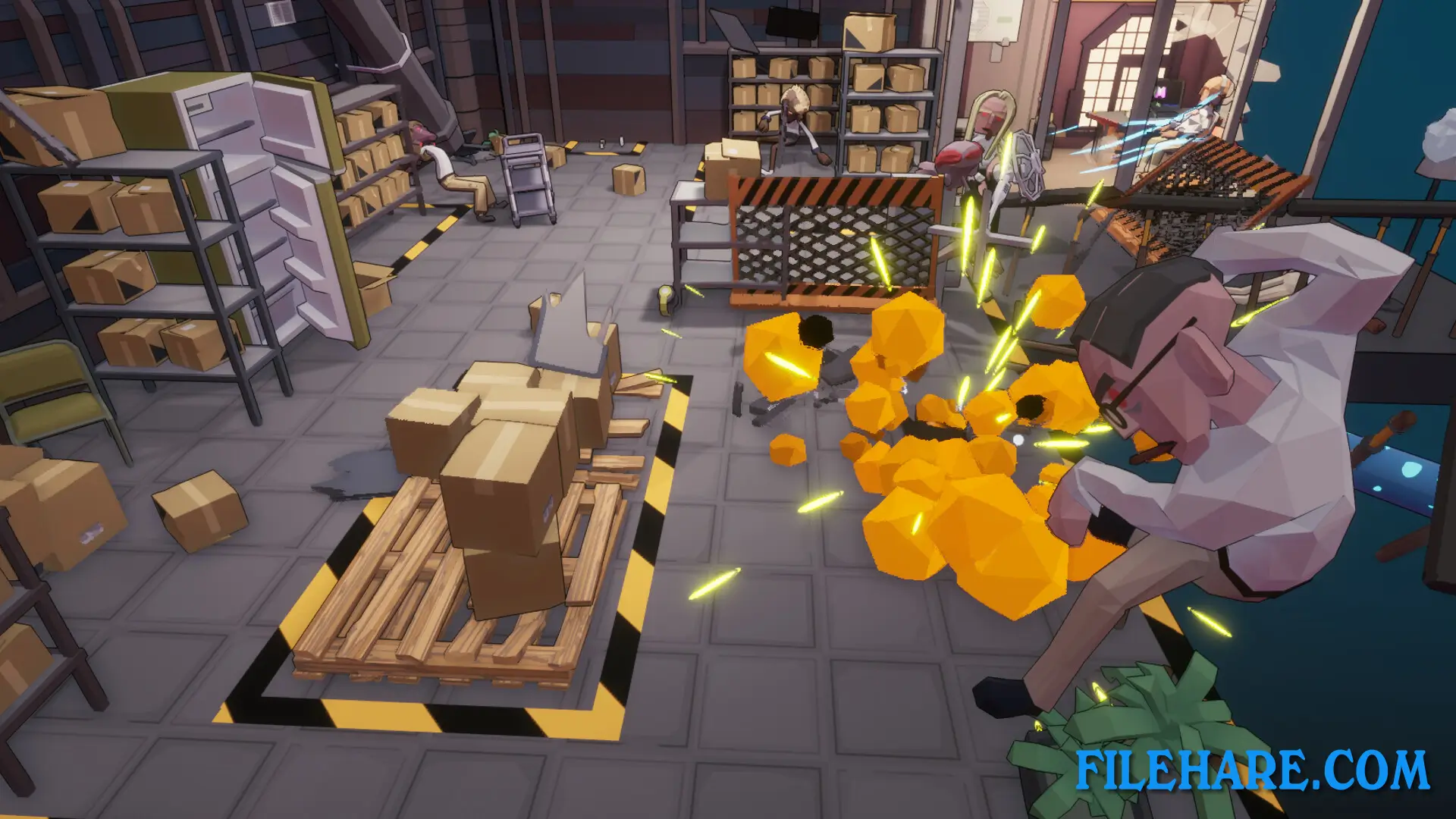
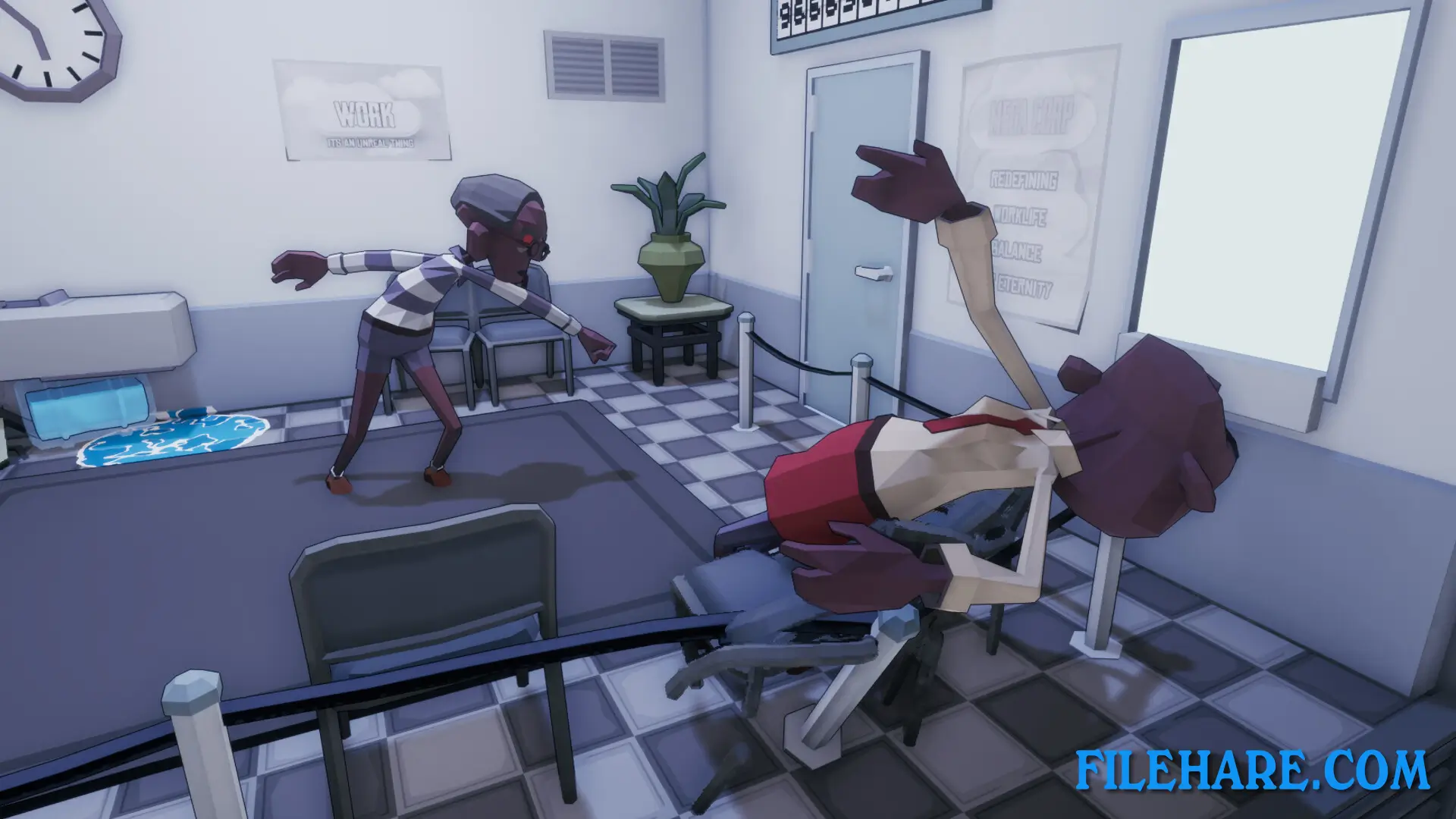
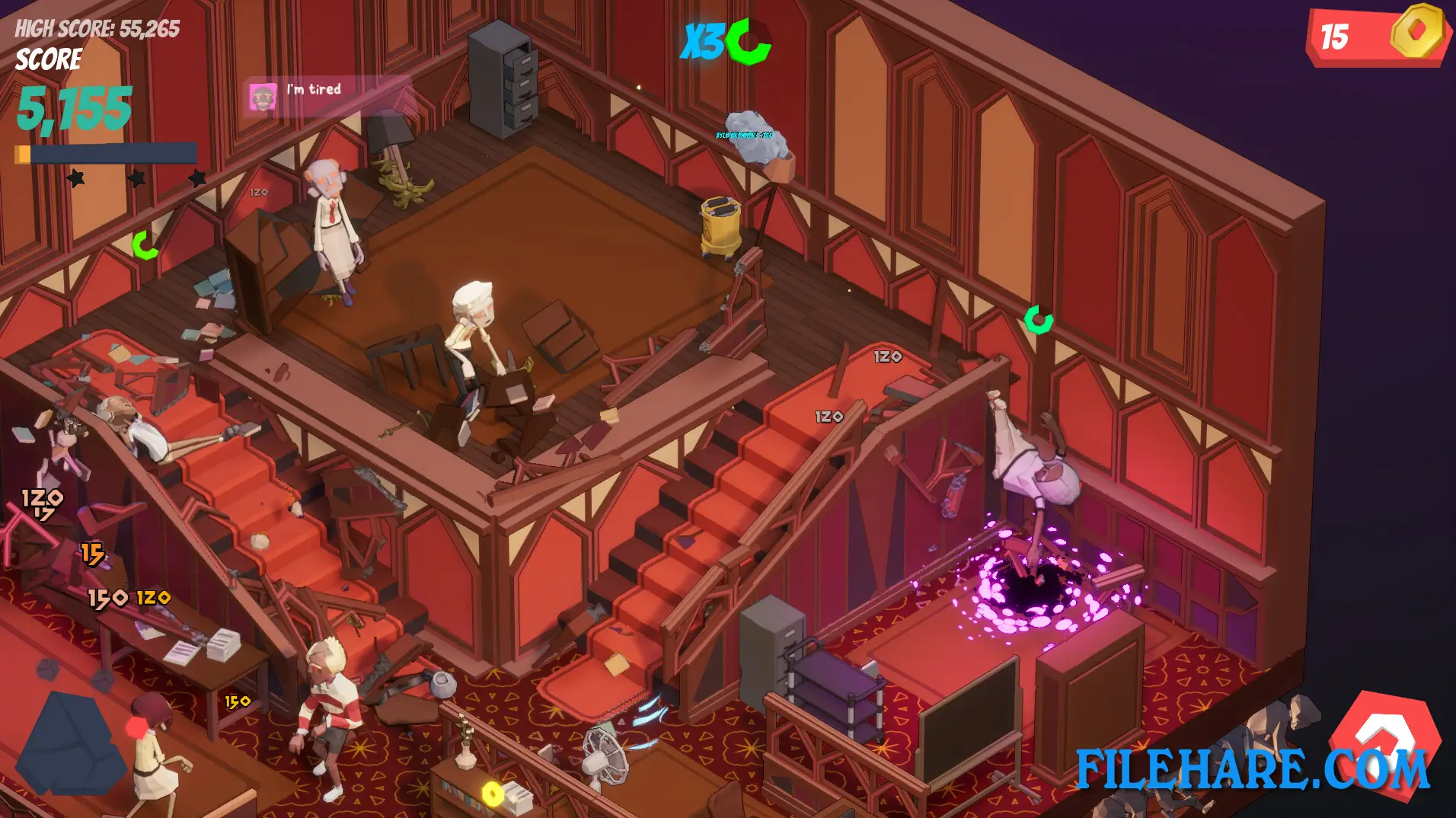
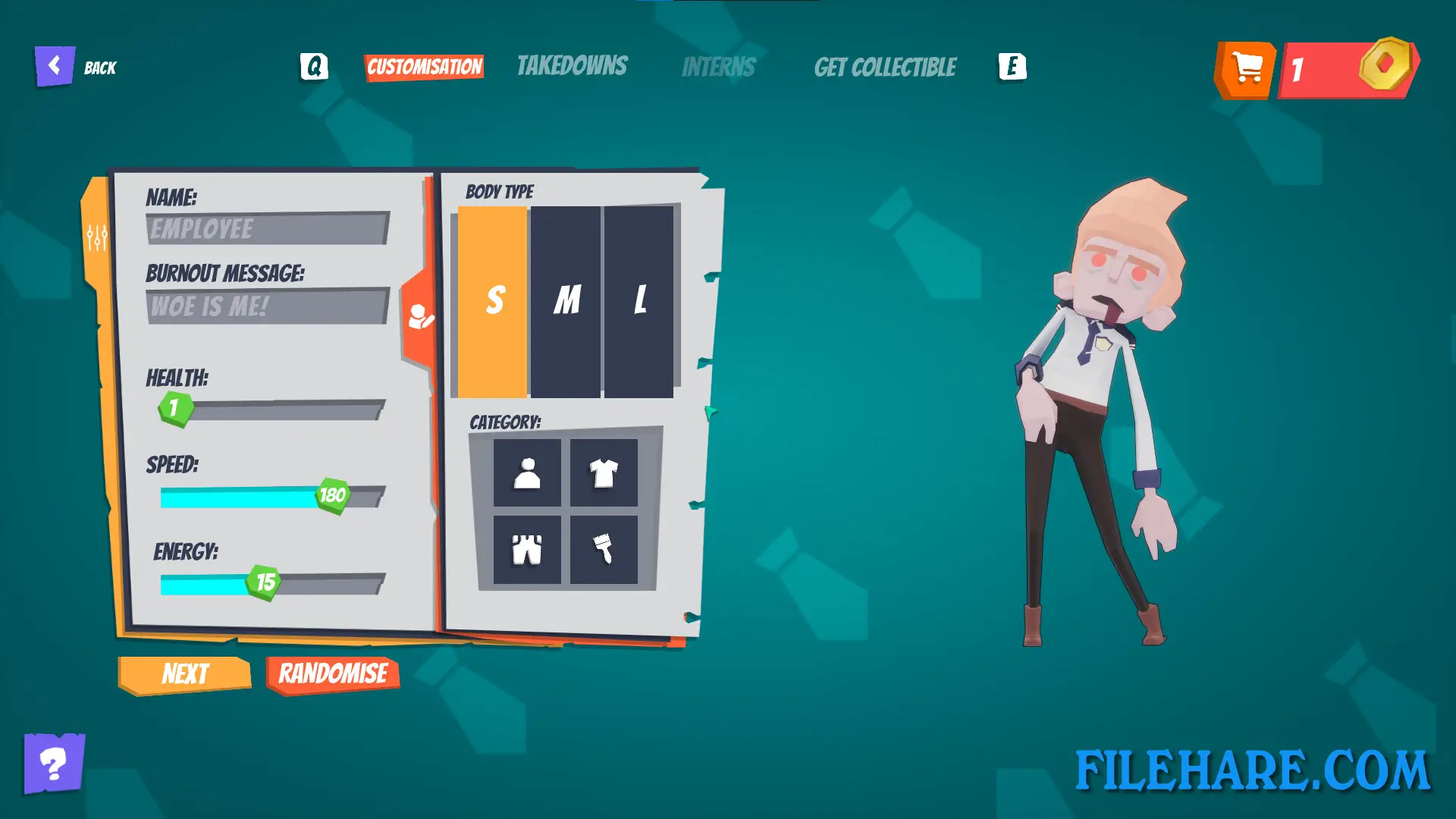
| Name | Office Fight |
|---|---|
| Developer | Fenix Studios Pty Ltd |
| File Size | 847.56 MB |
| Category | Casual |
| Minimum System Requirements | |
| CPU | Intel/AMD Quad Core 3Ghz+ |
| RAM | 8 GB |
| Graphics | GTX 1070 |
| Free Disk Space | 1 GB |
| Operating System | Windows 10 / 11 |
| User Rating | |
To buy this game, visit the Store Page
How to Download and Install Office Fight PC Game?
We have simple instructions for you to download and install the PC game. Before following the steps, Ensure your PC meets the minimum system requirements for Playing the game on your PC.
- First, click on the DOWNLOAD button and you will be redirected to the final Download page. Then, Download the Game on your PC.
- Once you have downloaded the Office Fight PC Game, Open the folder where you saved the Game.
- Then Right-click on the Zip file and click on the "Extract files" option from the dropdown menu. If your computer does not have a Zip file extract software installed, you must first install it. (such as WinRAR, 7Zip software)
- After Extracting the Zip file, Open the Office Fight PC Game folder.
- Then, double-click on the Setup.exe file to Install the Game.
- If asked, provide administrator permissions for the installation to proceed. Click Yes to continue.
- Follow the on-screen installation wizard to install the game on your PC.
- After the installation, if you get any missing ".dll" errors or the Game is not launching, open the Readme.txt file located in the game folder and follow the instructions shown in the document file to play the game.
Done!. Now, you can launch the game from your desktop.