3 Minutes to Midnight – A Comedy Graphic Adventure PC Game Download
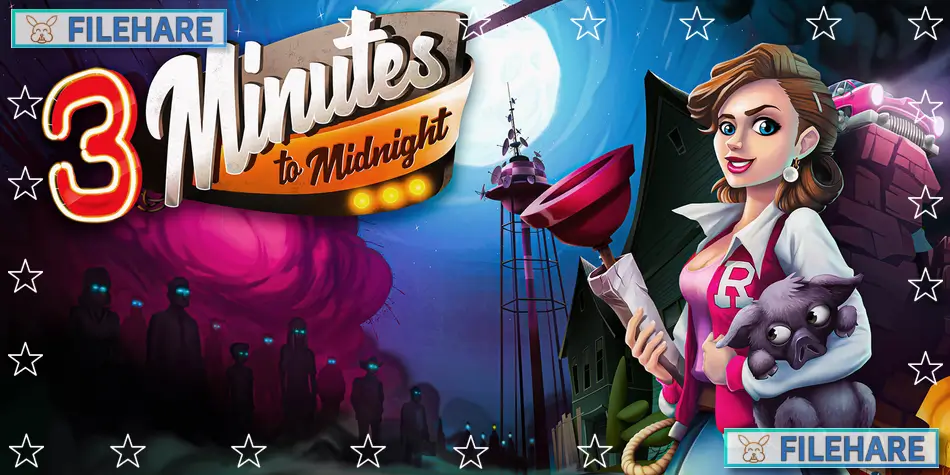
3 Minutes to Midnight – A Comedy Graphic Adventure is a point-and-click comedy game where you try to stop a doomsday plot. Scarecrow Studio developed and published this game. It was released on August 22, 2024, for PC on Steam, GOG, and Epic Games Store. The game takes place in the 1940s in New Mexico and uses cartoon graphics with full voice acting.
Table of Contents
3 Minutes to Midnight – A Comedy Graphic Adventure Story
An explosion happens in the middle of nowhere at night, and everyone wakes up confused. Nobody can remember who they are or where they came from. The explosion did more than just destroy things, it also wiped everyone’s memories. You play as Betty Anderson, who must figure out what is happening in a strange town full of dangerous and unusual people.
The town has a mayor who wants too much power, a potbelly pig that wants revenge, a sheriff who believes in ghosts and monsters, and even a kraken who has problems with legal contracts. As Betty explores the town, she discovers a conspiracy to destroy all human existence. She also meets and works with Mayor Eliza Barret, who has a very contrasting personality. Together, they must work to stop this doomsday plan before time runs out at 3 Minutes to Midnight. The characters in town all hide secrets and lie to Betty, so she must figure out who to trust while racing against time.
3 Minutes to Midnight – A Comedy Graphic Adventure Gameplay
The game is a classic point-and-click adventure where you click on objects and people to interact with them. You play as both Betty Anderson and Mayor Eliza Barret at various times, switching between their viewpoints. You explore locations, pick up items, and combine them to progress. The game has many puzzles that require you to think carefully and use the items you collect in smart ways. Some puzzles have more than one solution, so you can try different approaches to finish them. The game takes about 19 hours to complete. You talk to townspeople to get information and clues. The game has HD cartoon graphics that look colourful and detailed. Every character has full English voice acting.
Recommended System Requirements
Requires a 64-bit processor and operating system
- OS: Windows 10 version 21H1
- Processor: X64 architecture with SSE2
- Memory: 8 GB RAM
- Graphics: Radeon HD 7750 or equivalent | GeForce GT 640 or equivalent
- DirectX: Version 11
- Storage: 6 GB available space
- Sound Card: DirectX Compatible
- Additional Notes: Requires a processor with X64 architecture with SSE2
Gameplay Screenshots
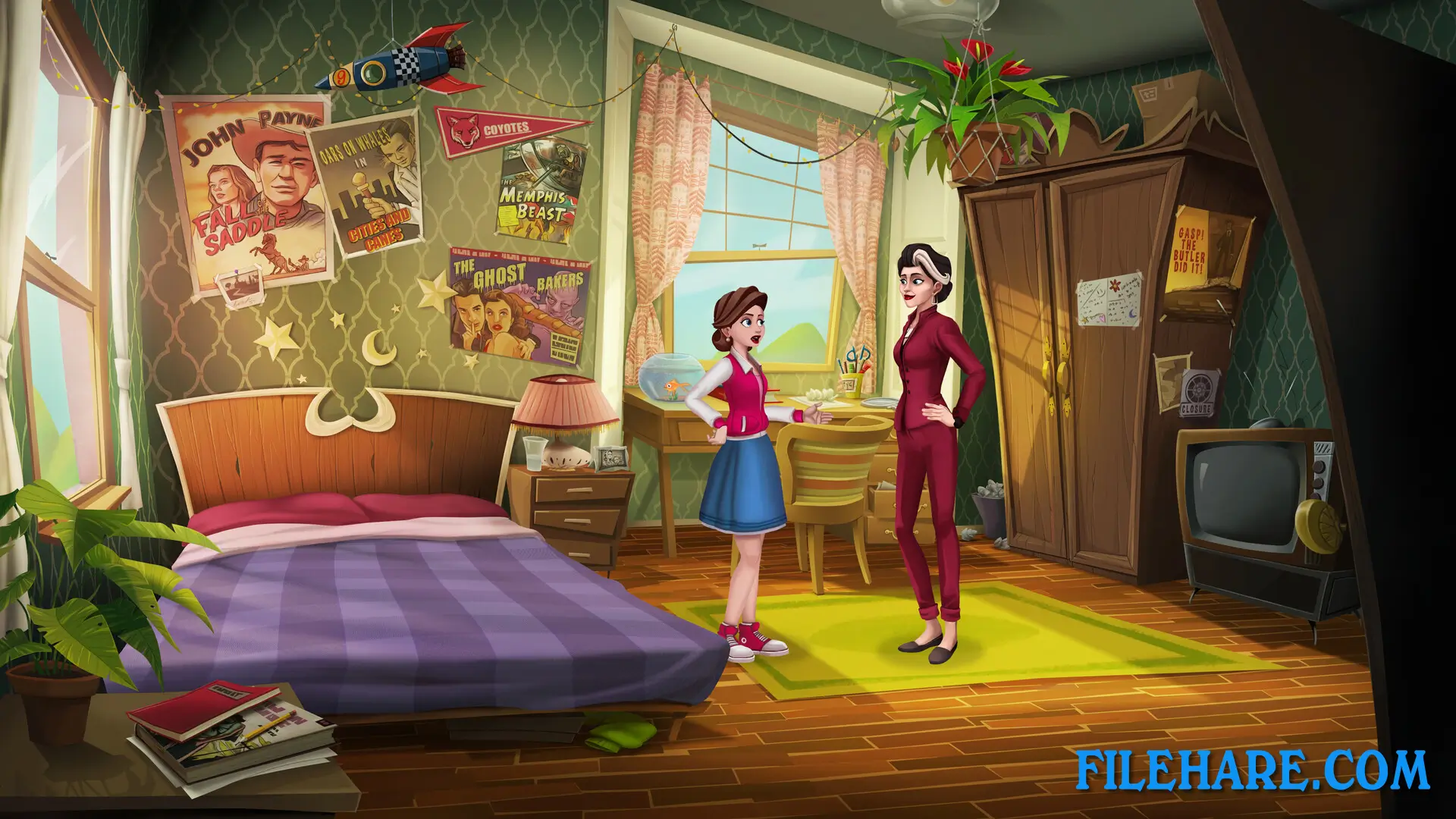
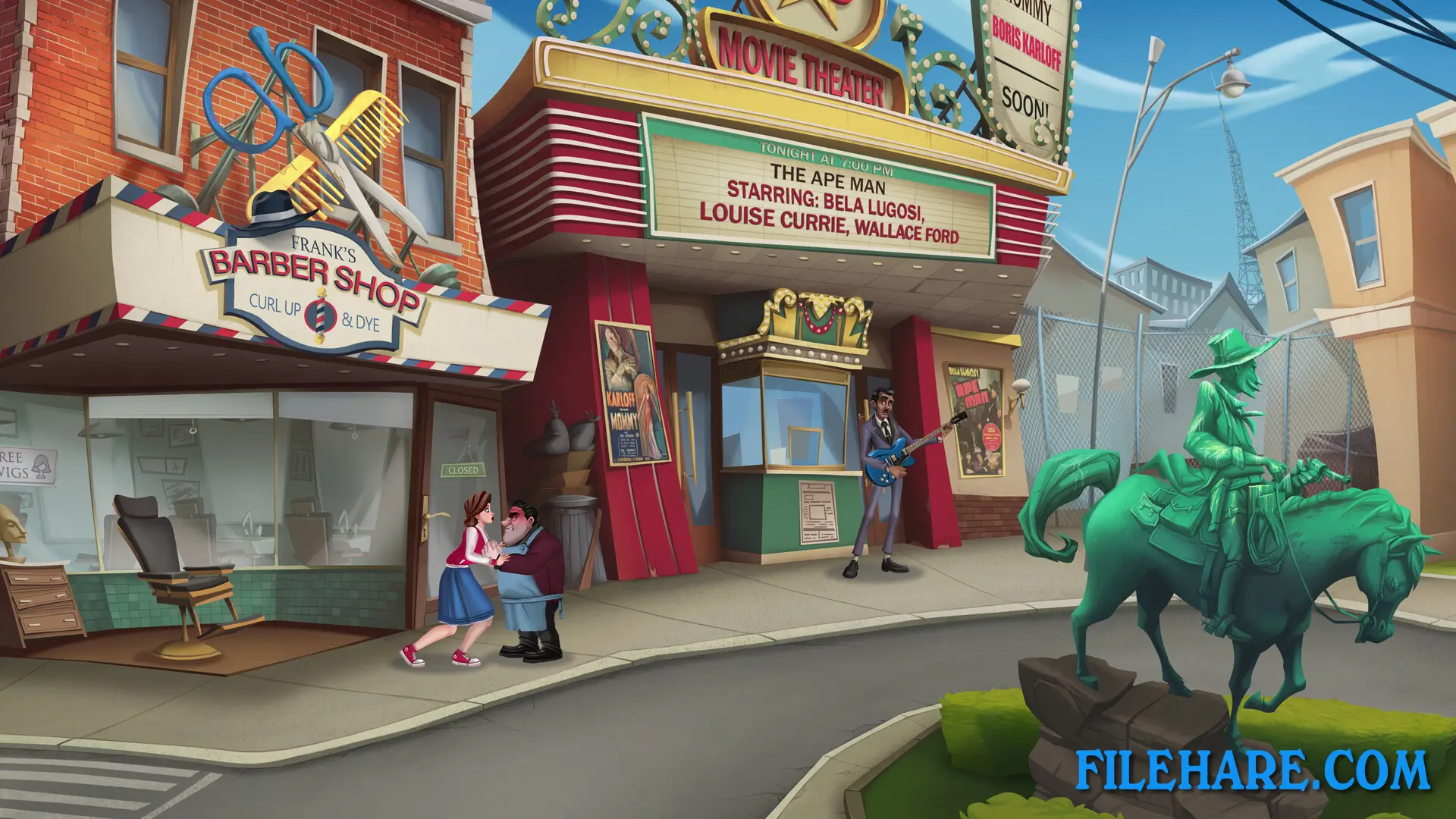
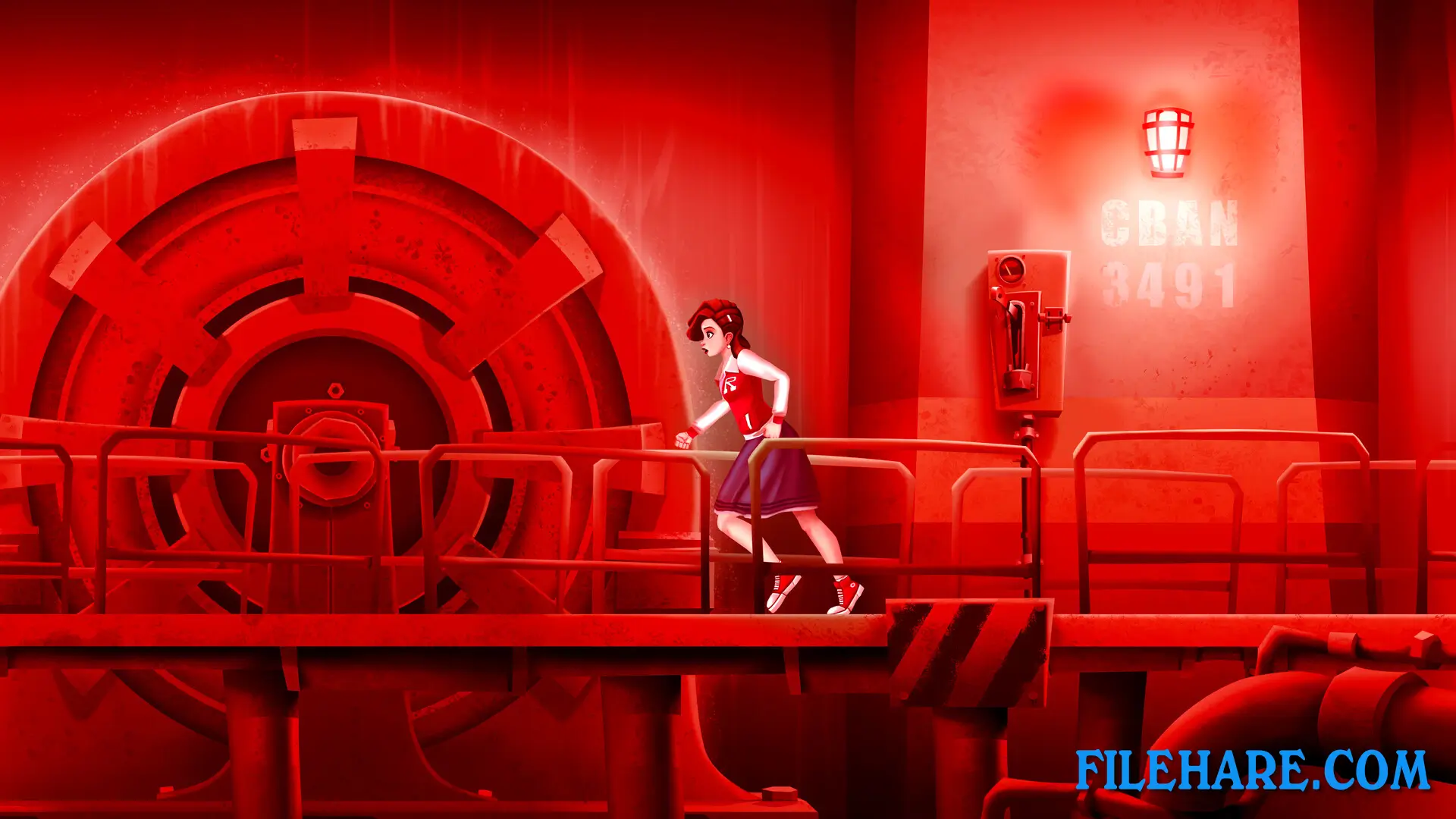
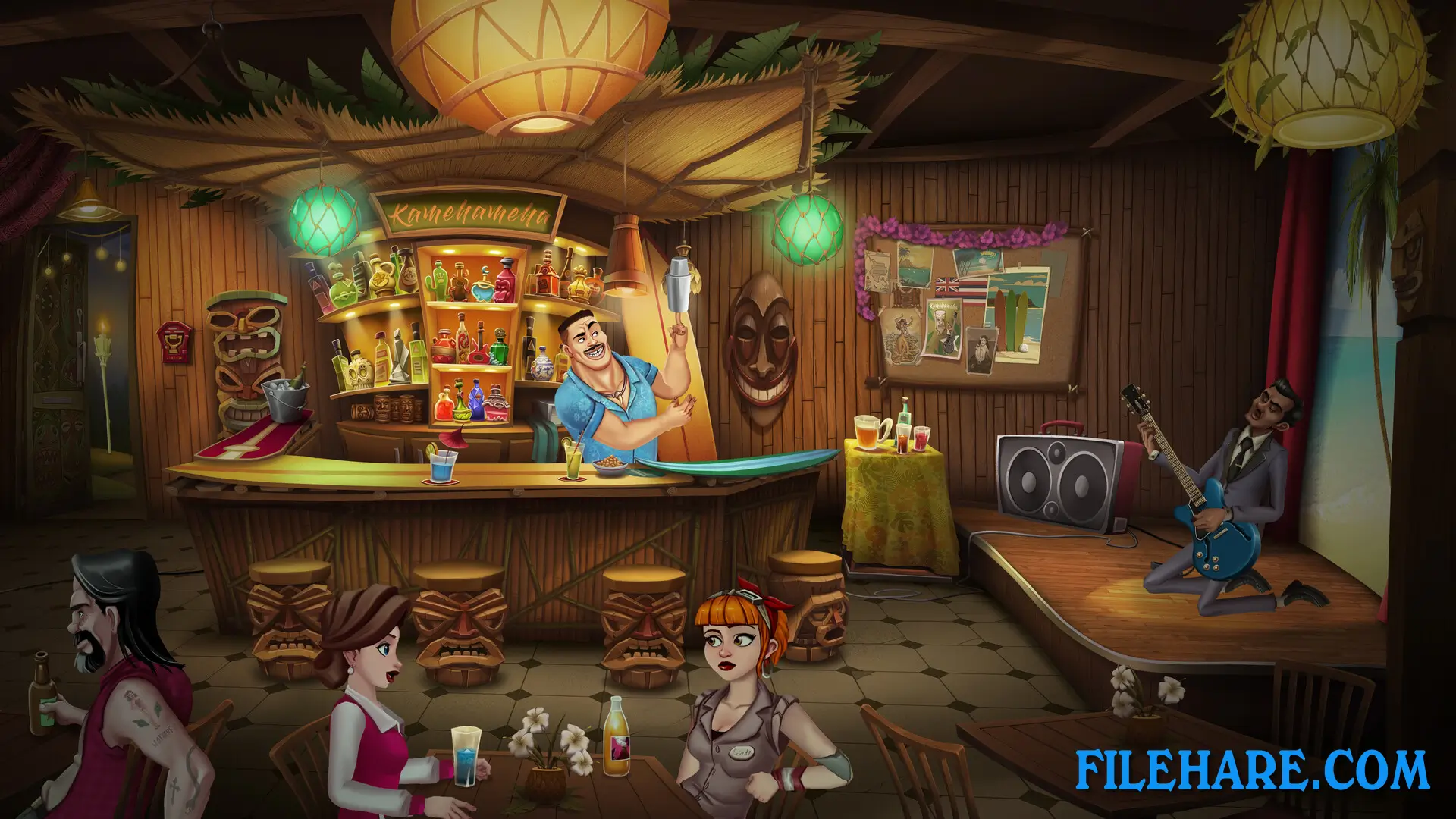
| Name | 3 Minutes to Midnight – A Comedy Graphic Adventure |
|---|---|
| Developer | Scarecrow Studio |
| File Size | 3.55 GB |
| Category | Adventure |
| Minimum System Requirements | |
| CPU | AMD FX-4300 or equivalent | Intel Core i3-3240 or equivalent |
| RAM | 8 GB |
| Graphics | Radeon HD 7750 or equivalent | GeForce GT 640 or equivalent |
| Free Disk Space | 6 GB |
| Operating System | Windows 10 version 21H1 / 11 (64-bit) |
| User Rating | |
To buy this game, visit the Store Page
How to Download and Install 3 Minutes to Midnight – A Comedy Graphic Adventure PC Game?
We have simple instructions for you to download and install the PC game. Before following the steps, Ensure your PC meets the minimum system requirements for Playing the game on your PC.
- First, click on the DOWNLOAD button and you will be redirected to the final Download page. Then, Download the Game on your PC.
- Once you have downloaded the 3 Minutes to Midnight – A Comedy Graphic Adventure PC Game, Open the folder where you saved the Game.
- Then Right-click on the Zip file and click on the "Extract files" option from the dropdown menu. If your computer does not have a Zip file extract software installed, you must first install it. (such as WinRAR, 7Zip software)
- After Extracting the Zip file, Open the 3 Minutes to Midnight – A Comedy Graphic Adventure PC Game folder.
- Then, double-click on the Setup.exe file to Install the Game.
- If asked, provide administrator permissions for the installation to proceed. Click Yes to continue.
- Follow the on-screen installation wizard to install the game on your PC.
- After the installation, if you get any missing ".dll" errors or the Game is not launching, open the Readme.txt file located in the game folder and follow the instructions shown in the document file to play the game.
Done!. Now, you can launch the game from your desktop.