Sitri ~Shadow Walk~ PC Game Download for Windows 10/11/7/8

Sitri ~Shadow Walk~ is a third-person action adventure game for PC. Mandorappo developed and published the game. It was released on October 29, 2022. This is a dark fantasy action game with adult content and stealth mechanics. The game runs on Windows and supports English and Japanese languages. The game contains explicit mature content.
Table of Contents
Sitri ~Shadow Walk~ Story
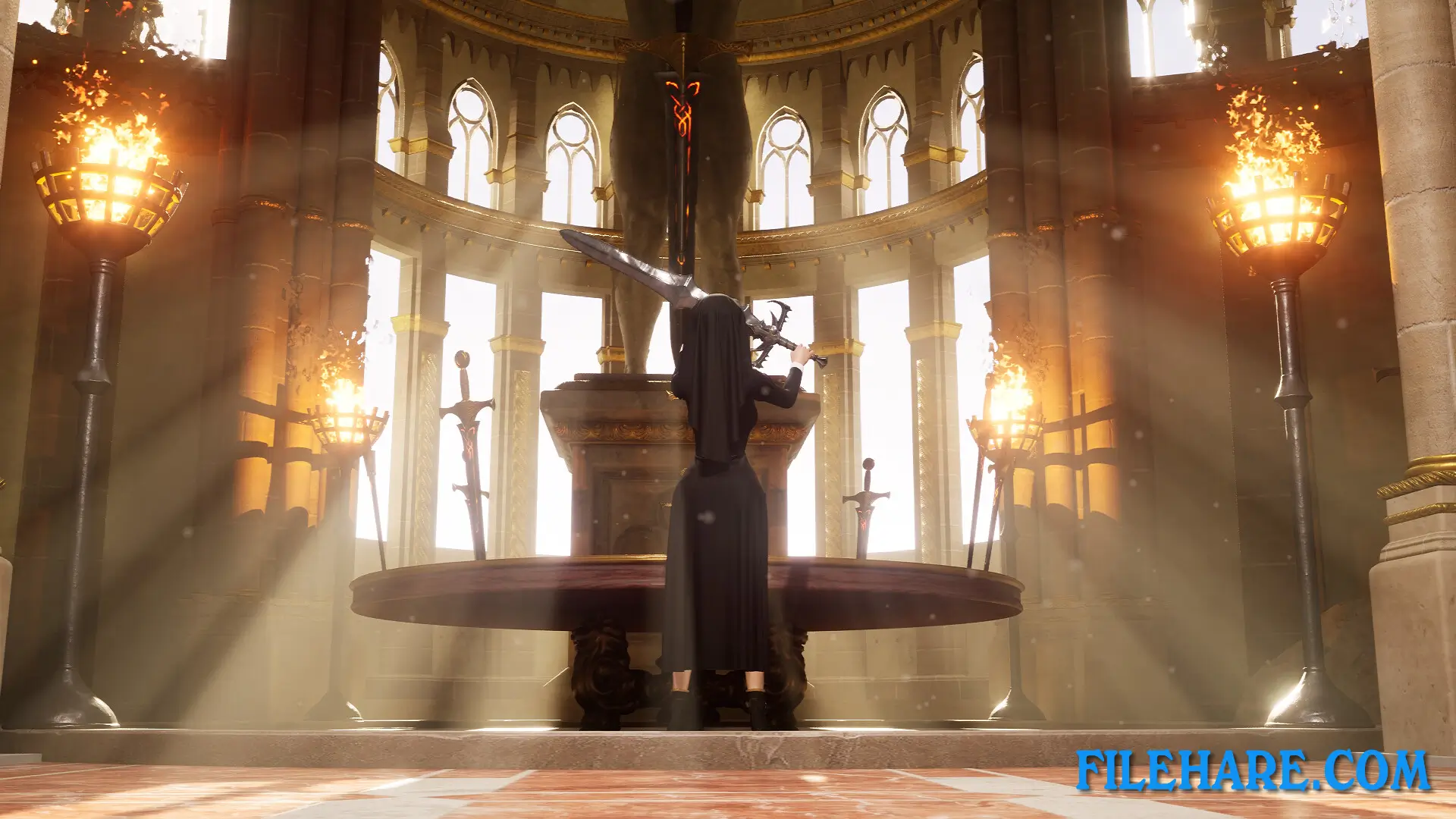
Sitri is a high-ranking succubus who works as an agent for the Demon Lord’s army. She has infiltrated human society by taking the form of a Sister, which is a religious woman. Her mission is to seize the Holy Sword and weaken the human kingdom from within. Sitri works together with her partner, Marie, as they plan various operations to bring down the kingdom. They must stay undercover while carrying out their dangerous mission. As a demon agent in human territory, Sitri uses manipulation and deception to accomplish her goals. She creates a stronghold where she gathers followers who can be used for her purposes. The Holy Sword is protected by humans who see it as a sacred weapon, but Sitri must find a way to steal it and complete her assignment for the Demon Lord.
Sitri ~Shadow Walk~ Gameplay
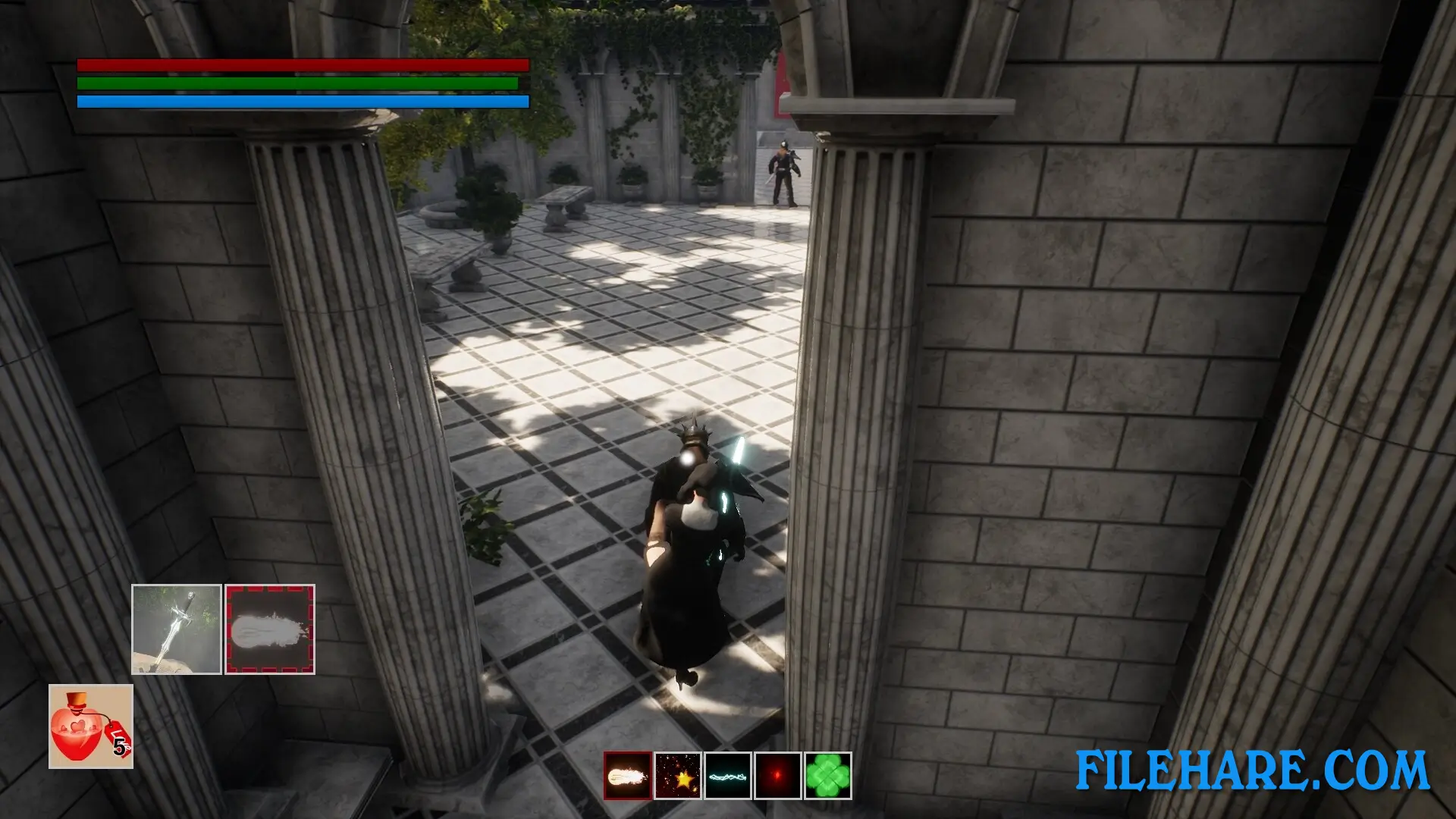
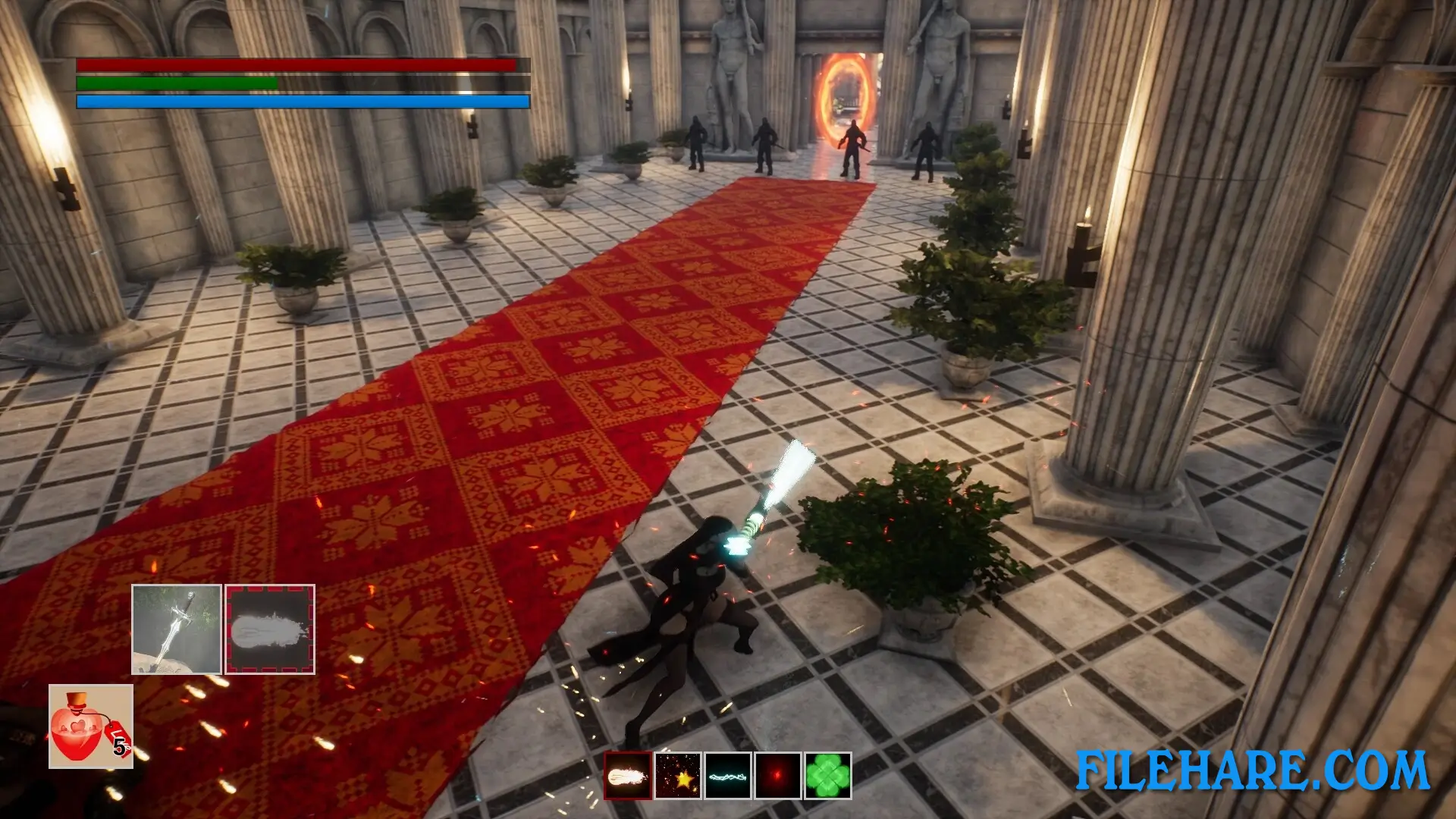
This is a third-person action game where you control Sitri as she moves through the kingdom. The game uses dynamic action combat where you can fight enemies directly. After seizing the Holy Sword early in the game, you can use it as a weapon to eliminate obstacles and human opponents. Combat involves attacking enemies with sword strikes and special demon powers.
The game includes stealth mechanics where you can sneak past enemies or approach them quietly for surprise attacks. You can also use seduction abilities as a succubus to manipulate and control enemies. When you defeat enemies in certain ways, Sitri can absorb their power to become stronger. The game has a base or stronghold where you can manage your followers and prepare for missions. You explore various locations throughout the kingdom while avoiding detection by humans who would recognize you as a demon. The game contains multiple explicit adult scenes that happen during gameplay.
Sitri ~Shadow Walk~ Features
The game stars Sitri as the main playable character, who is a succubus disguised as a Sister. Her partner, Marie, also appears throughout the story. The game uses 3D graphics with character models and environments rendered in real-time. Combat combines sword fighting with succubus powers and abilities. Stealth gameplay allows you to sneak through areas without alerting guards. Adult content includes explicit scenes that are integrated into the gameplay and story. It is single-player only. The game takes several hours to complete, depending on your playstyle.
Gameplay Screenshots

| Name | Sitri ~Shadow Walk~ |
|---|---|
| Developer | Mandorappo |
| File Size | 7.23 GB |
| Category | Adult |
| Minimum System Requirements | |
| CPU | Intel Core i3-2100 |
| RAM | 8 GB |
| Graphics | NVIDIA GeForce GTX 970 |
| Free Disk Space | 8 GB |
| Operating System | Windows 10 / 11 / 7 / 8 (64-bit) |
| User Rating | |
To buy this game, visit the Store Page
How to Download and Install Sitri ~Shadow Walk~ PC Game?
We have simple instructions for you to download and install the PC game. Before following the steps, Ensure your PC meets the minimum system requirements for Playing the game on your PC.
- First, click on the DOWNLOAD button and you will be redirected to the final Download page. Then, Download the Game on your PC.
- Once you have downloaded the Sitri ~Shadow Walk~ PC Game, Open the folder where you saved the Game.
- Then Right-click on the Zip file and click on the "Extract files" option from the dropdown menu. If your computer does not have a Zip file extract software installed, you must first install it. (such as WinRAR, 7Zip software)
- After Extracting the Zip file, Open the Sitri ~Shadow Walk~ PC Game folder.
- Then, double-click on the Setup.exe file to Install the Game.
- If asked, provide administrator permissions for the installation to proceed. Click Yes to continue.
- Follow the on-screen installation wizard to install the game on your PC.
- After the installation, if you get any missing ".dll" errors or the Game is not launching, open the Readme.txt file located in the game folder and follow the instructions shown in the document file to play the game.
Done!. Now, you can launch the game from your desktop.