Project CARS 2 PC Game Download for Windows 10/11
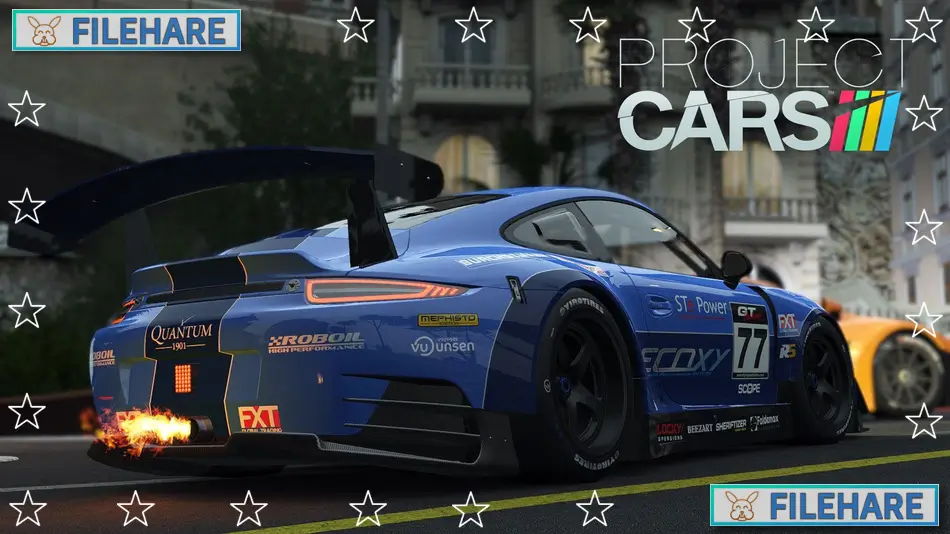
Project CARS 2 is a racing simulation game developed by Slightly Mad Studios and published by BANDAI NAMCO Entertainment. The game has no story. It was released on PC on September 21, 2017. It is a racing game built to give players a true-to-life driving experience, with cars, tracks, and weather conditions that closely match what real racing drivers face on actual race circuits.
Table of Contents
Project CARS 2 Gameplay
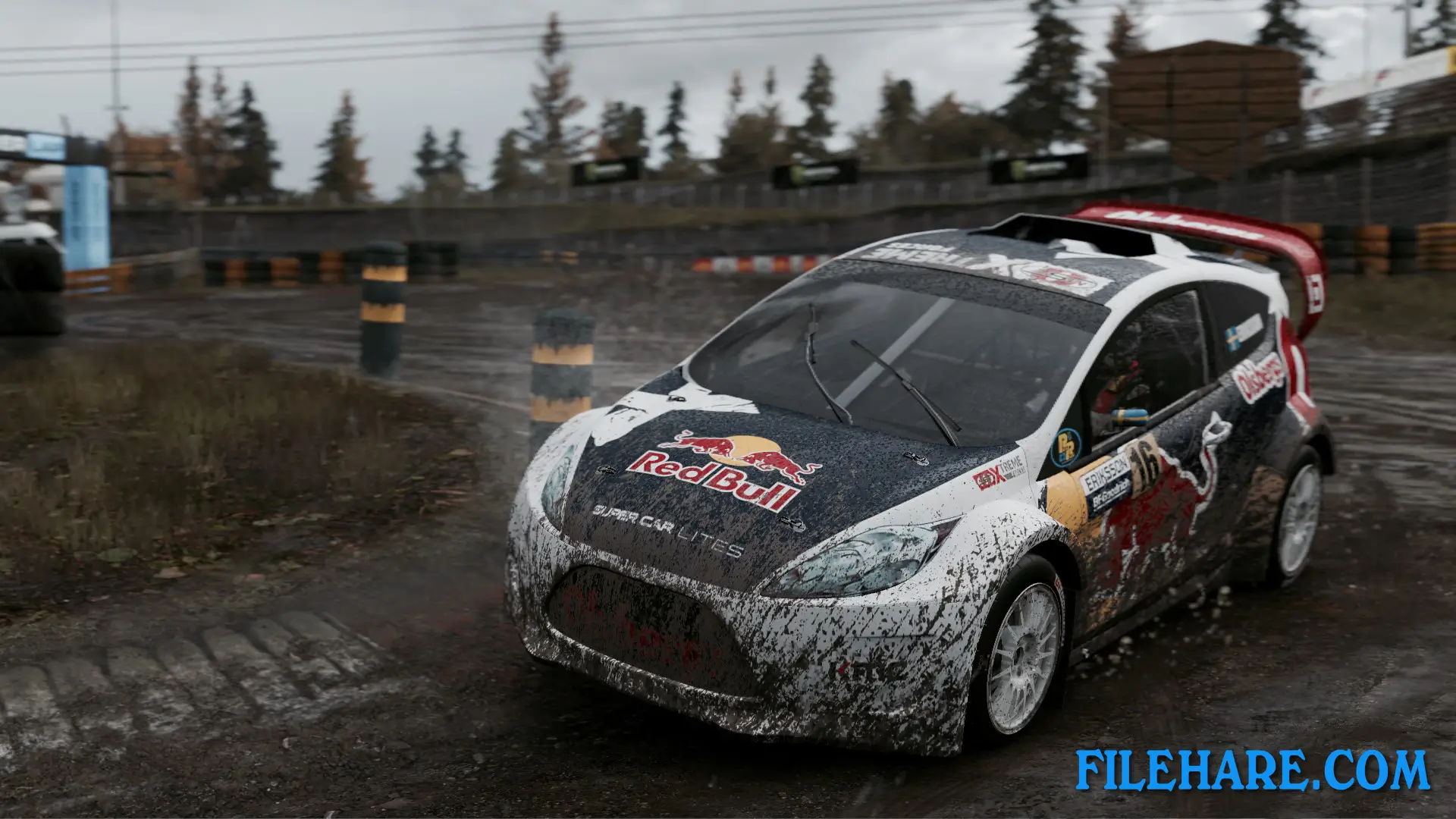
This is a simulation racing game where you drive cars on real-style race tracks. The handling of every car is designed to feel as close to real driving as possible. The game was tested and tuned by both professional drivers and experienced gamers to get the driving physics right. You can race on different types of surfaces including tarmac, ice, dirt, and mud, and the way your car handles will change depending on what surface you are driving on.
One of the most notable aspects of the game is its dynamic weather and surface physics. Weather can change during a race in real time, and conditions like rain or changing temperatures will directly alter how your car performs on the track. The game also has a full 24-hour day and night cycle, so you may start a race in daylight and finish it at night. The career mode in Project CARS 2 is based on real-world racing, where you work your way up across different motorsport categories. The game supports gamepads, steering wheels, and keyboard, and also has full VR support for a more realistic view from inside the car.
Project CARS 2 Features
The game has more than 180 cars from well-known brands, covering a wide range of motorsport classes. The game includes new racing categories such as IndyCar, Oval Racing, and Rallycross, along with popular categories like GT3. There are many real race tracks to drive on, and the game supports 12K resolution and VR headsets.
Online play is also a big part of Project CARS 2. The game has Online Championships where players can compete against others in organized events. It also includes esport features that let players take part in competitive online racing. The game has 47 Steam achievements to unlock as well. A Deluxe Edition of the game is also available, which includes a Season Pass and extra content such as new cars, tracks, events, and liveries for those who want more content beyond the base game.
Recommended System Requirements
- OS: Windows 10
- Processor: Intel i7 6700k
- Memory: 16 GB RAM
- Graphics: Nvidia GTX 1080 or AMD Radeon RX480
- DirectX: Version 11
- Storage: 50 GB available space
- Sound Card: DirectX compatible sound card
Gameplay Screenshots



| Name | Project CARS 2 |
|---|---|
| Developer | Slightly Mad Studios |
| File Size | 18.42 GB |
| Category | Racing |
| Minimum System Requirements | |
| CPU | 3.5 GHz Intel Core i5 3450, 4.0 GHz AMD FX-8350 |
| RAM | 8 GB |
| Graphics | GTX680 or equivalent |
| Free Disk Space | 50 GB |
| Operating System | Windows 10 / 11 |
| User Rating | |
To buy this game, visit the Store Page
How to Download and Install Project CARS 2 PC Game?
We have simple instructions for you to download and install the PC game. Before following the steps, Ensure your PC meets the minimum system requirements for Playing the game on your PC.
- First, click on the DOWNLOAD button and you will be redirected to the final Download page. Then, Download the Game on your PC.
- Once you have downloaded the Project CARS 2 PC Game, Open the folder where you saved the Game.
- Then Right-click on the Zip file and click on the "Extract files" option from the dropdown menu. If your computer does not have a Zip file extract software installed, you must first install it. (such as WinRAR, 7Zip software)
- After Extracting the Zip file, Open the Project CARS 2 PC Game folder.
- Then, double-click on the Setup.exe file to Install the Game.
- If asked, provide administrator permissions for the installation to proceed. Click Yes to continue.
- Follow the on-screen installation wizard to install the game on your PC.
- After the installation, if you get any missing ".dll" errors or the Game is not launching, open the Readme.txt file located in the game folder and follow the instructions shown in the document file to play the game.
Done!. Now, you can launch the game from your desktop.