Metal Gear Solid V: The Phantom Pain PC Game Download

Metal Gear Solid V: The Phantom Pain is an open-world action-stealth game developed by Kojima Productions and published by Konami. The game was released on September 1, 2015, for PC, PlayStation 3, PlayStation 4, Xbox 360, and Xbox One. It is the ninth main entry in the Metal Gear series and was directed by Hideo Kojima. The game is set in 1984 and follows the character known as Venom Snake.
Table of Contents
Metal Gear Solid V: The Phantom Pain Story
The story begins in 1984, nine years after the events of Metal Gear Solid V: Ground Zeroes. Venom Snake, also known as Big Boss, wakes up from a coma and discovers that his private military unit, the Militaires Sans Frontières, was destroyed in a attack. He sets out on a mission of revenge against the people responsible, particularly a group called Cipher and its XOF unit led by the ruthless soldier Skull Face. The story spans two regions — Afghanistan and the Angola-Zaire border in Africa — and involves themes of revenge, identity, nuclear weapons, and a parasitic weapon designed to target specific languages. Key characters include Kazuhira Miller, the child soldier Eli, a mute female sniper named Quiet, and the mysterious figure known as Code Talker.
Metal Gear Solid V: The Phantom Pain Gameplay
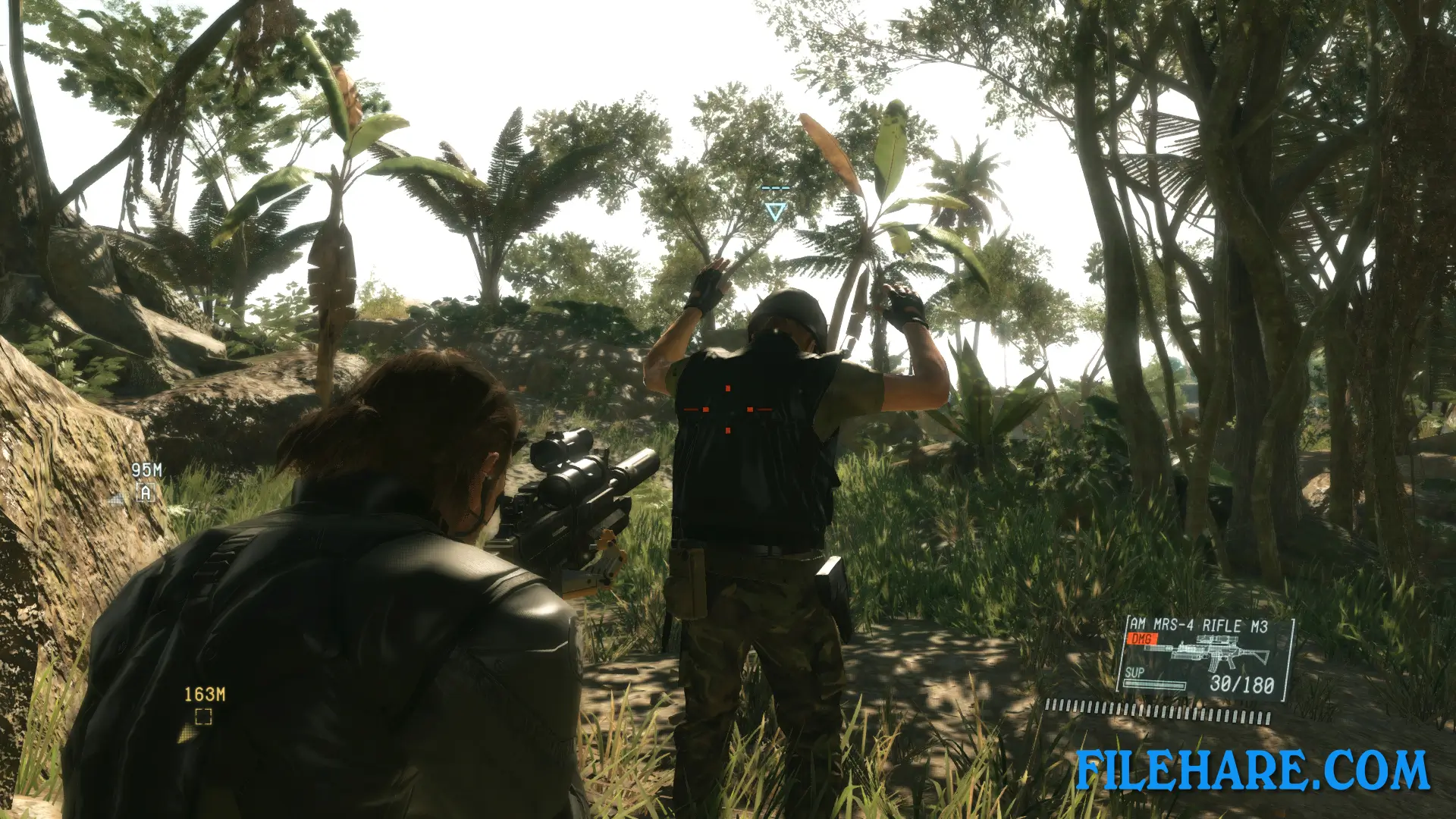
The game is played from a third-person perspective across large open maps in Afghanistan and Africa. Players approach missions with full freedom in how to complete them — using stealth, distraction, non-lethal weapons, or direct combat. Snake can crawl, run, take cover, use binoculars to mark enemies, and call in supply drops and air strikes. A horse named D-Horse and a mechanical walker called D-Walker are available as transport and support tools.
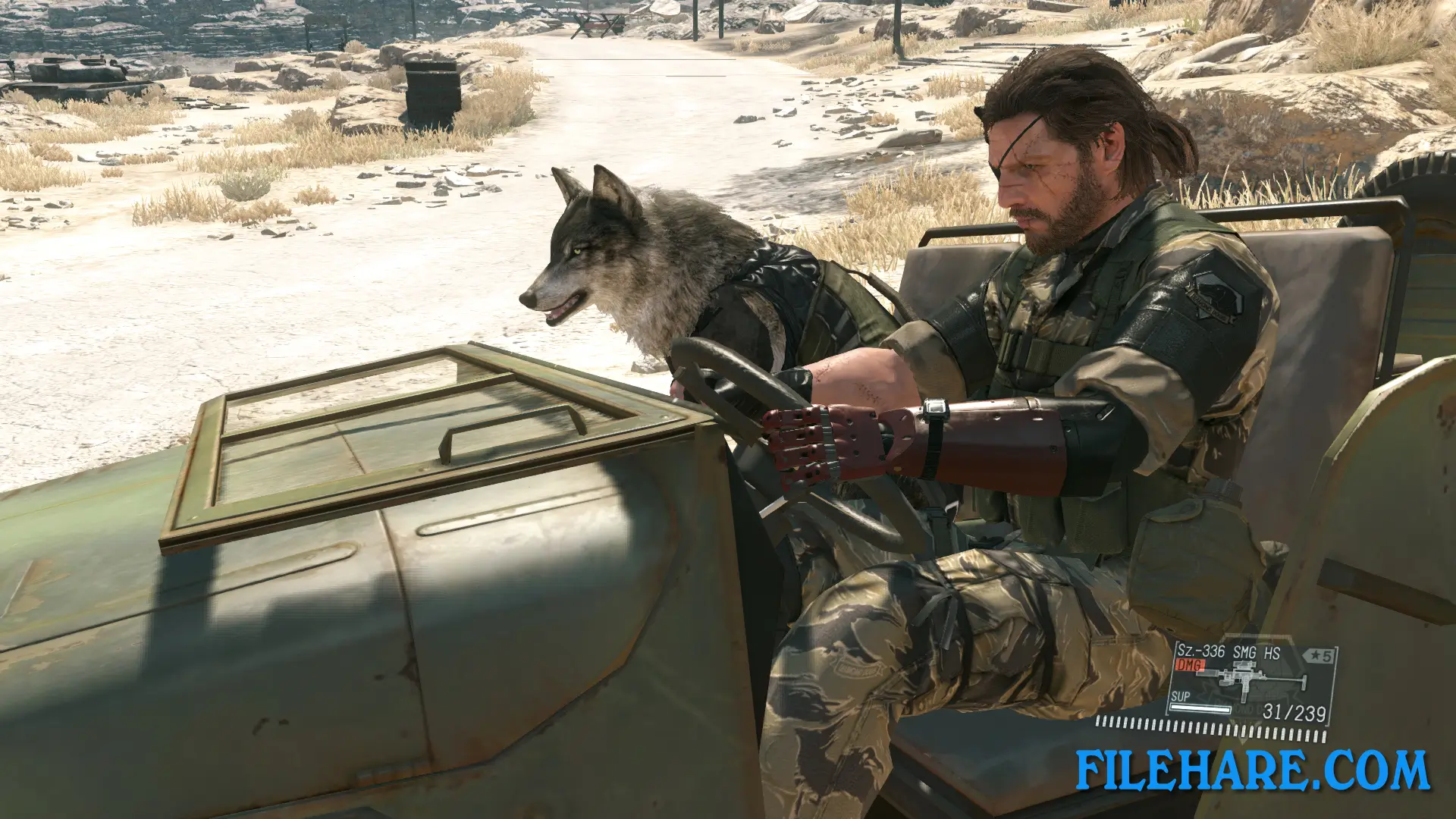
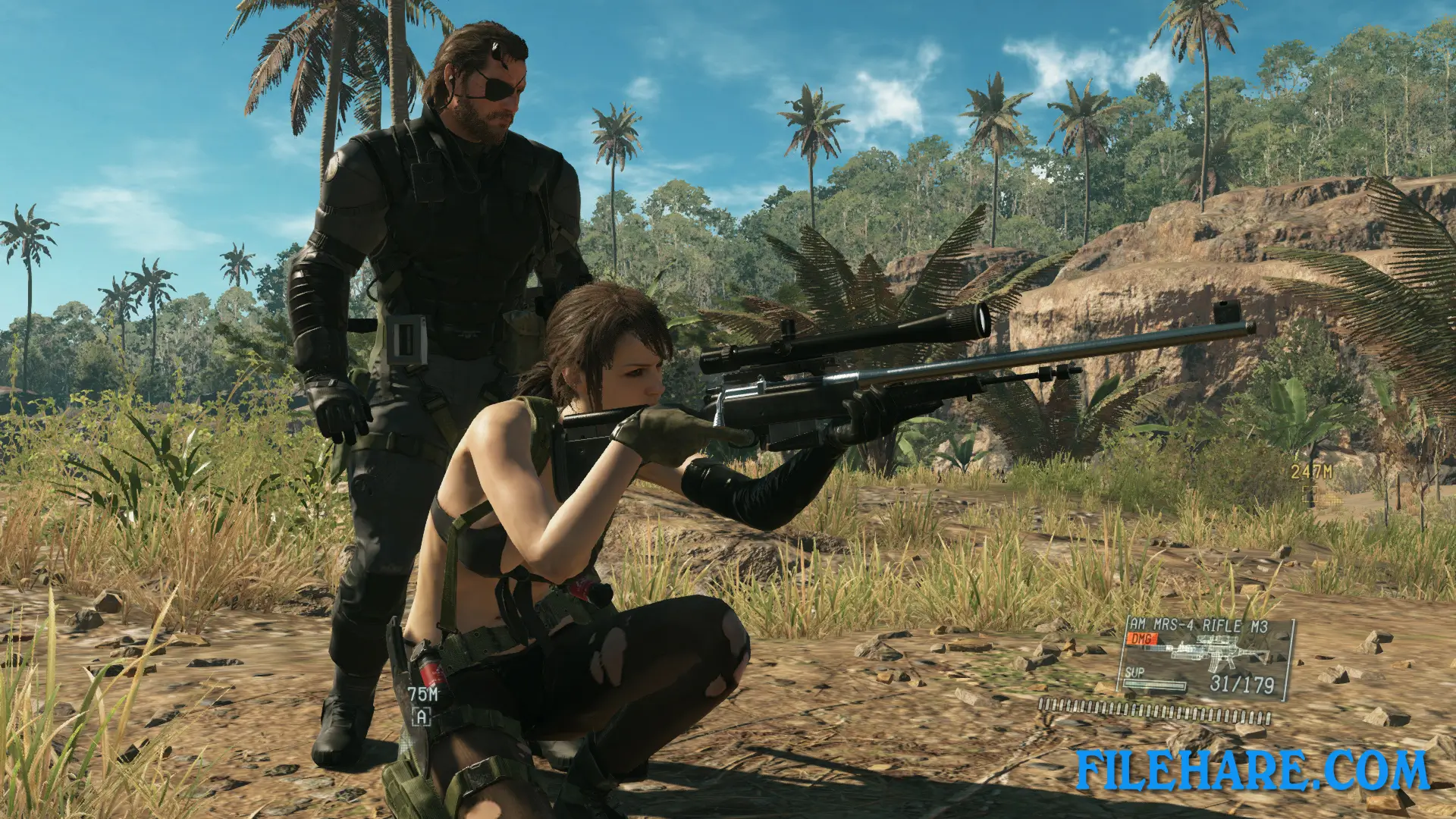
The buddy option allows players to bring one partner into the field, including Quiet, D-Horse, D-Dog, or D-Walker. Between missions, players manage Mother Base, an offshore platform that serves as Snake’s headquarters. Staff members are extracted from the field using a balloon device called the Fulton system and assigned to different units at Mother Base to research and develop new weapons, equipment, and vehicles.
Metal Gear Solid V: The Phantom Pain Features
The game features a large selection of weapons including assault rifles, sniper rifles, silenced handguns, and tranquilizer guns. Players can develop new gear by assigning staff to the R&D unit at Mother Base. The game includes a day and night cycle and a dynamic weather system, both of which affect enemy behavior and visibility. An online competitive multiplayer mode called Forward Operating Base allows players to defend their own base or raid another player’s base to steal resources. The game also includes cassette tapes that can be collected and played, which contain music from the 1980s as well as story-related recordings.
Recommended System Requirements
Requires a 64-bit processor and operating system
- OS: Windows 7×64, Windows 8×64, Windows 10×64
- Processor: Intel Core i7-4790 (3.60GHz) or better; Quad-core or better
- Memory: 8 GB RAM
- Graphics: NVIDIA GeForce GTX 760 (DirectX 11 graphics card required)
- DirectX: Version 11
- Storage: 28 GB available space
- Sound Card: DirectX 9.0c compatible sound card (Surround Sound 5.1)
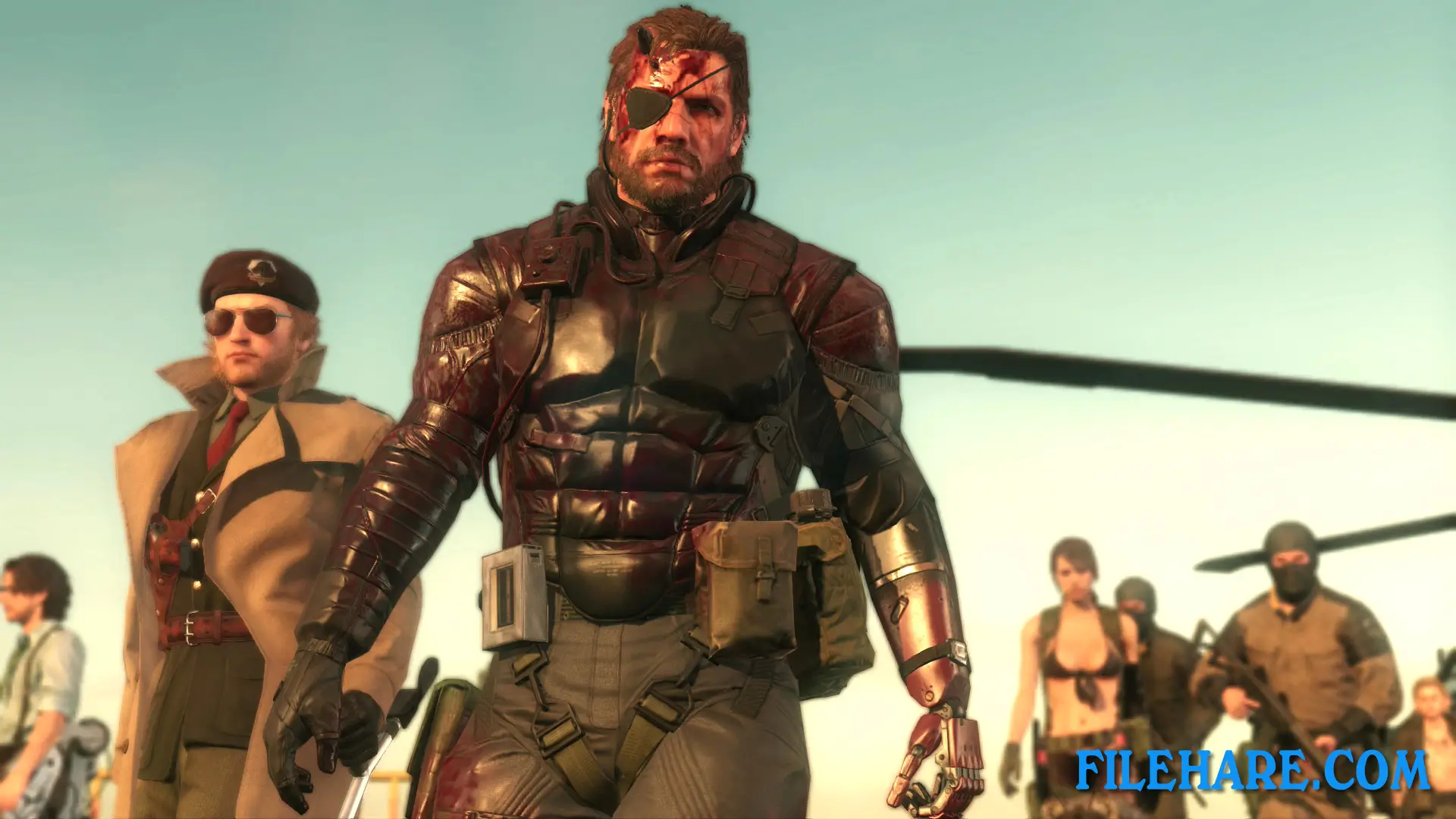
Gameplay Screenshots
| Name | Metal Gear Solid V: The Phantom Pain |
|---|---|
| Developer | Kojima Productions |
| File Size | 12.43 GB |
| Category | Action, Adventure |
| Minimum System Requirements | |
| CPU | Intel Core i5-4460 (3.40 GHz) or better; Quad-core or better |
| RAM | 4 GB |
| Graphics | NVIDIA GeForce GTX 650 (2GB) or better (DirectX 11 card Required) |
| Free Disk Space | 28 GB |
| Operating System | Windows 10 / 11 / 7 / 8 (64-bit) |
| User Rating | |
To buy this game, visit the Store Page
How to Download and Install Metal Gear Solid V: The Phantom Pain PC Game?
We have simple instructions for you to download and install the PC game. Before following the steps, Ensure your PC meets the minimum system requirements for Playing the game on your PC.
- First, click on the DOWNLOAD button and you will be redirected to the final Download page. Then, Download the Game on your PC.
- Once you have downloaded the Metal Gear Solid V: The Phantom Pain PC Game, Open the folder where you saved the Game.
- Then Right-click on the Zip file and click on the "Extract files" option from the dropdown menu. If your computer does not have a Zip file extract software installed, you must first install it. (such as WinRAR, 7Zip software)
- After Extracting the Zip file, Open the Metal Gear Solid V: The Phantom Pain PC Game folder.
- Then, double-click on the Setup.exe file to Install the Game.
- If asked, provide administrator permissions for the installation to proceed. Click Yes to continue.
- Follow the on-screen installation wizard to install the game on your PC.
- After the installation, if you get any missing ".dll" errors or the Game is not launching, open the Readme.txt file located in the game folder and follow the instructions shown in the document file to play the game.
Done!. Now, you can launch the game from your desktop.