Mandragora Whispers of the Witch Tree – Digital Deluxe Edition PC Game Download
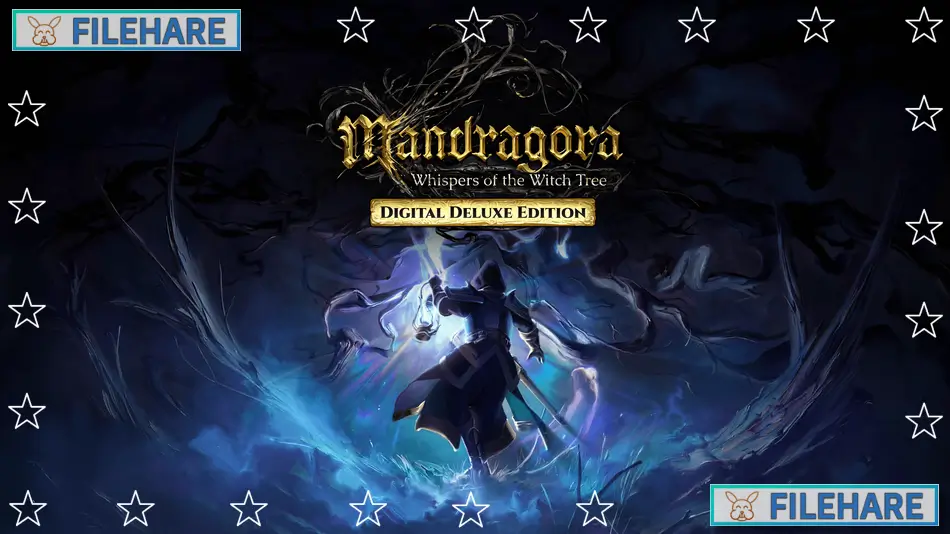
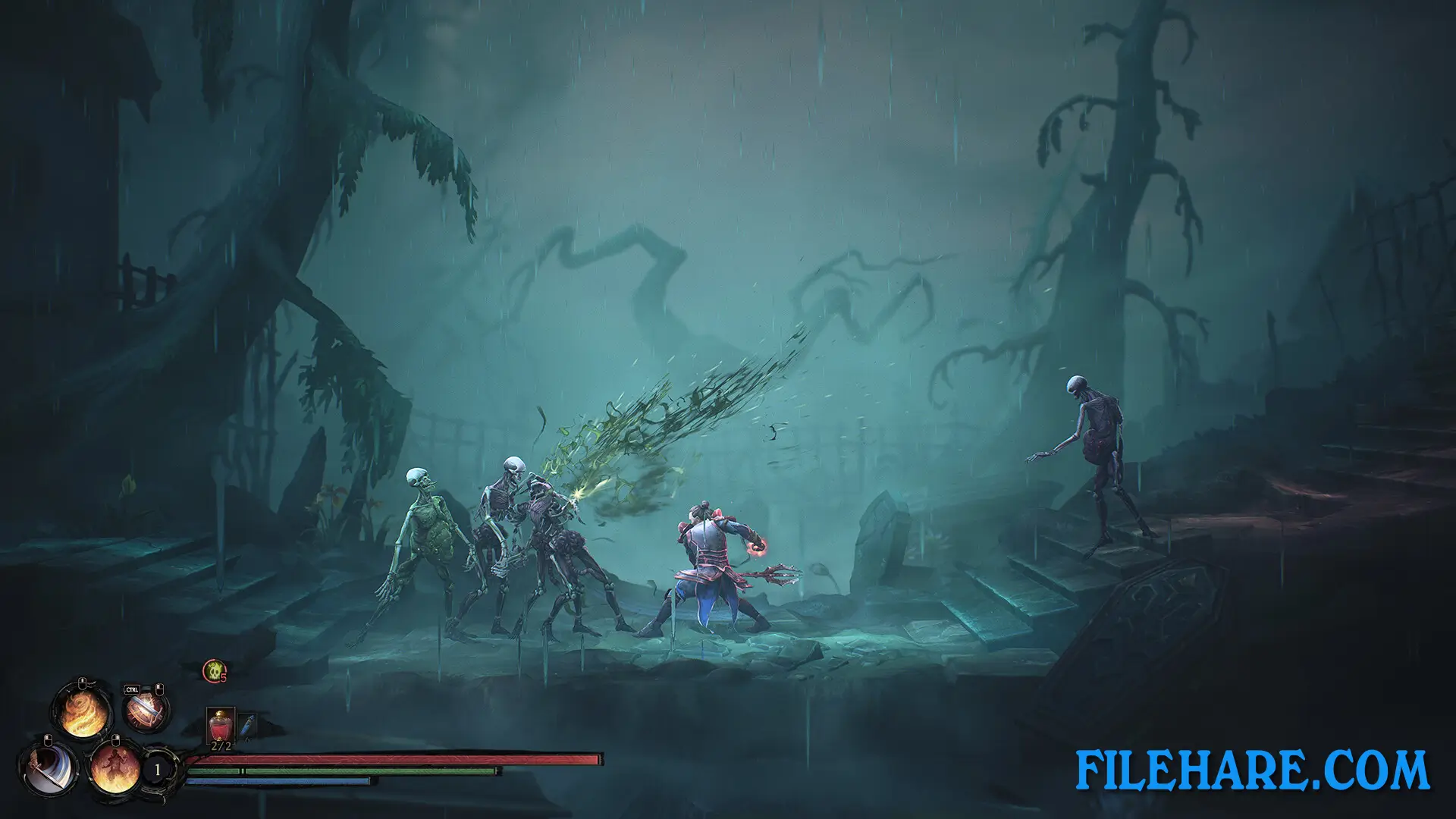
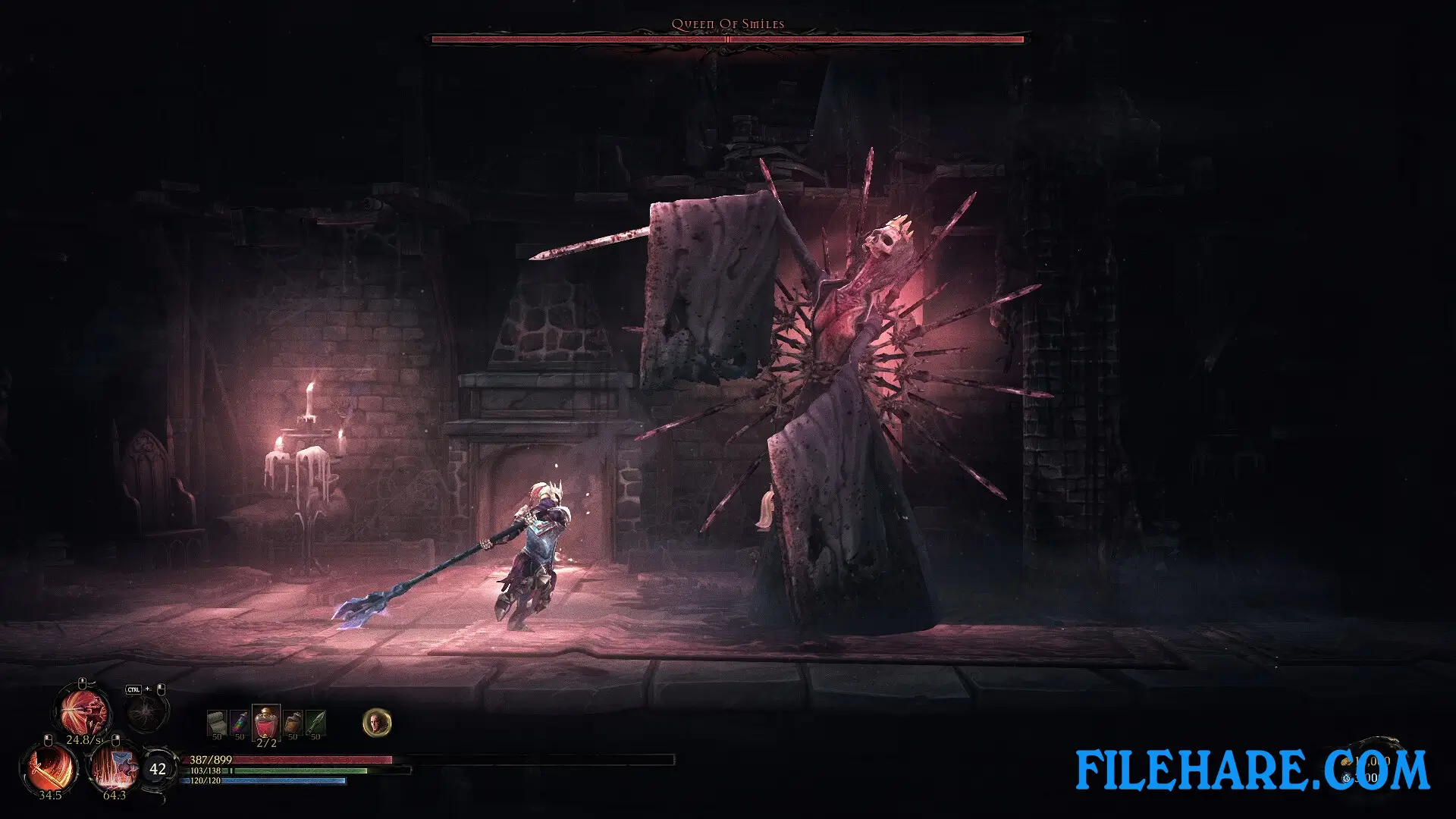
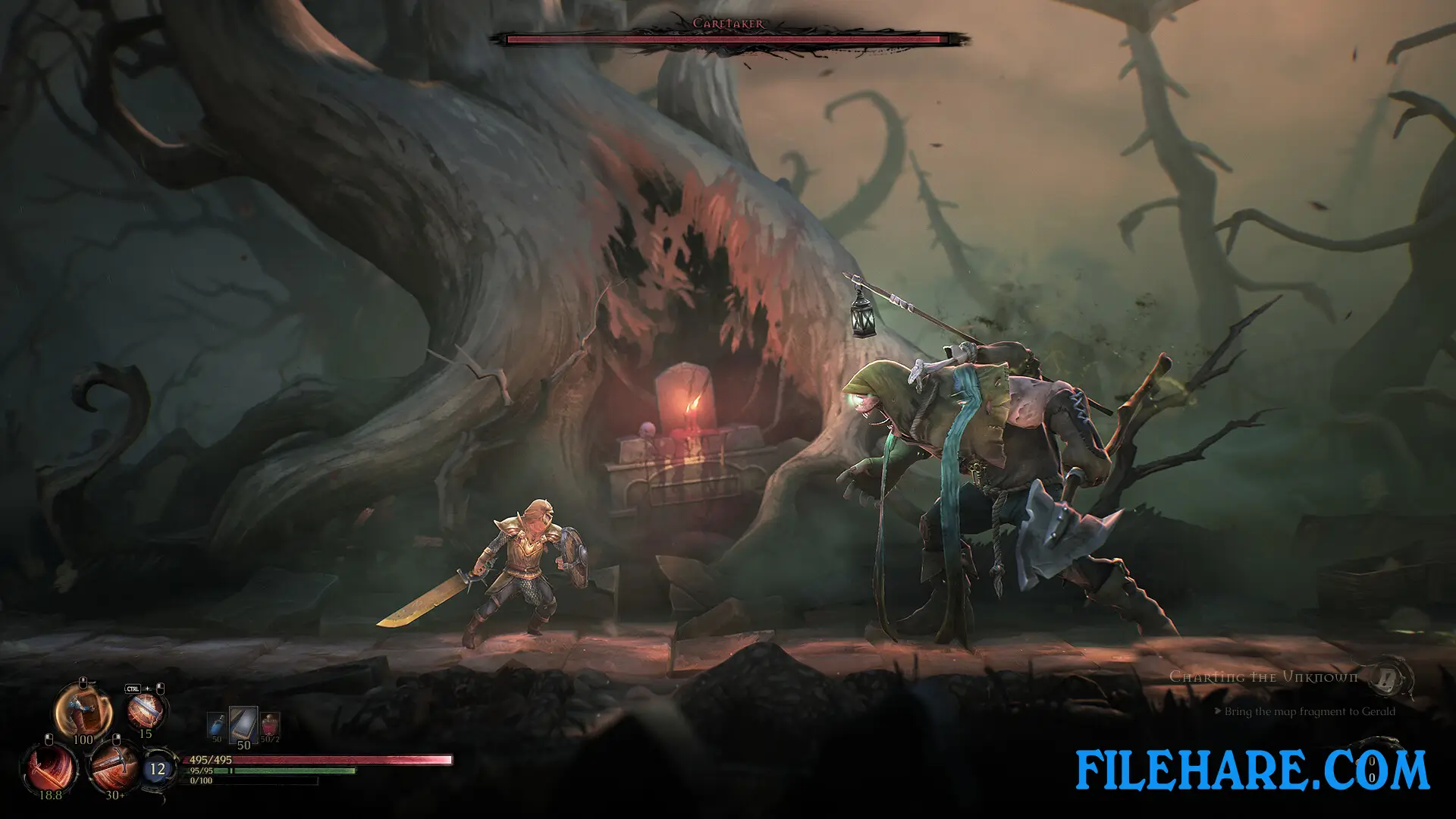
Mandragora Whispers of the Witch Tree – Digital Deluxe Edition is a dark fantasy action RPG PC Game developed by Primal Game Studio and published by Knights Peak. The game was released on April 17, 2025. It is a side-scrolling action game where you take on the role of an Inquisitor who must fight monsters and explore a large, connected dark fantasy world called Faelduum. The story was written by Brian Mitsoda, and the game features music by Christos Antoniou and the FILMharmonic Orchestra Prague.
Table of Contents
- Mandragora Whispers of the Witch Tree – Digital Deluxe Edition Story
- Mandragora Whispers of the Witch Tree – Digital Deluxe Edition Gameplay
- Mandragora Whispers of the Witch Tree – Digital Deluxe Edition Features
- Recommended System Requirements
- Gameplay Screenshots
- How to Download and Install Mandragora Whispers of the Witch Tree – Digital Deluxe Edition PC Game?
Mandragora Whispers of the Witch Tree – Digital Deluxe Edition Story
The game takes place in Faelduum, a decaying land on the edge of ruin. Dark forces are breaking into reality and releasing monsters across the land. You play as an Inquisitor who once served the King Priest and followed orders without question. But one act of defiance changes everything and sends you on a long, dangerous path into the heart of Faelduum’s collapse. The story has multiple endings and takes you from the grand Crimson City into dark places and the horrors of Entropy. Along the way, you will meet many characters and uncover secrets hidden in 75 unique locations across 60 quests.
Mandragora Whispers of the Witch Tree – Digital Deluxe Edition Gameplay
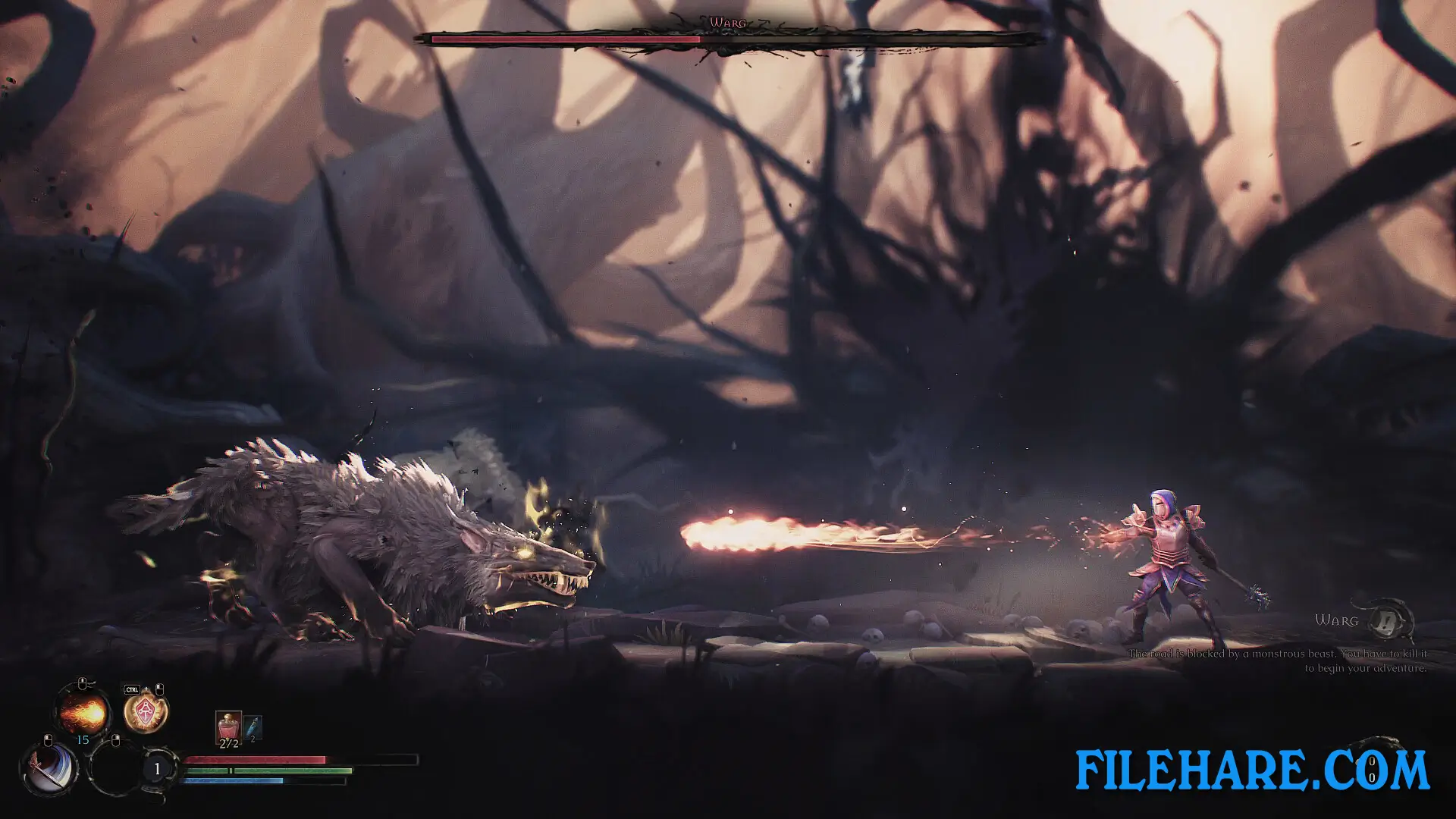
The game is played from a side-scrolling 2.5D view. You choose one of six classes — Vanguard, Flameweaver, Spellbinder, Nightshade, Wyldwarden, or Vindicator — and use blades or magic to fight enemies. Combat requires you to dodge, parry, and strike at the right time. You can build your Inquisitor using six Talent Trees, which offer hundreds of skill and combat upgrades. Weapons and gear can be built to strengthen your character and define how you fight. If you are new to this type of game, you can adjust the difficulty in the settings.
Mandragora Whispers of the Witch Tree – Digital Deluxe Edition Features
The Digital Deluxe Edition of Mandragora Whispers of the Witch Tree includes the base game along with several bonus items. These are the Curious Ottling and Nimble Doeling pet followers, the Gildcrest and Shadowpyre transmog sets to change your character’s appearance, a Digital Artbook, the full game Soundtrack, and the Dark Ale side quest. The game also includes 85 Steam Achievements and Steam Cloud support. It has full English voice acting and supports 13 languages in total.
Recommended System Requirements
Requires a 64-bit processor and operating system
- OS: Windows 10 or Windows 11 (64-bit)
- Processor: Intel Core i5-7600k or AMD Ryzen 5 3600X or similar
- Memory: 16 GB RAM
- Graphics: Nvidia Geforce RTX 2070 8 GB or RX 6600 XT or similar
- DirectX: Version 12
- Storage: 18 GB available space
Gameplay Screenshots
| Name | Mandragora Whispers of the Witch Tree – Digital Deluxe Edition |
|---|---|
| Developer | Primal Game Studio |
| File Size | 11.72 GB |
| Category | Action, RPG Game |
| Minimum System Requirements | |
| CPU | Intel Core i5-6500 or AMD Ryzen 5 1400 or similar |
| RAM | 8 GB |
| Graphics | Nvidia GeForce GTX 1060 6 GB or AMD RX 480 or similar |
| Free Disk Space | 18 GB |
| Operating System | Windows 10 / 11 (64-bit) |
| User Rating | |
To buy this game, visit the Store Page
How to Download and Install Mandragora Whispers of the Witch Tree – Digital Deluxe Edition PC Game?
We have simple instructions for you to download and install the PC game. Before following the steps, Ensure your PC meets the minimum system requirements for Playing the game on your PC.
- First, click on the DOWNLOAD button and you will be redirected to the final Download page. Then, Download the Game on your PC.
- Once you have downloaded the Mandragora Whispers of the Witch Tree – Digital Deluxe Edition PC Game, Open the folder where you saved the Game.
- Then Right-click on the Zip file and click on the "Extract files" option from the dropdown menu. If your computer does not have a Zip file extract software installed, you must first install it. (such as WinRAR, 7Zip software)
- After Extracting the Zip file, Open the Mandragora Whispers of the Witch Tree – Digital Deluxe Edition PC Game folder.
- Then, double-click on the Setup.exe file to Install the Game.
- If asked, provide administrator permissions for the installation to proceed. Click Yes to continue.
- Follow the on-screen installation wizard to install the game on your PC.
- After the installation, if you get any missing ".dll" errors or the Game is not launching, open the Readme.txt file located in the game folder and follow the instructions shown in the document file to play the game.
Done!. Now, you can launch the game from your desktop.