Tales of Kenzera: ZAU PC Game Download for Windows 10/11
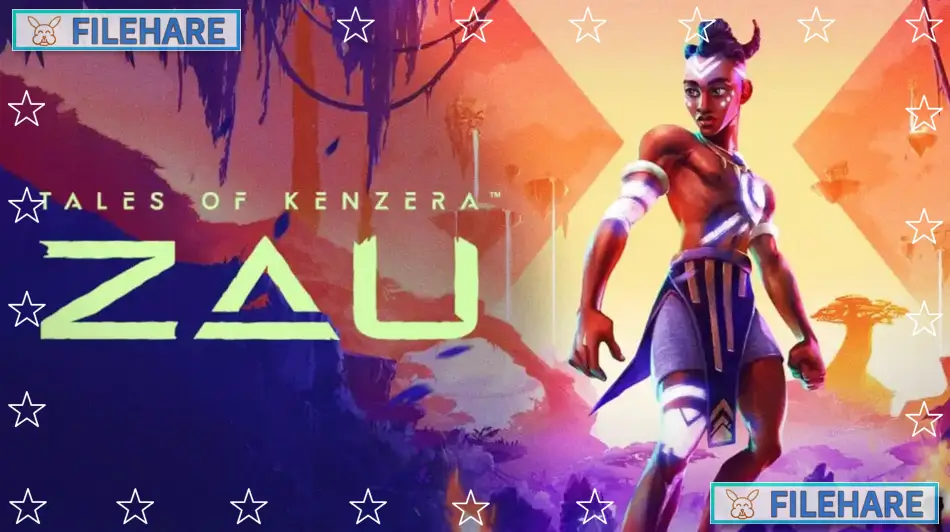
Tales of Kenzera: ZAU is a metroidvania action-adventure game that combines platforming with emotional storytelling. The game was developed by Surgent Studios, a company founded by actor Abubakar Salim, who is known for his voice work in Assassin’s Creed Origins. Electronic Arts published the game under its EA Originals label. Tales of Kenzera: ZAU was released on April 23, 2024, for PC, PlayStation 5, Xbox Series X/S, and Nintendo Switch. This was the first game from Surgent Studios.
Table of Contents
Tales of Kenzera: ZAU Story
The game tells the story of Zau, a young shaman who is dealing with the death of his father. A boy begins reading a Bantu tale that his late father wrote. Zau is so heartbroken that he decides to make a deal with Kalunga, the God of Death. Kalunga promises to bring Zau’s Baba back from darkness if Zau can capture the spirits of three powerful monsters. Zau must travel through the land of Kenzera, which was once full of life but now has many lost ancestral spirits. The three mighty creatures he must face are strong but also strangely familiar to him. As Zau goes on this dangerous mission, he must also face his own feelings about loss and become a worthy Nganga, which means a spiritual healer. The story was inspired by Abubakar Salim’s personal experience with grief after losing his father.
Tales of Kenzera: ZAU Gameplay
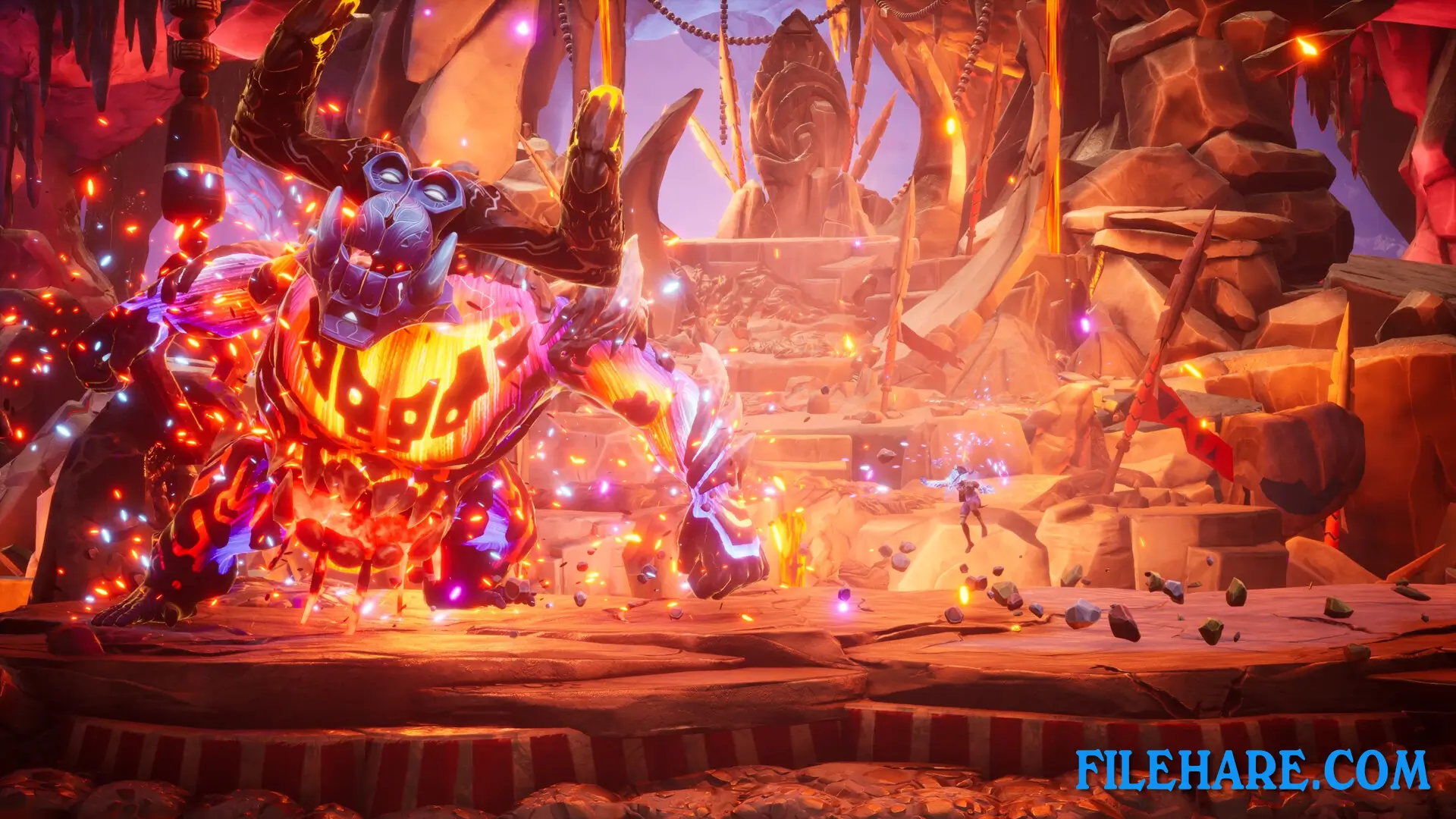
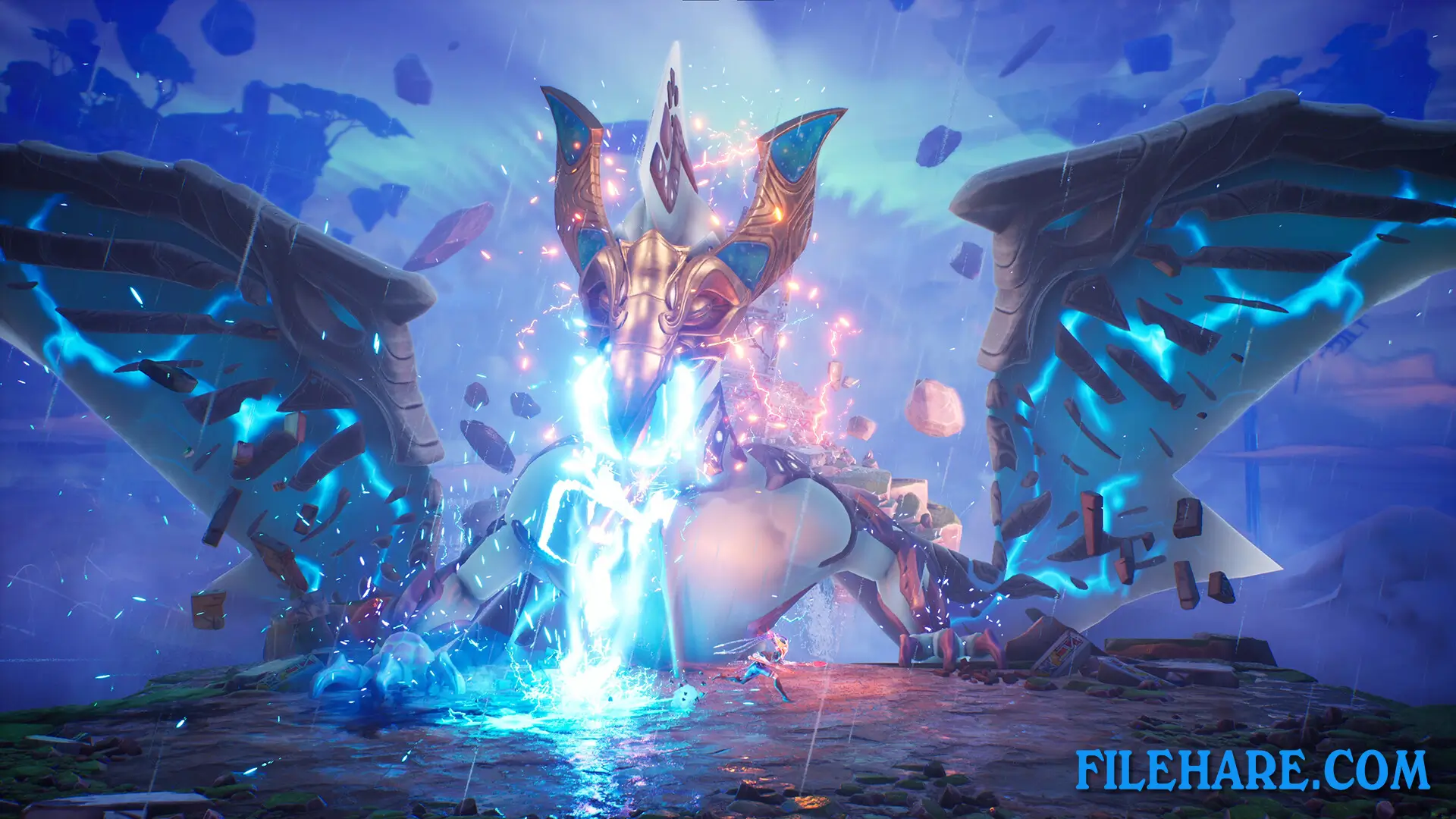
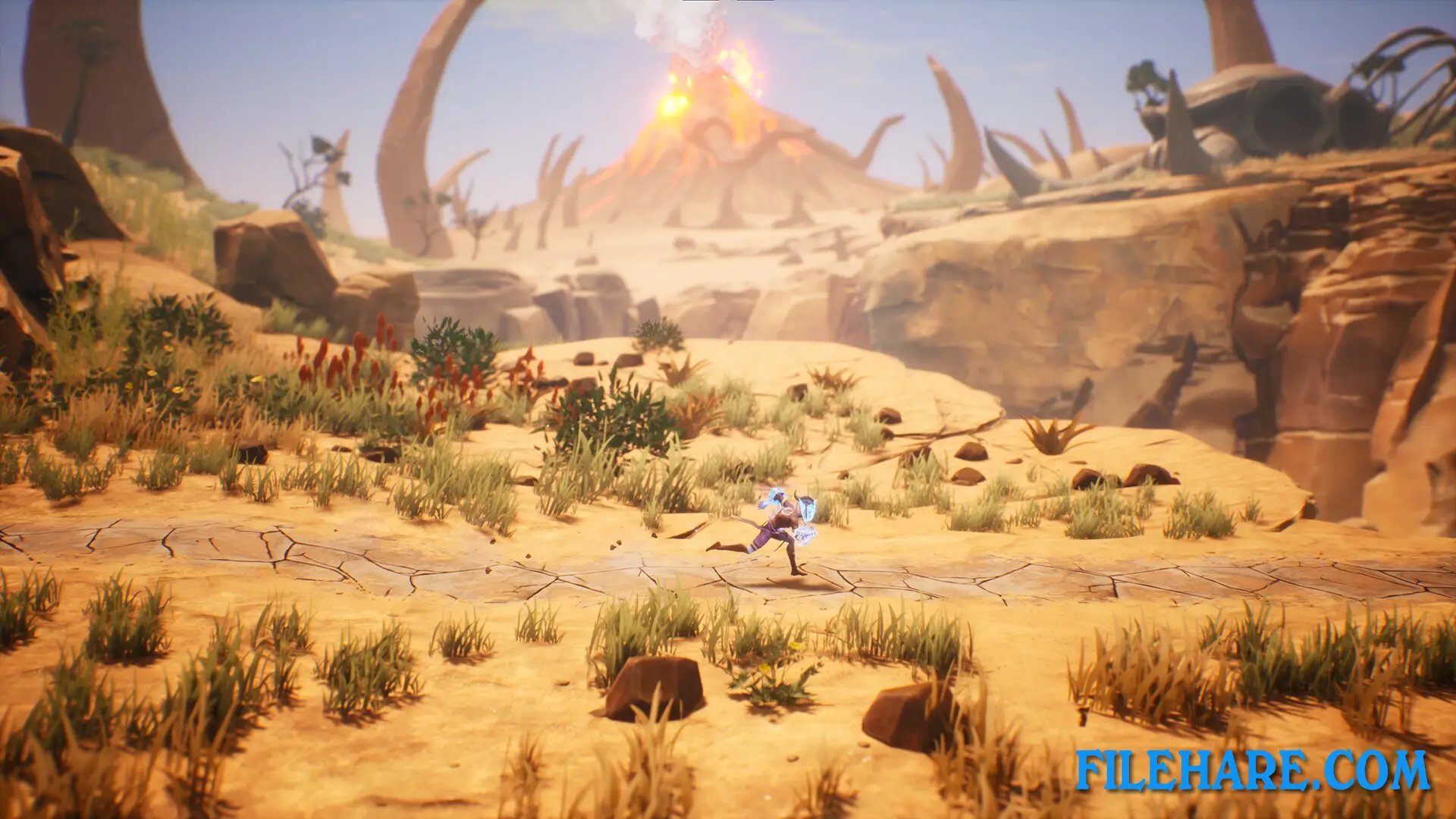
The game is played in a 2.5D side-scrolling style, where you control Zau through beautiful but dangerous lands. Zau can double jump, wall jump, and dash through the air, giving him athletic movement abilities. He uses two special masks that give him powers from the Sun and the Moon. The Sun mask allows Zau to fight enemies up close with melee attacks and launch fiery spears. The Moon mask gives him the ability to damage enemies from far away and freeze time to crystallize enemies. Both masks have their own upgrade paths. When you defeat enemies, you collect Ulogi, which is soul energy used to buy new skills for Zau. The combat has a rhythmic flow where you switch between the two masks to defeat spirits, from ordinary warriors to mighty creatures like Impundulu and GaGorib.
Recommended System Requirements
Requires a 64-bit processor and operating system
- OS: Windows 10
- Processor: Intel i7 7700 / AMD Ryzen 2600
- Memory: 16 GB RAM
- Graphics: NVIDIA GTX 1070 8GB / AMD RX Vega-56 8 GB
- DirectX: Version 12
- Storage: 30 GB available space
- Sound Card: DirectX Compatible
- Additional Notes: These specs allow for the game to be played in 1920×1080 at 60 FPS with graphics setting “Standard”
Gameplay Screenshots

| Name | Tales of Kenzera: ZAU |
|---|---|
| Developer | Surgent Studios |
| File Size | 3.46 GB |
| Category | Indie |
| Minimum System Requirements | |
| CPU | Intel i7 7700 / AMD Ryzen 2600 |
| RAM | 8 GB |
| Graphics | NVIDIA GTX 1060 6GB / AMD RX 580 8GB / Intel Arc A380 |
| Free Disk Space | 30 GB |
| Operating System | Windows 10 / 11 (64-bit) |
| User Rating | |
Buy this game to support the developer. Store Page
How to Download and Install Tales of Kenzera: ZAU PC Game?
We have simple instructions for you to download and install the PC game. Before following the steps, Ensure your PC meets the minimum system requirements for Playing the game on your PC.
- First, click on the DOWNLOAD button and you will be redirected to the final Download page. Then, Download the Game on your PC.
- Once you have downloaded the Tales of Kenzera: ZAU PC Game, Open the folder where you saved the Game.
- Then Right-click on the Zip file and click on the "Extract files" option from the dropdown menu. If your computer does not have a Zip file extract software installed, you must first install it. (such as WinRAR, 7Zip software)
- After Extracting the Zip file, Open the Tales of Kenzera: ZAU PC Game folder.
- Then, double-click on the Setup.exe file to Install the Game.
- If asked to allow the program to make changes to your device, click Yes to continue.
- After the installation, if you get any missing ".dll" errors or the Game is not launching, open the Readme.txt file located in the game folder and follow the instructions shown in the document file to play the game.
Done!. Now, you can launch the game from your desktop.