Remix OS Player
- Version: Remix OS Player 1.0.110
- File Name: RemixOSPlayerPackage-B2016111403.exe
- File Size: 744.04 MB
- Author: Jide Technology Co.
- License: Freeware
- Updated: February, 22nd 2026
- Requirements: Windows 10 64-bit / Windows 11 64-bit / Windows 8 64-bit / Windows 7 64-bit
- Details: Remix OS Player offline installer setup for PC 64-bit
Remix OS Player is an Android-based operating system created by Jide Technology. It’s designed to bring desktop-style features to Android, adding support for things Windows and Mac users take for granted — while keeping the core feel of Android underneath.
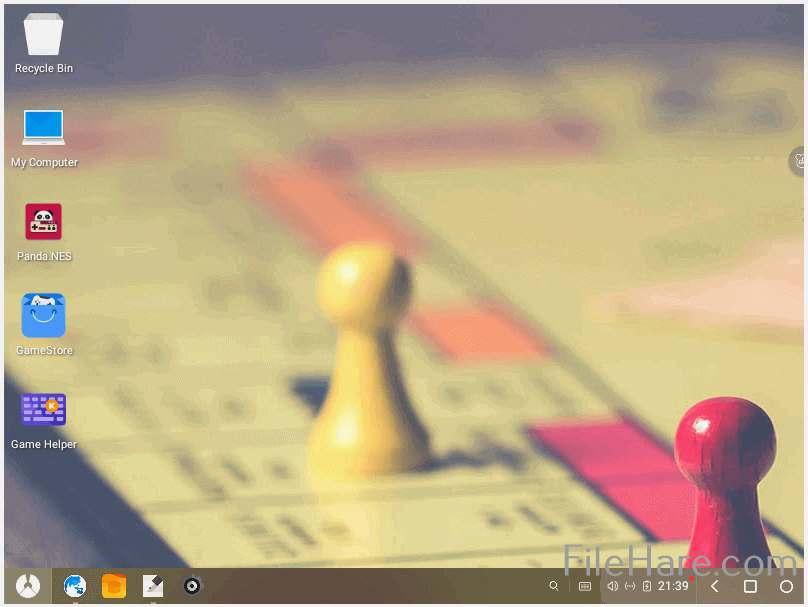
Remix OS supports a mouse, keyboard, camera, and microphone, along with a proper window interface, file manager, and system bar. It also comes with a handful of third-party apps pre-installed, so it’s usable right out of the box.
Table of Contents
Background of Remix OS Player
Remix OS Player was developed by Jide Technology as an open-source project that lets Android run on standard PC hardware. Rather than feeling like a stripped-down mobile OS, Remix OS wraps Android in a proper desktop-style window system, which makes it feel far more intuitive to use on a PC.
One of its more practical features is that you can boot Remix OS directly from a USB drive, without installing it on your main hard disk. That same USB drive can also store your personal files and settings, so you can carry your setup between machines.
Features of Remix OS Player
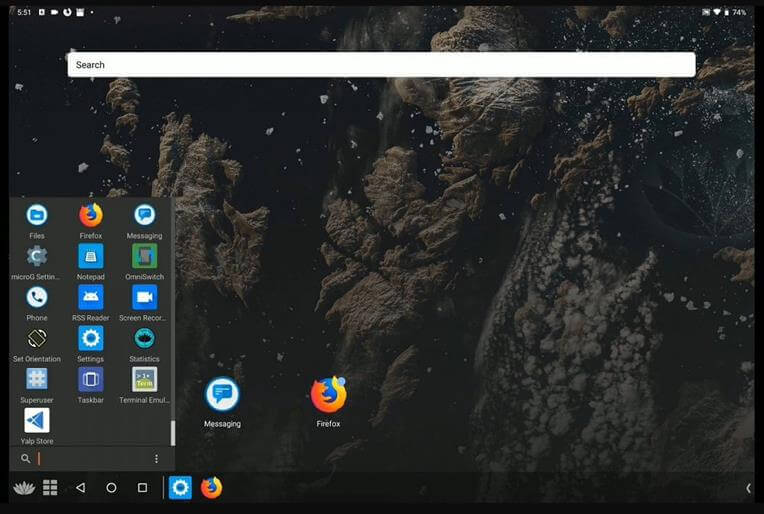
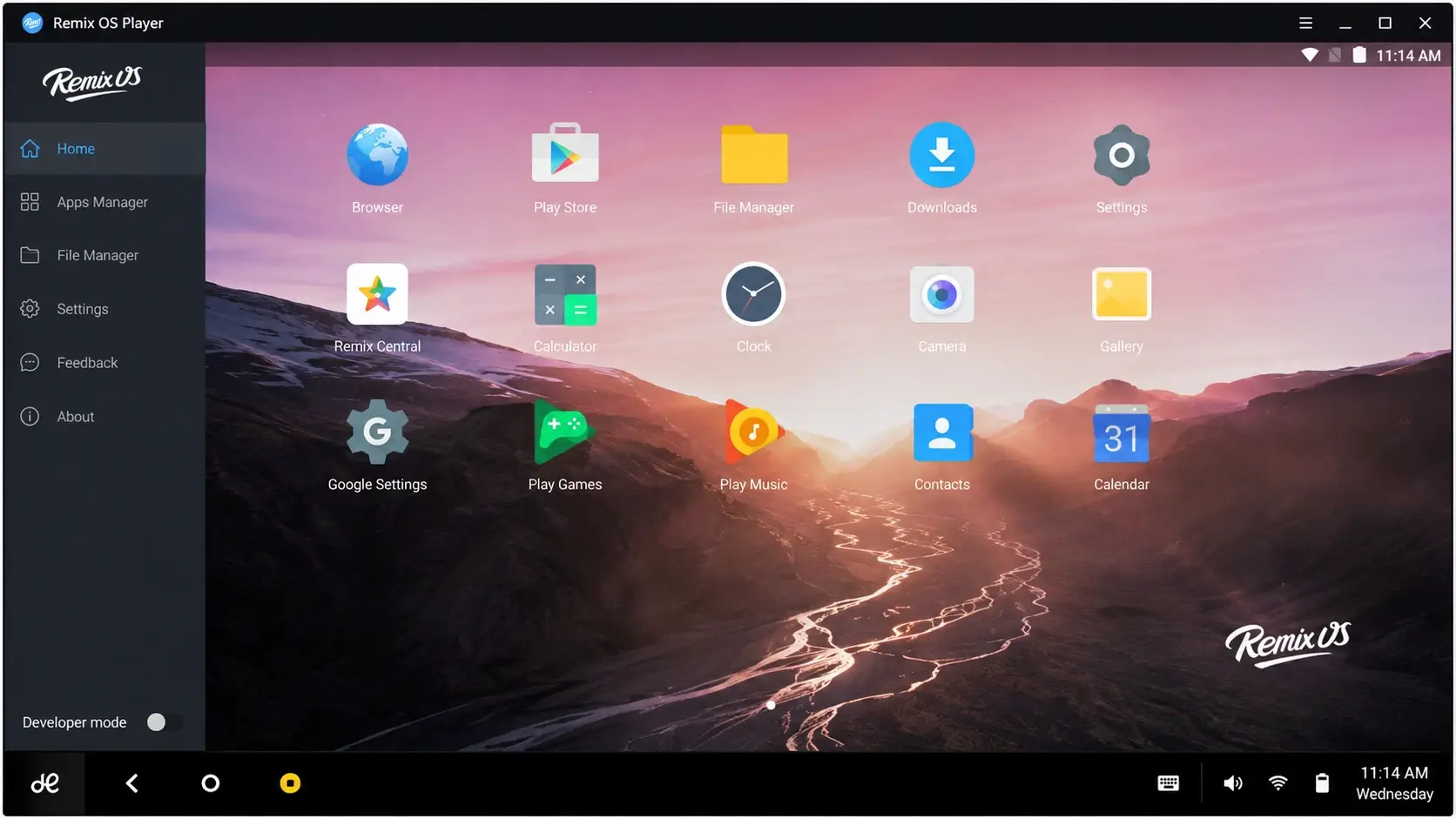
Remix OS includes a menu bar similar to the Windows taskbar, running across the full width of the screen. In the bottom-left corner, a Jide logo button opens an app launcher, functioning much like a Start menu. From there, you can access icons for installed apps and system features — an experience that feels closer to macOS than to a typical Android phone.
Everything you’d expect from a desktop operating system is here with Remix OS: right-click context menus, keyboard shortcuts, and resizable windows to suit your workflow. And because it’s still Android underneath, you can download any app directly from the Google Play Store — just like you would on an Android phone.
Drawbacks of Remix OS Player
Remix OS isn’t without its quirks. Several users have reported issues with the cursor: it appears as a hollow circle that fills in on click, similar to a loading spinner — even when nothing is actually loading in the background. It’s a minor visual bug, but it can be confusing until you know to ignore it.
Some users have also noted that system settings are largely limited to what’s available on stock Android, rather than being expanded for desktop use — which can feel restrictive if you’re used to the depth of Windows or macOS settings menus. Additionally, not all apps adapt well to larger window sizes; some are built strictly for phone screens and only behave properly if you resize the window down to phone-like dimensions.
Frequently Asked Questions
Is Remix OS Player still supported?
Development activity has slowed significantly since Jide shifted focus, so check for the latest available build before relying on it for daily use.
Can I run Remix OS Player without installing it?
Yes — it can be booted directly from a USB drive, which also lets you carry your files and settings between computers.
Does Remix OS Player support Google Play?
Yes, you can install apps directly from the Google Play Store, the same way you would on an Android phone.